

A CI triage board that sorts failing workflows by severity, ranks the commits most likely to have broken them, and tracks which failures have been acknowledged.
Summarized Prompt
Build a full-screen app called Release War Room for the GitHub repository rust-lang/rust. CONCEPT One screen that answers the question an on-call engineer asks at 3am: what is broken in CI right now, and how bad is it. DATA (GitHub MCP server, read-only) Using actions_list, fetch the most recent workflow runs across all branches, not just the default branch, since this repository merges through a bors queue and most CI activity happens on automation branches. Group runs by workflow name and for each determine the conclusion of its most recent completed run, its failure ratio over the last 10 completed runs, whether it is broken or flaky, and the branch, short SHA, and age of its most recent failing run. CLASSIFICATION BROKEN in red for a streak of two or more consecutive failures. FLAKY in amber for a mix of passes and failures across the last 10 runs. IN PROGRESS in grey for active runs with no preceding completed failure. PASSING in green, collapsed into a single quiet summary row at the bottom. LAYOUT A severity-sorted board of cards, worst at the top, in a dark dense operational aesthetic with monospace for all numbers, SHAs, and timestamps. Each unhealthy card shows the workflow name and file path, a status badge, the failure rate as both percentage and ratio, the consecutive failure count, and a HEALTH HISTORY strip of the last 10 builds marked S, F, or dash with hover detail. Below that a LATEST OUTAGE TRACE block with the failing commit's message, branch, short SHA linked to GitHub, and how long ago it failed. A header strip carries a live local clock, a live UTC clock, a pulsing counter of runs currently in progress, and a Refresh control with a countdown. A critical outage banner spans the top when any workflows are in a steady failure streak. SUSPECT ANALYSIS Each unhealthy card has a Suspect Analysis button. On trigger, use get_commit on the failing run's SHA to fetch the commit message, author, and changed files, then ask the LLM whether those paths plausibly explain a failure in that workflow. Send a compact payload: workflow name, the commit's first-line message, and at most the 8 most relevant paths. Request two to three sentences. Retry once, and on failure log the underlying error and fall back to listing the commit and its files with a HEURISTIC REASONING ONLY badge. Also use list_commits to fetch the three preceding commits on the same branch as secondary suspects, ranked by a calculateOverlapScore helper awarding 2 points for a shared subdirectory and 1 for a shared path prefix. Cache the full analysis per SHA. Each card also links to that run's own html_url on GitHub. TRIAGE Each unhealthy card has an Acknowledge button opening a modal with the workflow name, failure rate, streak, primary suspect SHA, and a two-sentence incident note drafted by the LLM in plain operational language, presented in an editable monospace textarea. If that call fails, compose a summary from the raw telemetry and label it auto-generated. The modal can be dismissed without saving. On confirm, write workflow name, failure rate, streak count, suspect SHA, the note, and an ISO timestamp to shared storage so the state survives reload and is visible to anyone who opens the app. Acknowledged workflows show an ACKNOWLEDGED marker, embed their note, sort below un-triaged failures, and have the button disabled. Key the log by workflow name so re-acknowledging updates in place rather than duplicating. Add a scrollable Triage Log panel below the board, newest first. ROBUSTNESS Render the board immediately with a loading state, then populate as data arrives. Fetch workflows in parallel and independently so one failure renders an isolated error card without taking down the board. Show distinct empty states for no workflows found and for workflows with no recorded runs. Guard every DOM lookup with a null check before touching classList. Use var with typeof guards for top-level globals so the script survives hot reload without duplicate-identifier errors while preserving caches and triage state. CONSTRAINTS Read-only throughout. Never trigger, cancel, or re-run any workflow. Never write anything to GitHub. Public repositories only.

abolambA
@abolambA
More Workflows
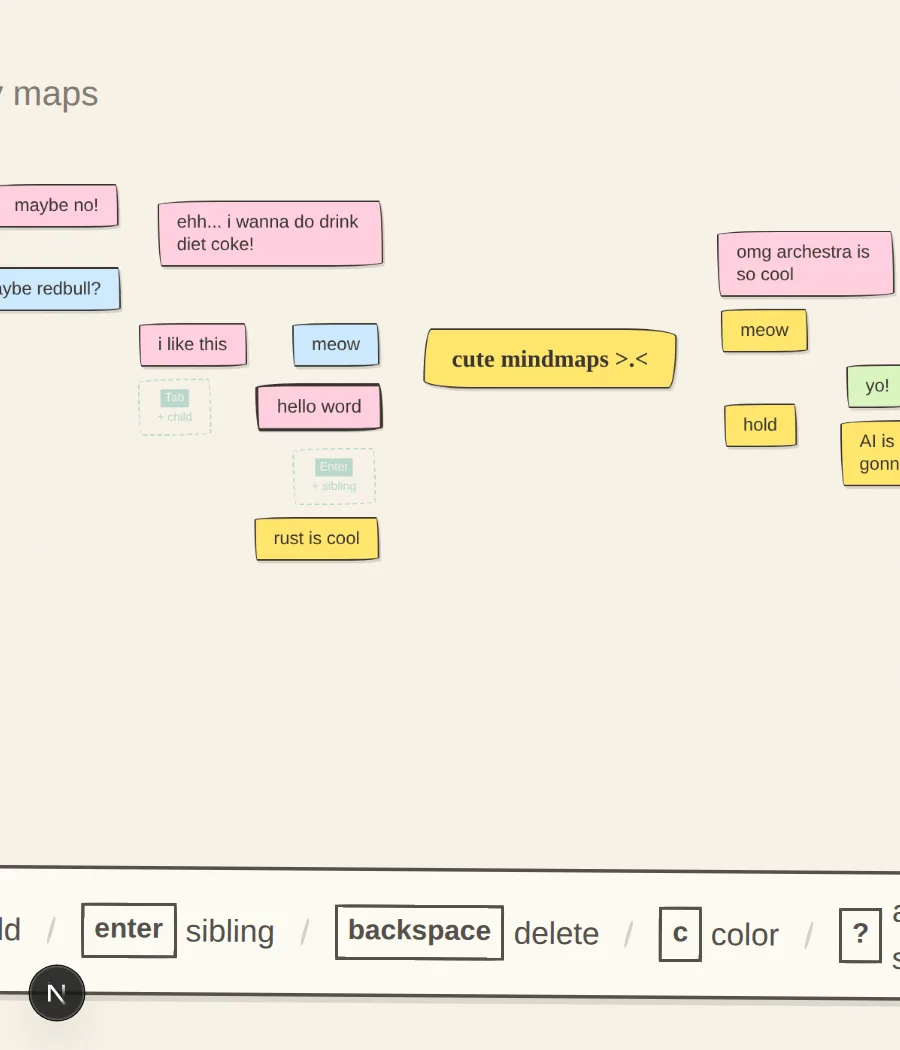
Wire
Private mind map canvas with a sketchy, hand-drawn aesthetic and rapid keyboard controls, saving strictly to local browser storage.
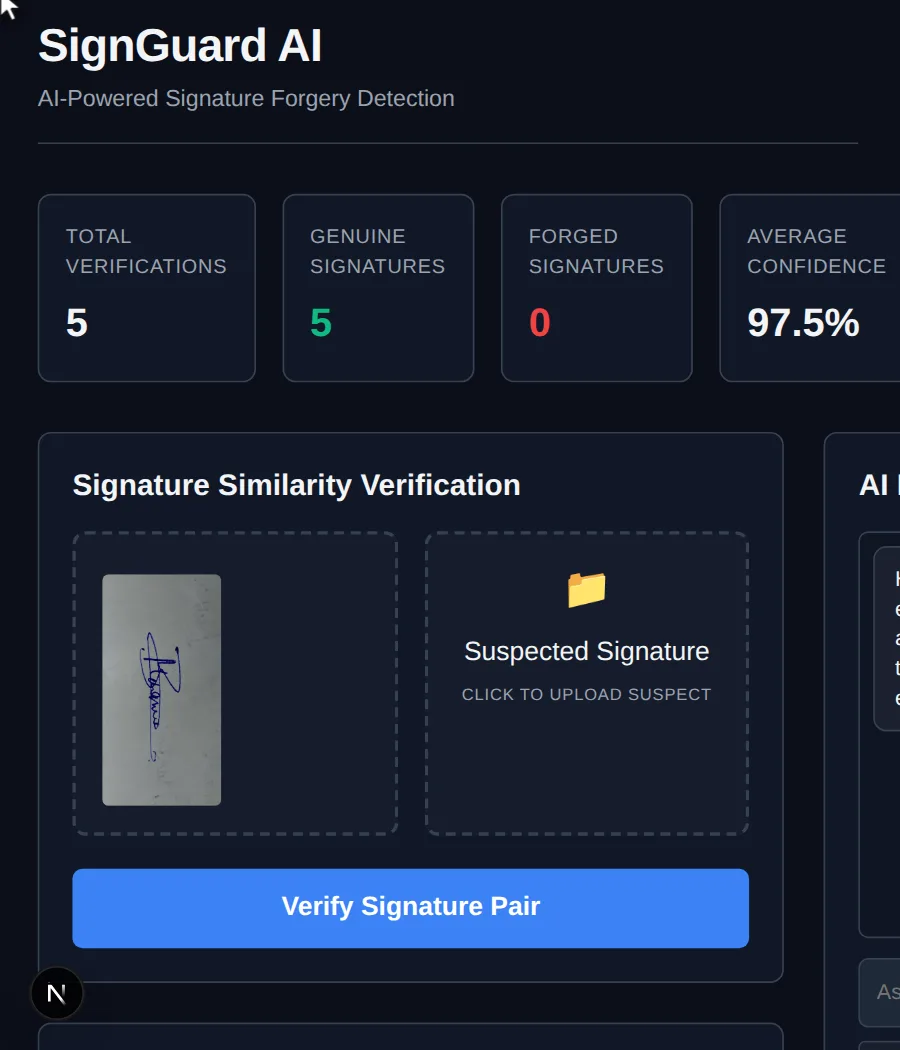
SignGuard AI
SignGuard AI — an interactive app built in chat.
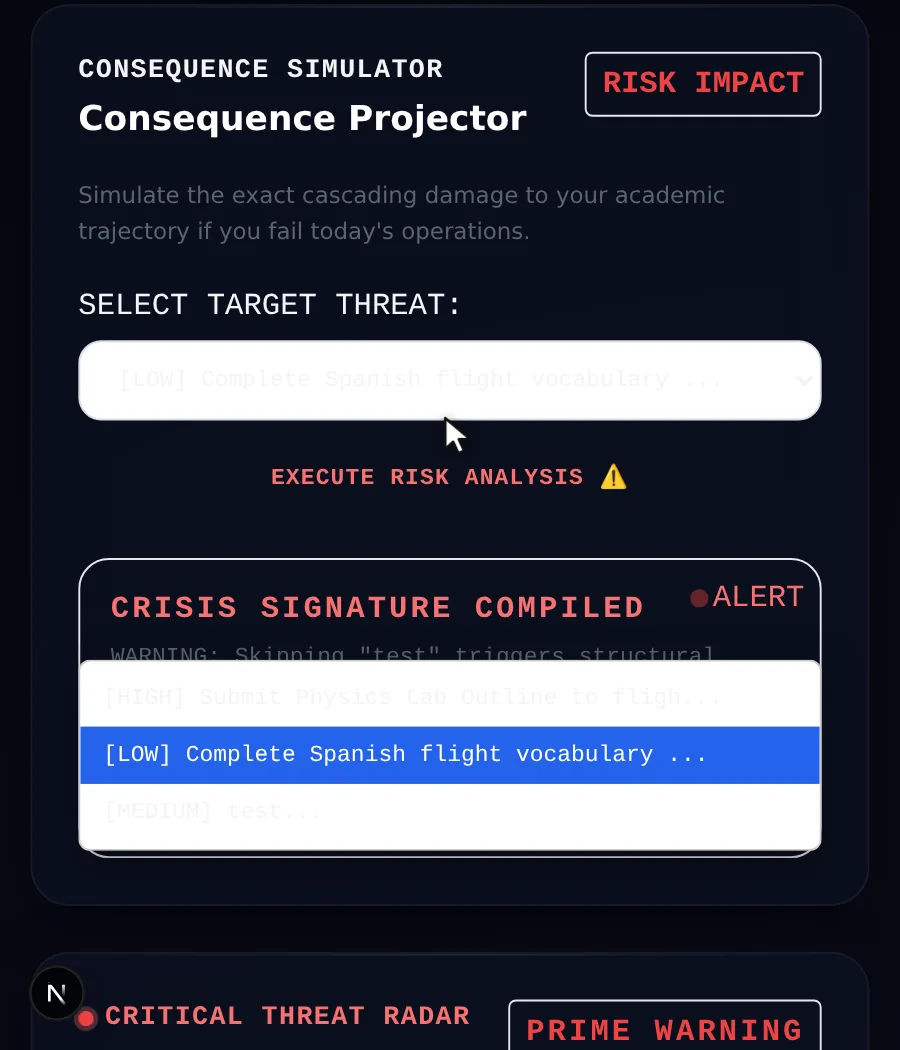
Mission Control AI
Daily Mission Control is an AI-powered academic command center designed for students. It transforms assignments, deadlines, and study goals into a personalized