

Printing Business App — an interactive app built in chat.
Summarized Prompt
Build a customer-facing MCP App called "Custom Product Printing" for a print shop, backed by an Airtable base (Orders + Inventory tables), with two tabs: New Order and Track My Order. New Order tab: - Fields: Customer Name, Customer Email, Phone Number (with country code, required), Product (dropdown sourced from Inventory's distinct Product Names), Color (dependent dropdown — only shows colors that exist in Inventory for the currently selected Product, resets if the product changes), Quantity, Order Type (Standard or Custom Design), Shipping Address (multiline, with placeholder hint showing an example in "Street, City, ST ZIP" order, e.g. "4101 Church St, Retail Plaza, Apt 331, Chicago, IL 60601"), Description, Reference Images (URL paste, optional). - On submit, create a new record directly in the Orders table via the Airtable MCP server. Don't set Stage manually — that's handled by an Airtable automation that fires on record creation, notifying the shop and setting Stage to "New." - Show a visible disclaimer about Canva's AI design-generation usage limits somewhere on this tab. - Include a cross-app link/button ("Open the Ops Dashboard →") for staff, using archestra.ui.openLink() to the Ops Dashboard app's URL. Track My Order tab: - Customer looks up their order by email. - Shows the current Stage as a badge. - If a design exists (Design Preview attachment on the order), show it as a "View My Design" button using archestra.ui.openLink() — never an inline <img>, since Airtable attachment URLs are blocked by the app sandbox's CSP. - Once Stage = Delivered, show a feedback form (1–5 star rating + optional comment) that writes to the order's Feedback Rating and Customer Feedback fields — only if feedback hasn't already been submitted; show a thank-you state after submission instead of re-prompting. - Never show the shipping label anywhere in this app — that's staff-only, Ops Dashboard only. Visual style: dark theme with a subtle dark diagonal-line background pattern behind the page (not behind individual cards), cards and buttons with a soft box shadow, and a smooth hover effect (slight lift + shadow change) on buttons and clickable elements. Only use the Airtable MCP server's tools for all data operations — no direct fetch/XHR, consistent with the app sandbox's restrictions.

Siddharth Natrajan
@sidd-92
More Workflows
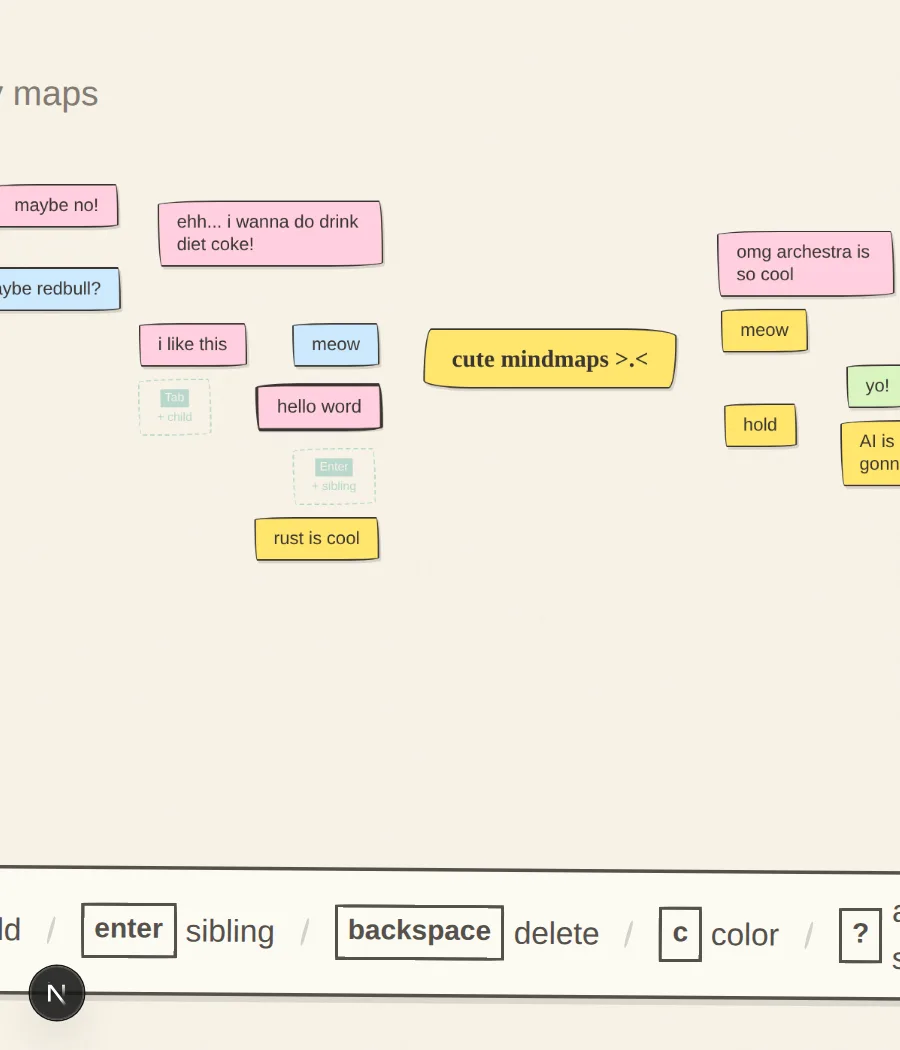
Wire
Private mind map canvas with a sketchy, hand-drawn aesthetic and rapid keyboard controls, saving strictly to local browser storage.
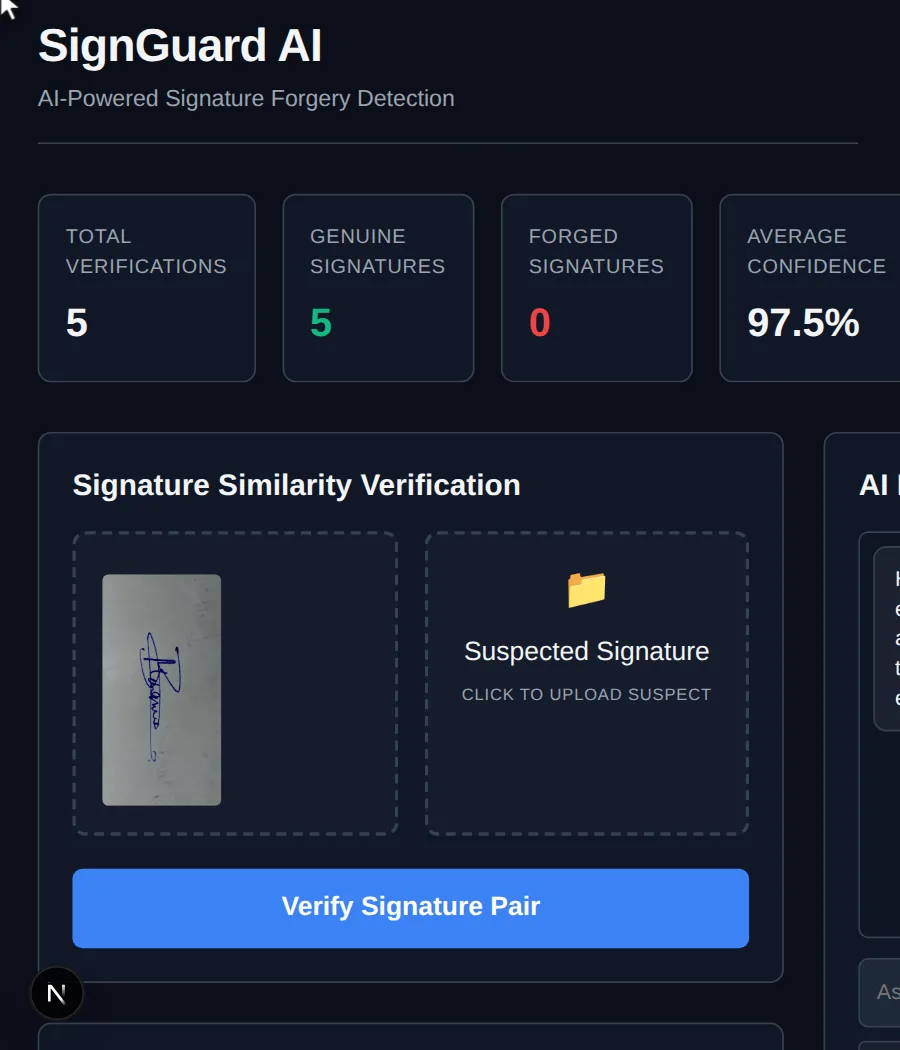
SignGuard AI
SignGuard AI — an interactive app built in chat.
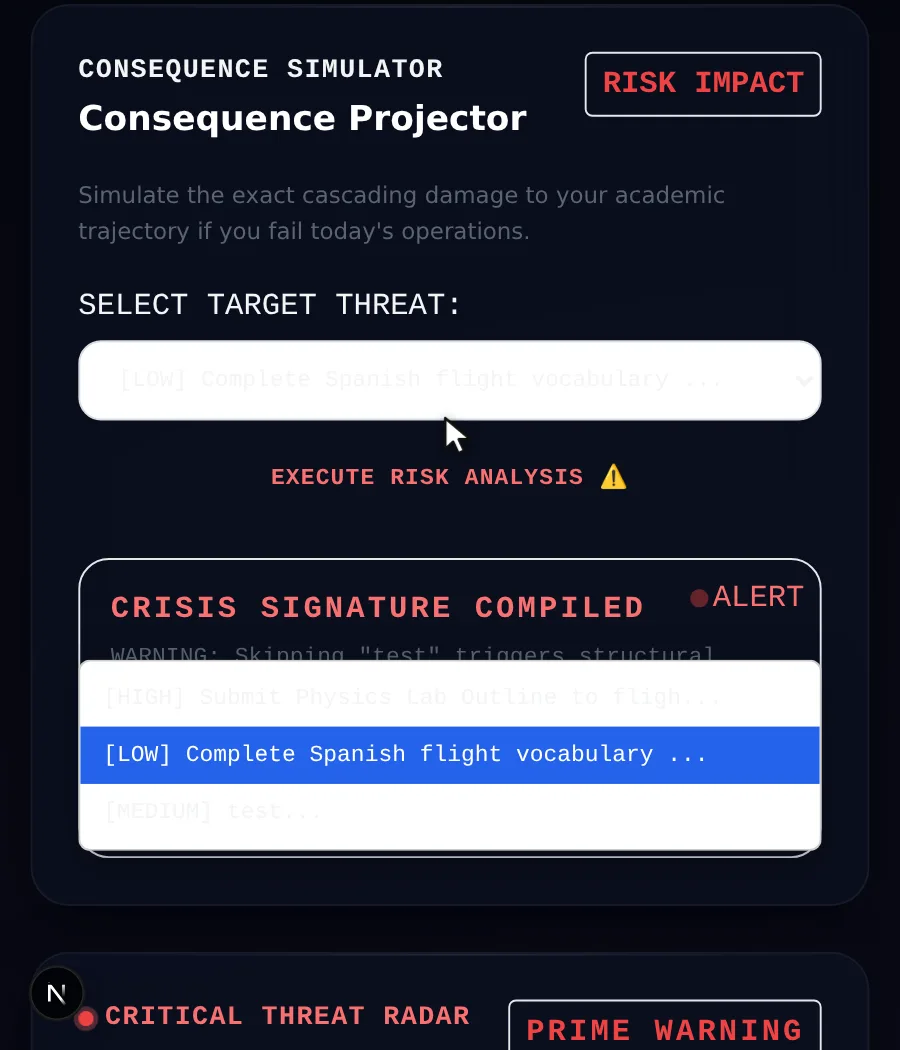
Mission Control AI
Daily Mission Control is an AI-powered academic command center designed for students. It transforms assignments, deadlines, and study goals into a personalized