# New: Apps or "we built ChatGPT Sites the right way"
Joey Orlando, 2026-07-10
> Archestra Apps are mini apps you build by chatting. They render in Archestra, in Claude, or by URL — and reach your data through MCP with per-user credentials, audit logs, and guardrails.
Okay, this is a little funny. We spent the last month building mini apps into Archestra and were set to ship today — and then yesterday OpenAI announced nearly the same feature: [ChatGPT Sites](https://help.openai.com/en/articles/20001339-creating-and-managing-chatgpt-sites). Seems like we built pretty much the same thing, but got the distribution and the data layer right 🤭
## What is it?
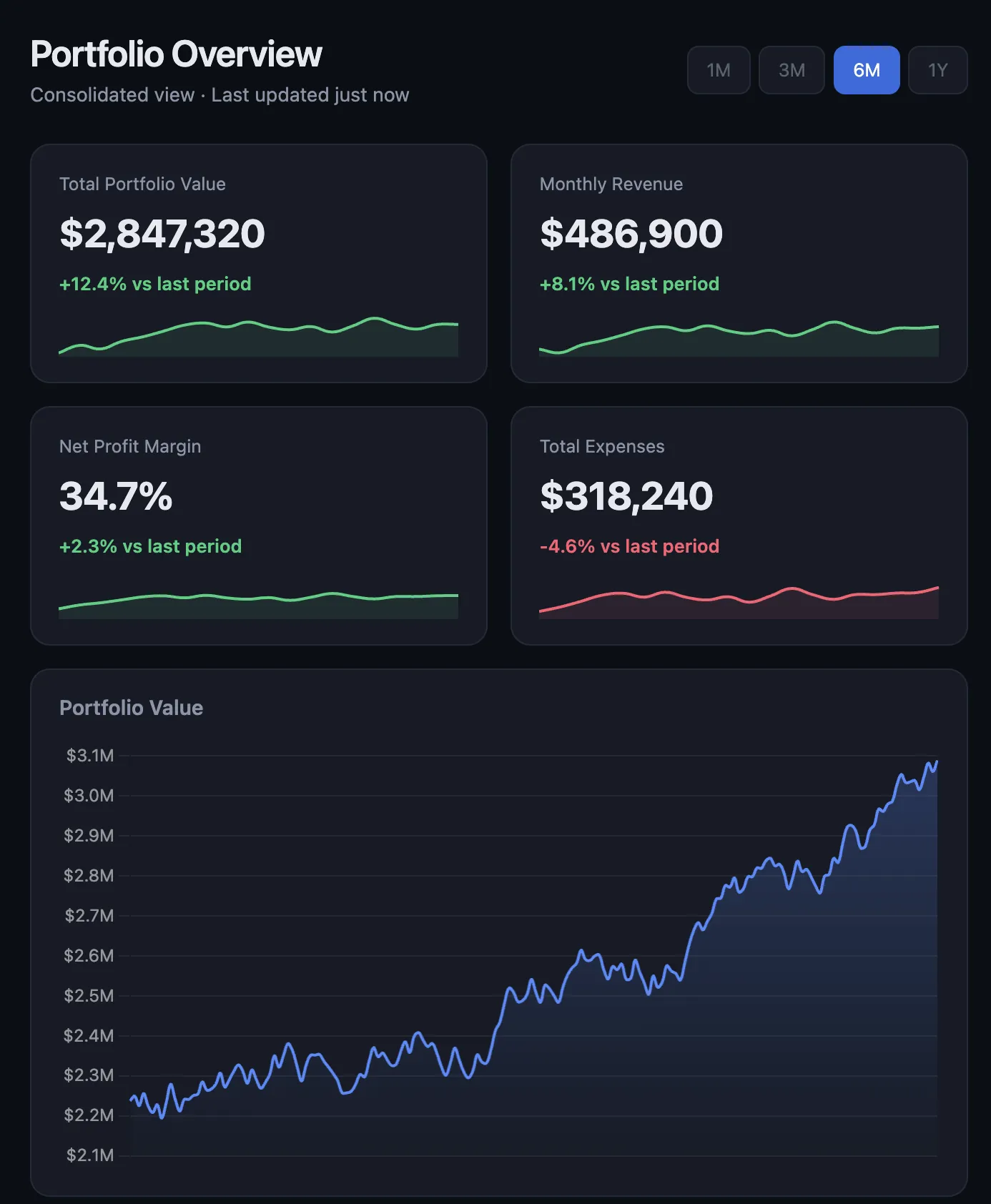
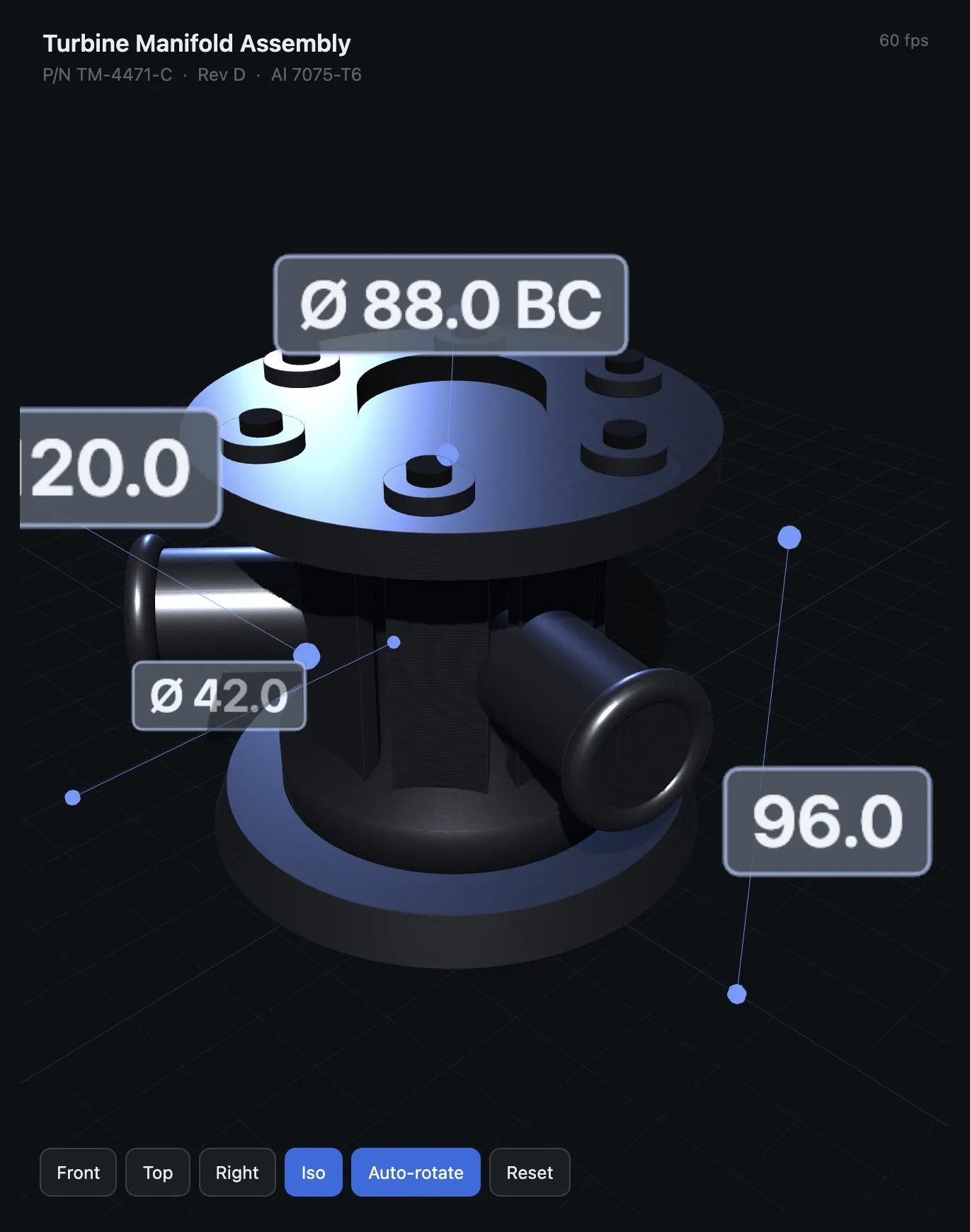
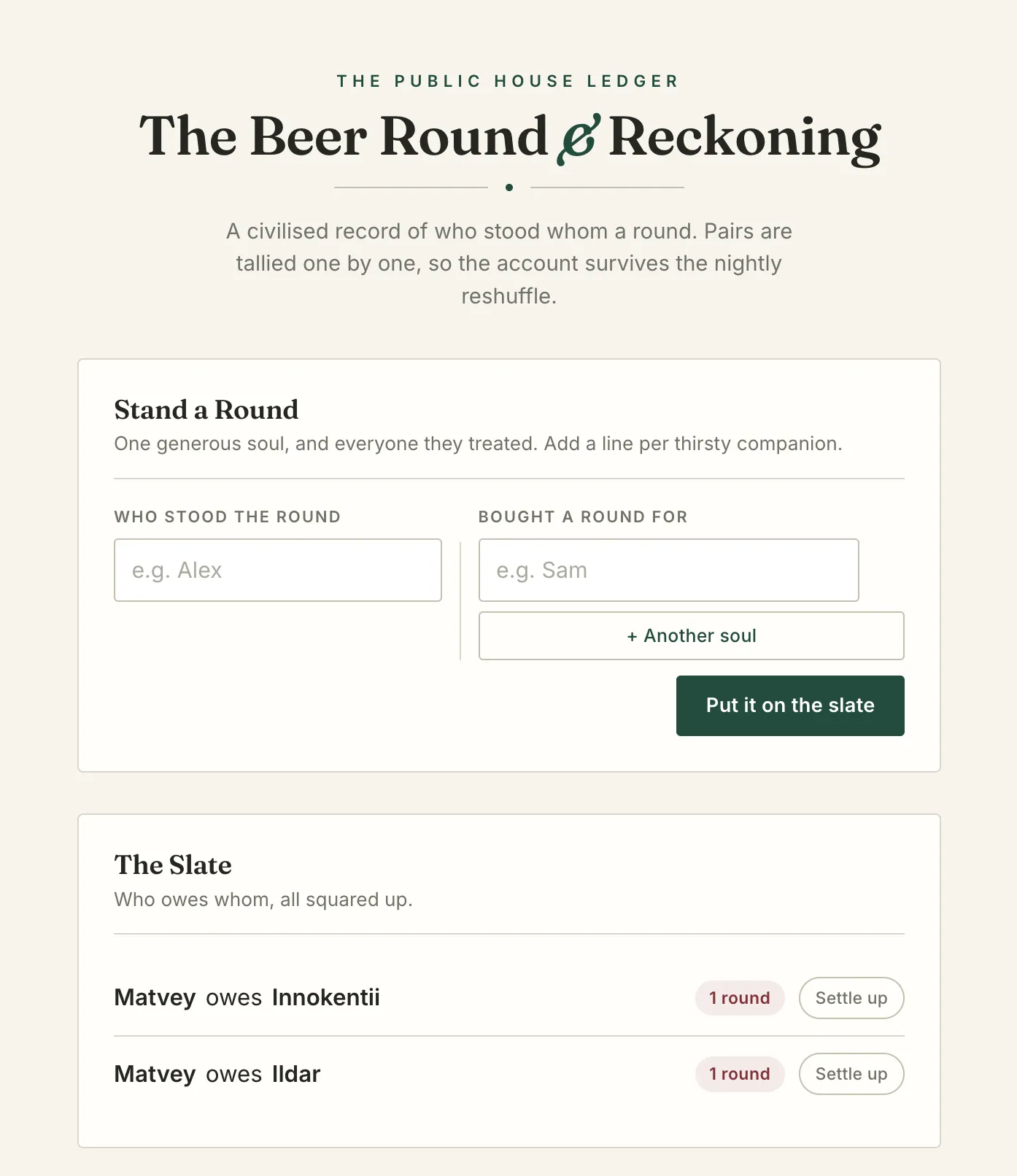
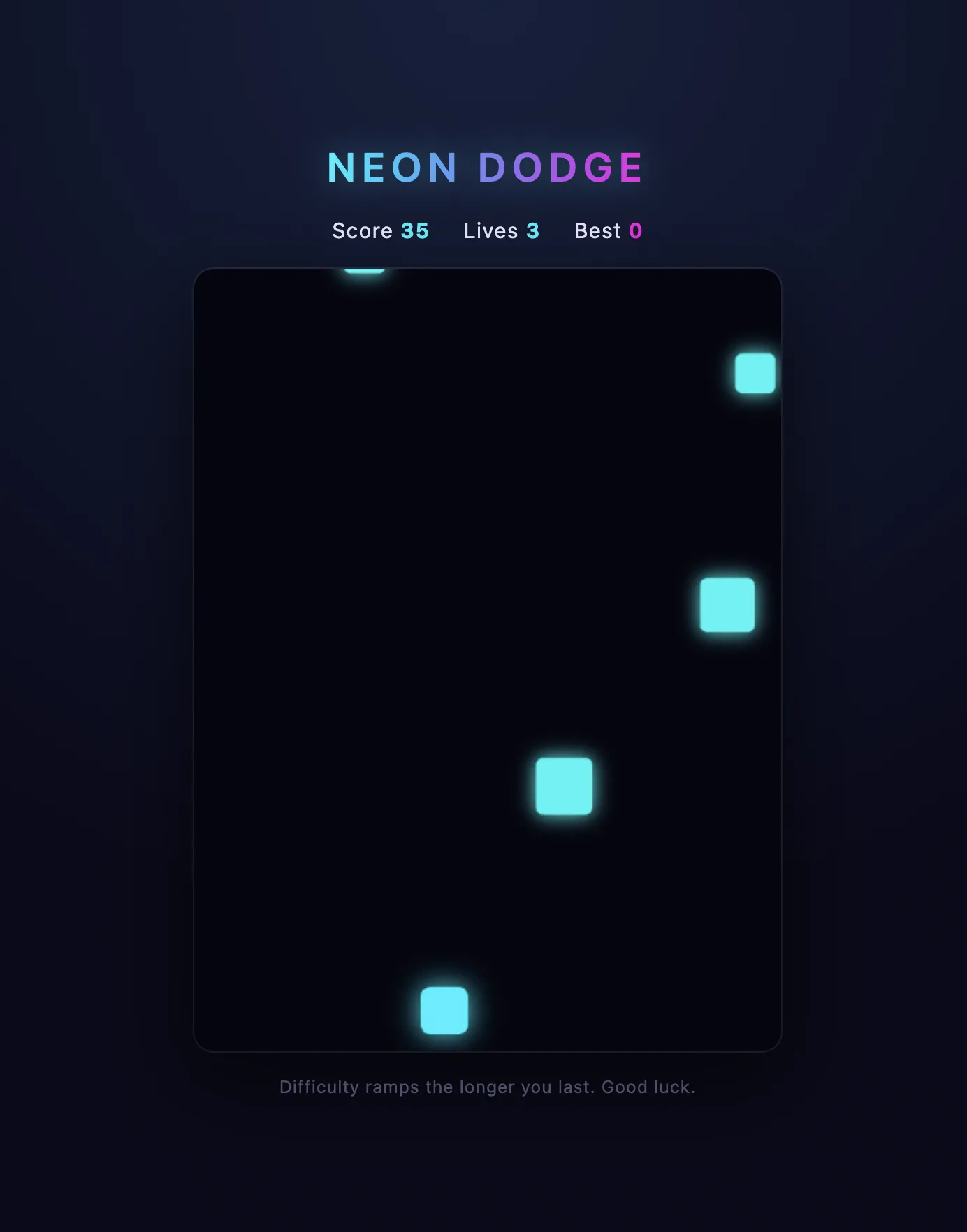
You build an App by talking to Archestra chat — and you get it immediately. No deploy needed.
## Our Apps aren't locked inside Archestra
People will use apps **alongside AI** in most cases. It's just so handy to spin up a quick data viewer and keep tossing data back and forth in the chat.
A while back, we added support for a new MCP extension called [MCP Apps](https://modelcontextprotocol.io/docs/extensions/apps), which lets MCP servers ship UI. Archestra's Apps are also technically MCP Apps, exposing their UIs via the [MCP Gateway](https://archestra.ai/docs/platform-mcp-gateway).
**Archestra Apps also work in Claude Cowork and other AI agents.** That's the crucial difference.
## Apps should talk to third-party data
Imagine you build a task-tracker app. Your tasks live in Jira. How will your app gather data from Jira? Which credentials will it use? And if you share this app with a colleague, whose credentials get used then?
In Archestra, apps touch the data layer **via MCP**:
1. If you build your own MCP server, you'll be able to build an app for it — same for anything in your [private registry](https://archestra.ai/docs/platform-private-registry).
2. They use Archestra's MCP credentials resolution engine — [enterprise-managed auth](https://archestra.ai/docs/platform-enterprise-managed-auth) with [Entra ID on-behalf-of](https://archestra.ai/docs/platform-entra-obo-setup), [Okta](https://archestra.ai/docs/platform-okta-setup)... Credentials are taken care of.
3. Everything is [logged for audit](https://archestra.ai/docs/platform-observability).
4. Apps touch data through the [guardrails engine](https://archestra.ai/docs/platform-ai-tool-guardrails).
## Archestra is self-hosted and open source
I don't see a reason not to brag about it any time I have a chance 🤭. Which obviously means **Archestra Apps run in your infrastructure**.
## Try it yourself!
Archestra 1.3.8 "Lyra" is out today — [update to 1.3.8 or newer](https://archestra.ai/docs/platform-deployment), open a chat, and describe the app you want over your connected data. Publish it for yourself, your team, or the whole org.
The [Apps docs](https://archestra.ai/docs/platform-apps) cover the SDK, the data store, and the trust model.