# Identity Providers
> Connect workplace sign-in and per-user tool access
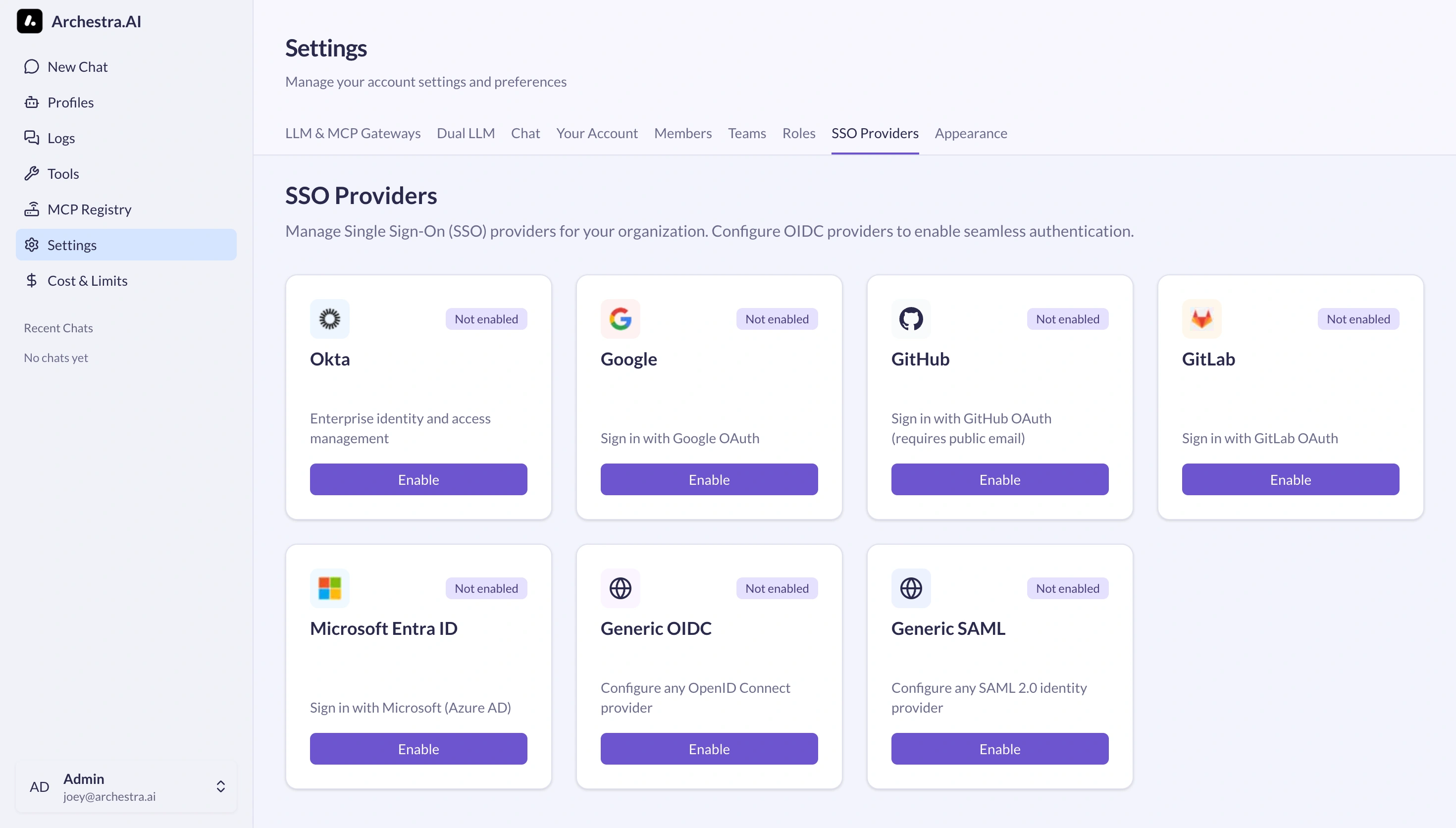
Connect your identity provider for either or both:
- **Workplace sign-in:** let people sign in with their company accounts. [Single Sign-On](https://archestra.ai/docs/admin/identity/sso) maps directory claims to Archestra roles and teams.
- **Tools acting as each person:** exchange the person's company token for a token to a downstream API. See [IdP Token Exchange](https://archestra.ai/docs/mcp/authentication/idp-token-exchange), and the setup for [Microsoft Entra ID](https://archestra.ai/docs/admin/identity/entra-obo) or [Okta](https://archestra.ai/docs/admin/identity/okta). To give each agent its own identity there, see [Agent Identity](https://archestra.ai/docs/agents/identity#give-each-agent-its-own-identity).
Identity providers are an [Enterprise feature](https://archestra.ai/pricing). Setup requires admin access in your provider and [`identityProvider:create`](https://archestra.ai/docs/reference/permissions#identityProvider:create) in Archestra.
## Explore
- [Single Sign-On](https://archestra.ai/docs/admin/identity/sso.md): Add workplace sign-in and map directory claims to access
- [Microsoft Entra ID](https://archestra.ai/docs/admin/identity/entra-obo.md): Sign people in with Microsoft Entra ID, and let MCP tools call Microsoft Graph and your APIs as each person with On-Behalf-Of
- [Okta](https://archestra.ai/docs/admin/identity/okta.md): Configure Okta for SSO sign-in and RFC 8693 token exchange for MCP tools
- [Account Security](https://archestra.ai/docs/admin/identity/account-security.md): Two-factor authentication, session lifetime caps, and CLI account recovery
- [Workload Identity Federation](https://archestra.ai/docs/admin/identity/workload-identity.md): Let CI jobs and workloads sign in as a service account or an OAuth client with their own OIDC token instead of a stored key or secret