You are viewing the docs for Archestra v1.4. View the latest docs
Triggers & Channels
Run your agents where your team already works. An agent can answer messages in Slack, Microsoft Teams, and Telegram. It can also reply to email, and run when your code sends it a request. It keeps the same tools, skills, and Guardrails everywhere.
| Where | How the Agent Is Chosen |
|---|---|
| Slack, Microsoft Teams, Telegram | You assign an agent to each channel or direct message. |
| Incoming Email | Each agent gets its own email address. |
| Webhook (A2A) | Each agent gets its own endpoint. |
Add a Channel to an Agent
A channel is one place where people message the agent: a Slack or Microsoft Teams channel, a Telegram group, or a direct message. The agent you add it to answers the messages sent to the bot there.
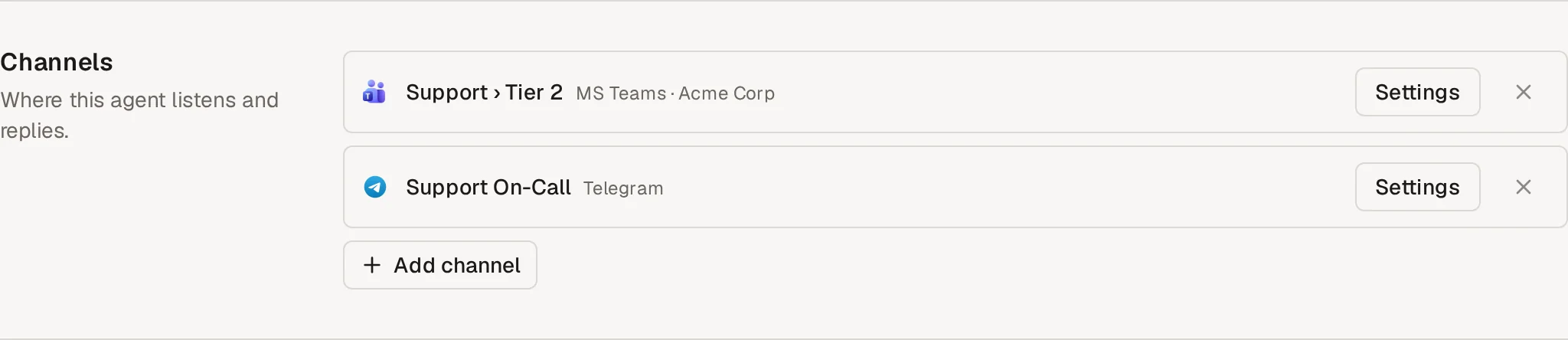
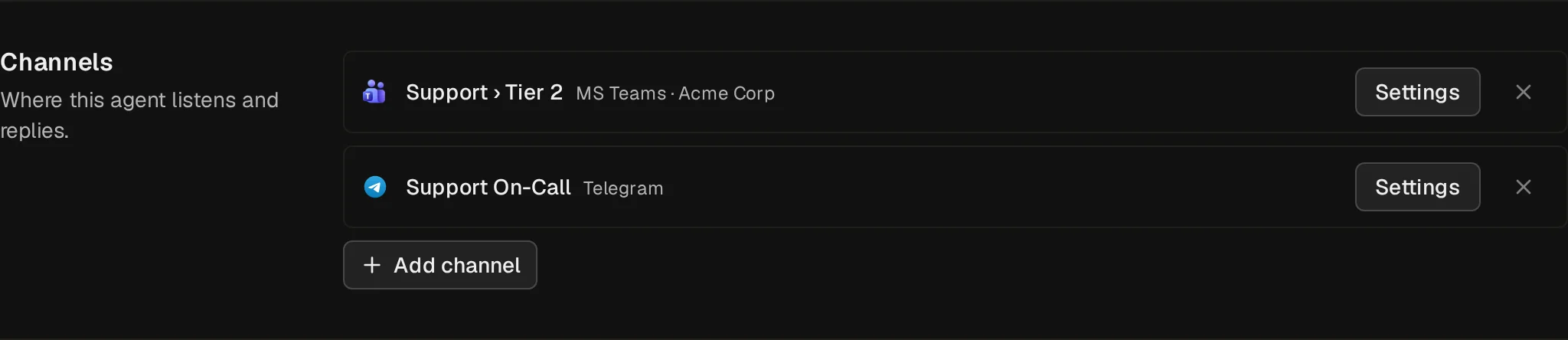
- Connect the provider first. Each provider's page shows how.
- Open the agent's Messaging Channels tab and click Add channel.
- To change the channel's instructions or reply behavior, click Settings on it.
To see every channel at once, open the provider under messaging channel settings. Microsoft Teams and Telegram list each channel with its agent, whether it replies to all messages, and its settings. Personal chats stay hidden until you show them.
Conversation History
The agent remembers the conversation, so a follow-up such as "and for last month?" works without repeating the details.
- In a thread: in a Slack thread, a Microsoft Teams channel thread, or a Telegram topic, the agent reads the whole thread. Start a new thread for a new topic.
- In a chat without threads: in a Teams direct message or group chat, or a Telegram chat, Archestra keeps the history. To start a new conversation, send
resetas the whole message.new chat,new conversation, andstart overalso work.
What to know:
- After 8 hours with no messages, the next message starts a new conversation. The reply says so.
- A long conversation is summarized, and the bot says so.
- In a group chat, the reply footer names the person who started the conversation (everyone in the chat shares its history). Each message still runs with the sender's own permissions.