
Triggers & Channels
Run your agents where your team already works. An agent can answer messages in Slack, Microsoft Teams, and Telegram. It can also reply to email, and run when your code sends it a request. It keeps the same tools, skills, and Guardrails everywhere.
| Where | How the Agent Is Chosen |
|---|---|
| Slack, Microsoft Teams, Telegram | You assign an agent to each channel or direct message. |
| Incoming Email | Each agent gets its own email address. |
| Webhook (A2A) | Each agent gets its own endpoint. |
Add a Channel to an Agent
A channel is one place where people message the agent: a Slack or Microsoft Teams channel, a Telegram group, or a direct message. The agent you add it to answers the messages sent to the bot there.
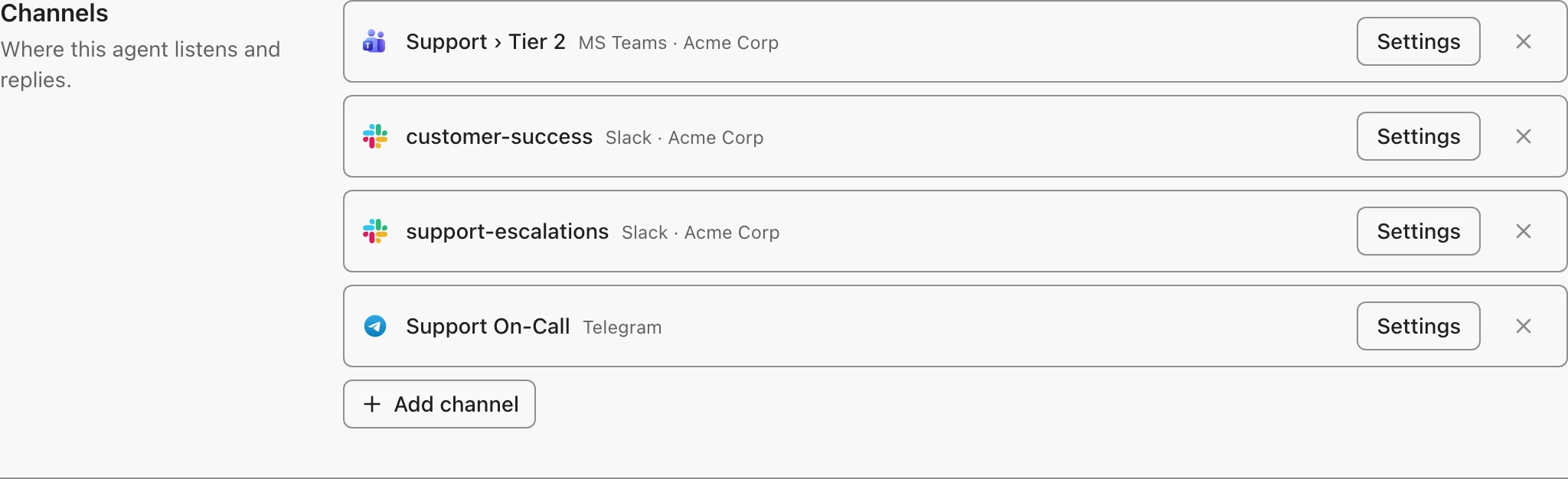
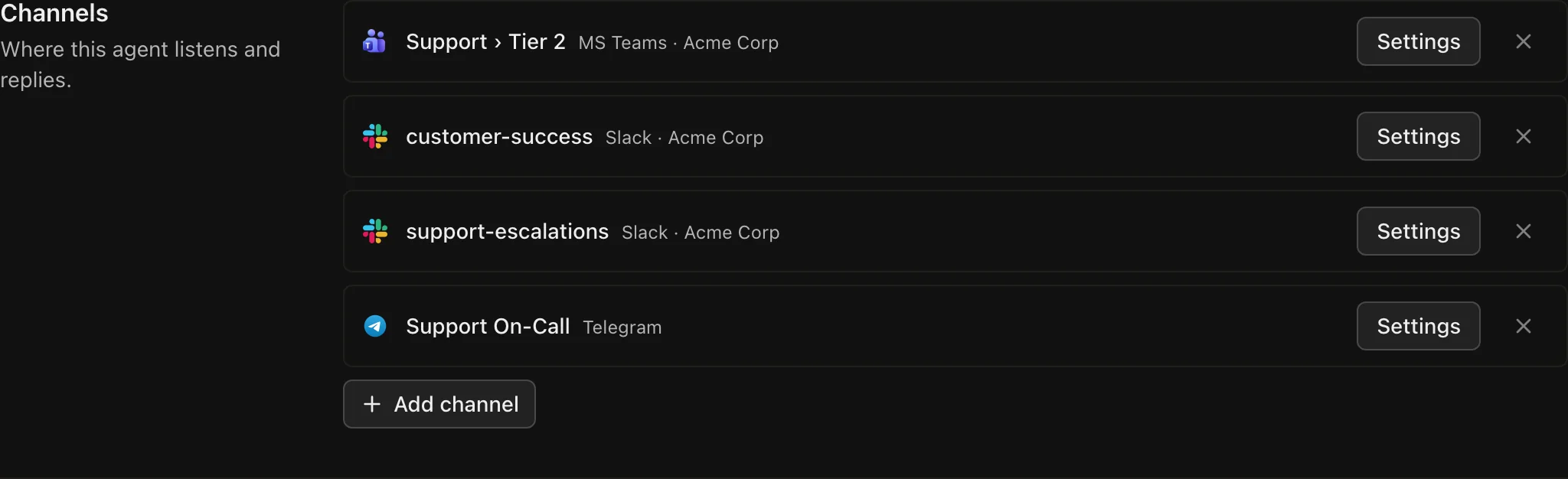
- Connect the provider first. Each provider's page shows how.
- Open the agent's Messaging Channels tab and click Add channel.
- To change the channel's instructions or reply behavior, click Settings on it.
Explore
Webhook (A2A)
Call an agent over HTTP with the A2A protocol
Incoming Email
Give each agent an email address that runs the agent and replies in the thread
Slack
Connect Archestra agents to Slack channels
MS Teams
Connect Archestra agents to Microsoft Teams channels
Telegram
Connect Archestra agents to Telegram chats and groups