
Identity Providers
An identity provider (IdP) manages user accounts: Okta, Microsoft Entra ID, Google, or any OIDC or SAML provider. Archestra uses it for two separate jobs:
- Sign-in (SSO). Users sign in to Archestra with their IdP account. At each sign-in, Role Mapping turns their IdP claims into Archestra roles, and Team Sync turns their IdP groups into team memberships. See Single Sign-On.
- Token exchange for tools. When an agent calls an MCP tool, Archestra trades the user's IdP token for a token for the downstream API. The tool then acts as that user instead of a shared service account. See Enterprise-Managed Auth.
One provider can do both jobs, or only one. Turn off Use for Single Sign-On on a provider that should only supply tokens for tools.
Identity providers are an enterprise feature. See Licensing.
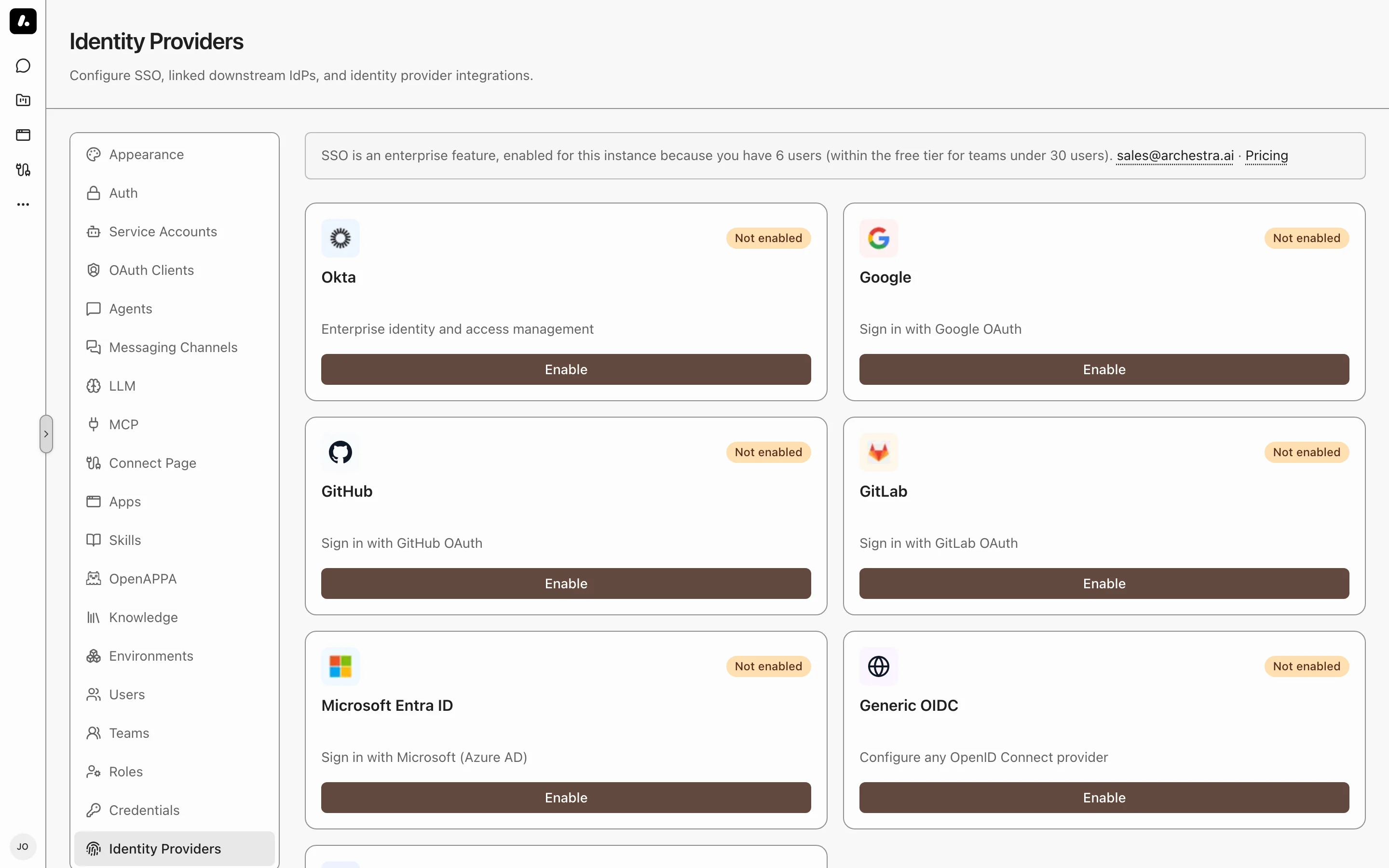
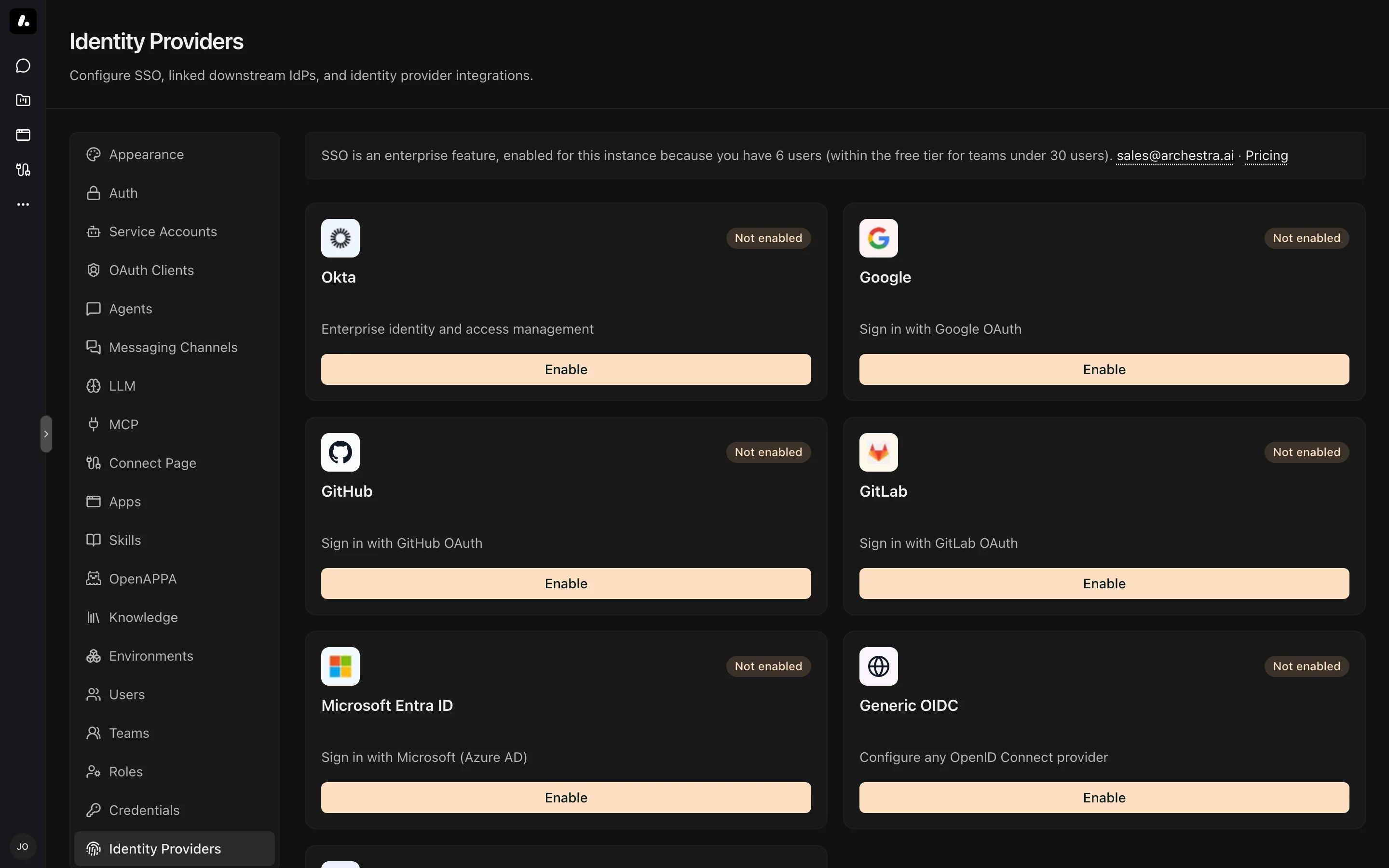
Supported Providers
| Provider | Protocol | Token exchange | Setup |
|---|---|---|---|
| Microsoft Entra ID | OIDC | On-Behalf-Of (OBO) | Microsoft Entra ID |
| Okta | OIDC | Okta-managed exchange | Okta |
| Google, GitHub, GitLab | OIDC | Requires a compatible token-exchange endpoint | Single Sign-On |
| Generic OIDC (Keycloak, Auth0, others) | OIDC | RFC 8693, or OBO and Okta-managed when the issuer is Entra or Okta | Single Sign-On |
| Generic SAML | SAML 2.0 | Not supported | Single Sign-On |
Each card on the settings page holds one provider. The Generic OIDC and Generic SAML cards each hold one custom provider.
Adding a Provider
You need the identityProvider:create permission, which admins have, and admin access to your IdP to register an application. The IdP asks for a redirect (callback) URL. Use your Archestra URL followed by the path for the protocol:
| Protocol | Callback URL |
|---|---|
| OIDC | https://archestra.example.com/api/auth/sso/callback/<ProviderId> |
| SAML (ACS URL) | https://archestra.example.com/api/auth/sso/saml2/sp/acs/<ProviderId> |
<ProviderId> is case-sensitive. The built-in cards use Okta, EntraID, Google, GitHub, and GitLab. For a generic provider, it is the Provider ID you enter.
- In your IdP, register Archestra as a web application with the callback URL. Copy the client ID and client secret, or for SAML, the IdP metadata.
- In Archestra, go to Settings → Identity Providers and click Enable on the provider's card.
- Fill in Issuer, Client ID, and Client Secret (or the SAML fields). The values for each provider are on its setup page in the table above.
- Optional: set Allowed Email Domains, and configure Role Mapping and Team Sync from the dialog's side menu.
- Click Create Provider.
The sign-in page now shows a Sign in with <ProviderId> button. Test it in a private browser window with a user from your IdP. To change the provider later, click Edit on its card.
Account Security
Archestra has its own controls for email and password accounts. Two-Factor Authentication covers enrollment, an organization-wide requirement, and a maximum session lifetime. Password Reset recovers a locked-out user from the command line.