
Knowledge Files
Upload a document once, and every agent you allow can answer from it, with a citation. A signed contract that came by email, a vendor's SOC 2 report, a policy PDF: if no connector reaches it, upload it here.
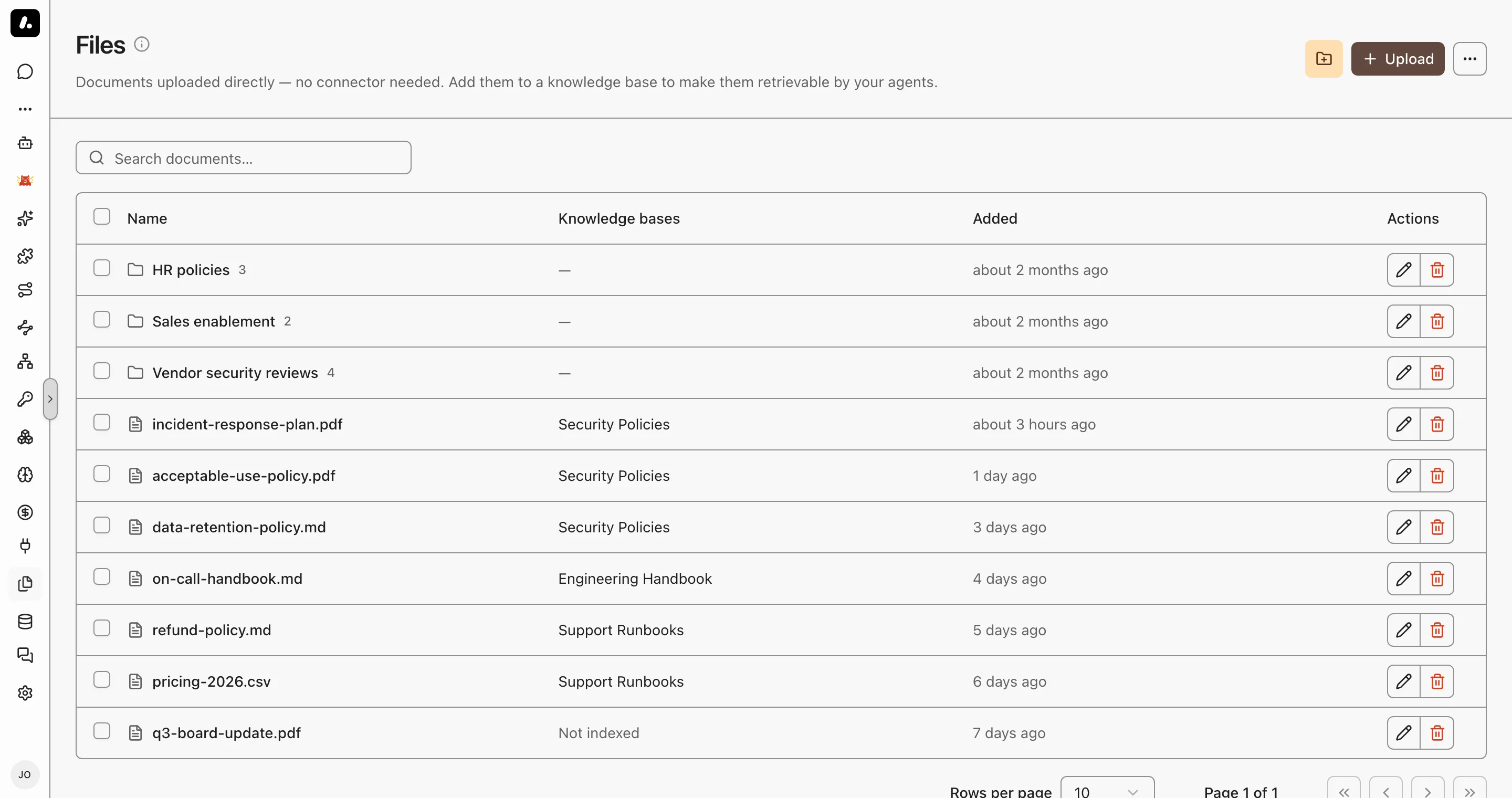
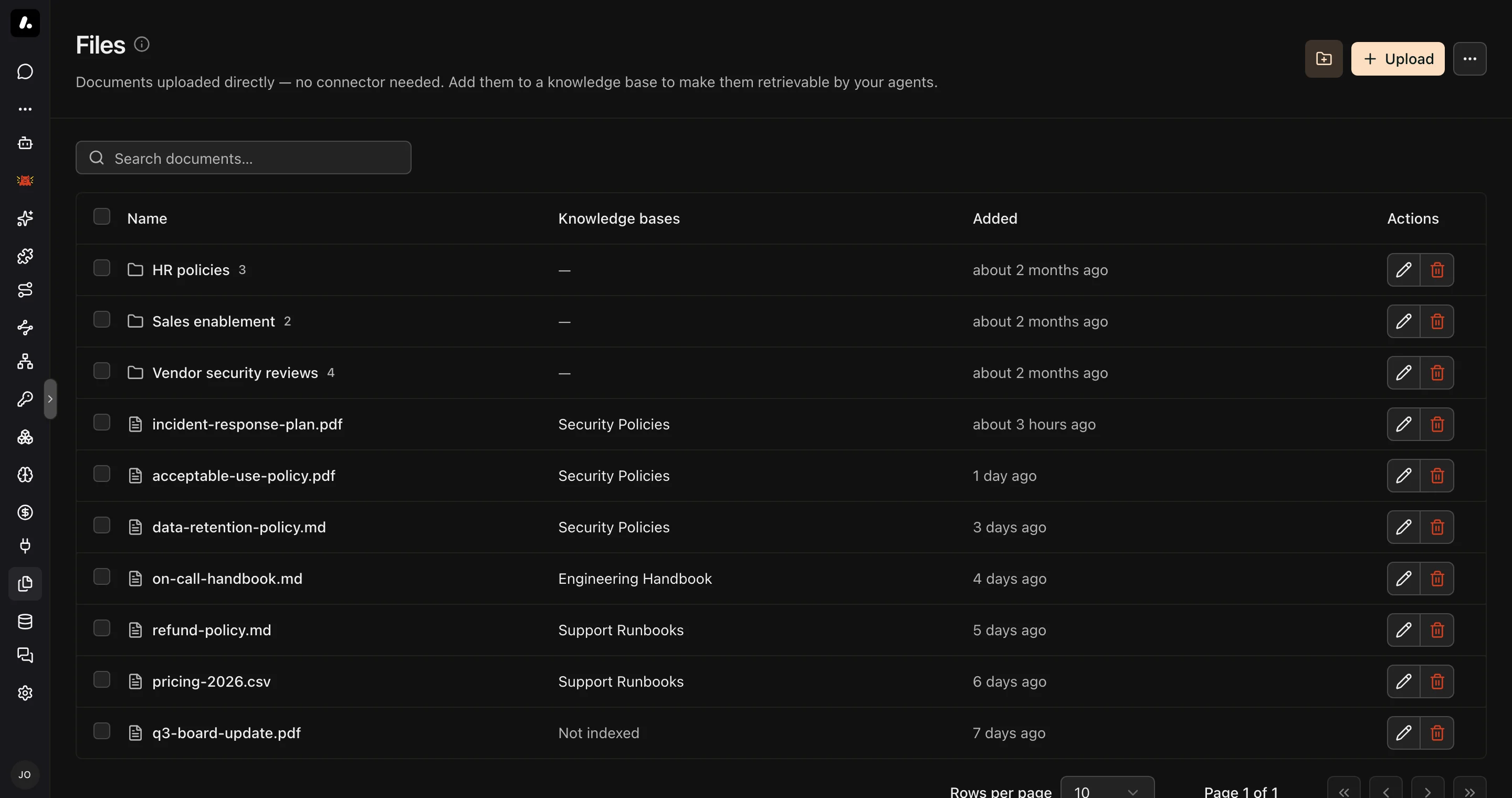
Upload and Index
Uploading stores a file. Indexing makes it searchable.
- Go to Knowledge → Files and upload PDF, Word, Markdown, CSV, JSON, HTML, or plain text files.
- Select files or whole directories, and click Add to knowledge base.
- Pick a base, or create one from the selection.
Archestra reads the text at upload. A file it cannot read is refused right away, so nothing is stored that search could never find. A scanned PDF is accepted when Document OCR is set. Its pages are read when the file is indexed.
- Directories group files. They are flat, with no subdirectories.
- Each file has its own permissions. Sharing a Knowledge Base does not open its files to more people.
Import from a Pipeline
To keep a file current from a script, call PUT /api/knowledge-files/:fileId/content. One call creates or replaces the file and indexes it into a Knowledge Base.
- Make one UUID for each source document, and send it as
fileIdon every import. A replace keeps the file's permissions and labels. - The API key needs
knowledgeSource:create,knowledgeSource:update, and access to the Knowledge Base. - An HTTP success does not mean the file is indexed. Check the
failuresarray of each result, then send the request again.
Keep a Chat Attachment
A file you attach in chat belongs to that conversation. Save it here to keep it. Save it from the attachment in the message, or select several in the Files panel. You choose the name, directory, and permissions, and you can index it in the same step.
Chat, Project, or Knowledge Files?
Pick by who needs the file, and for how long.
| Chat attachments | Project files | Knowledge Files | |
|---|---|---|---|
| Scope | One conversation | Every chat in the project | The whole organization |
| Who can read them | People with access to the conversation | Everyone in the project | The audience you set: organization, teams, or only you |
| How agents use them | Sent to the model with your message | Read when needed by any chat in the project | Searched in a Knowledge Base, with citations |
| Use them for | A one-off question about a file | Working files for one piece of work | Reference documents agents should answer from |
A file can move up: save a chat attachment here, then index it into a Knowledge Base.
Example: Vendor Security Reviews
A security analyst reviews vendor documents that arrive by email.
- Upload the questionnaires and SOC 2 reports into a Vendor contracts directory, shared with the security team only.
- Select the directory and add it to a Vendor security review Knowledge Base.
- Give that base to the review agent.
- Ask the agent which vendors store customer data outside the EU. Open the citations to check the answer.