
Agent Runtime
ARCHESTRA_AGENT_RUNTIME_ENABLED=true. See Setup.Agent Runtime gives an agent a dedicated runtime: its own container, running a coding agent such as Claude Code or Codex. You get a live terminal, and the files persist. Send follow-ups and continue later with the same files.
A run uses the agent's instructions, tools, skills, and permissions. Its model calls go through the LLM Proxy and its tools through the MCP Gateway, so logs, guardrails, and cost limits apply.
Create an Agent With a Dedicated Runtime
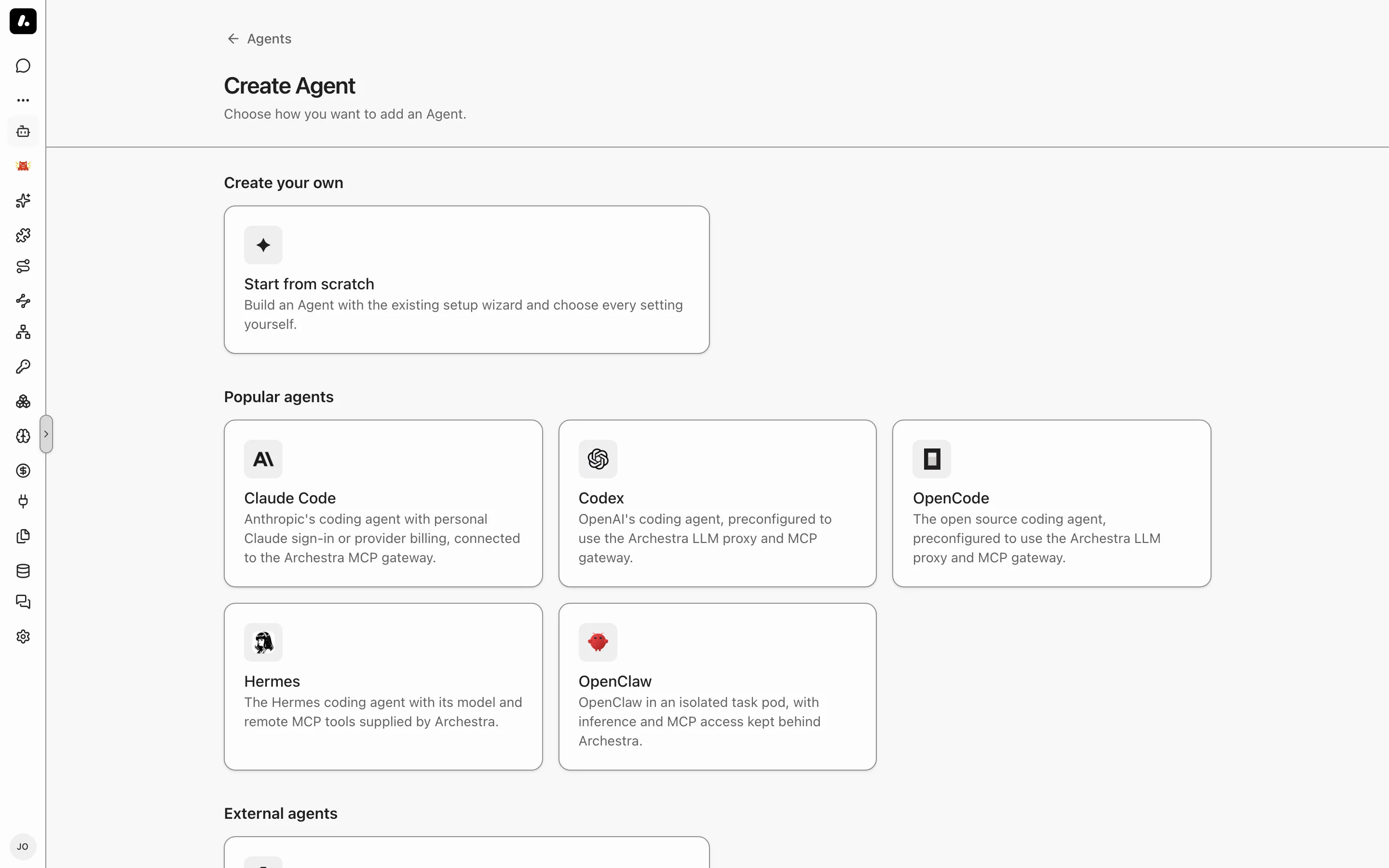
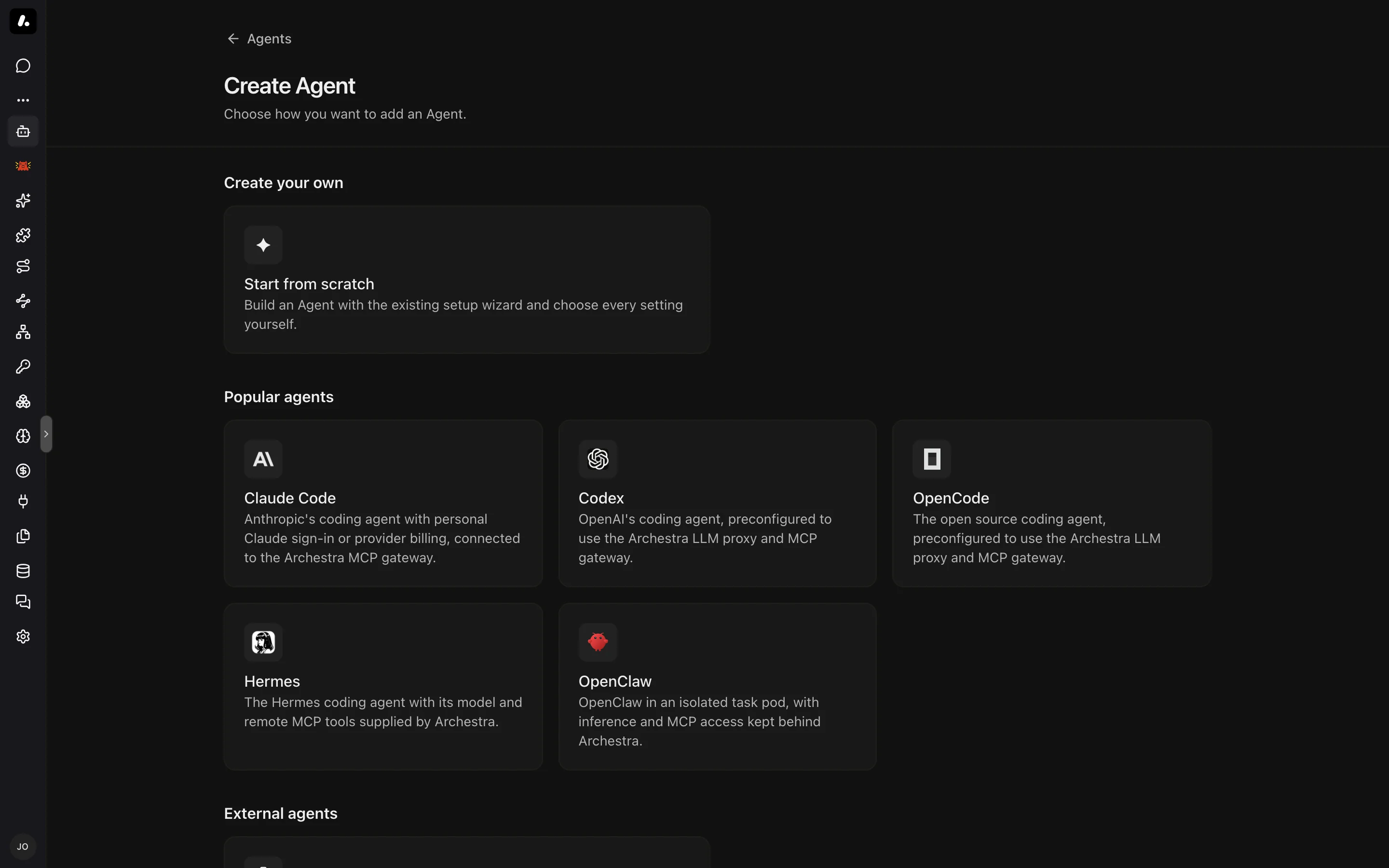
- Go to Agents and click Add Agent.
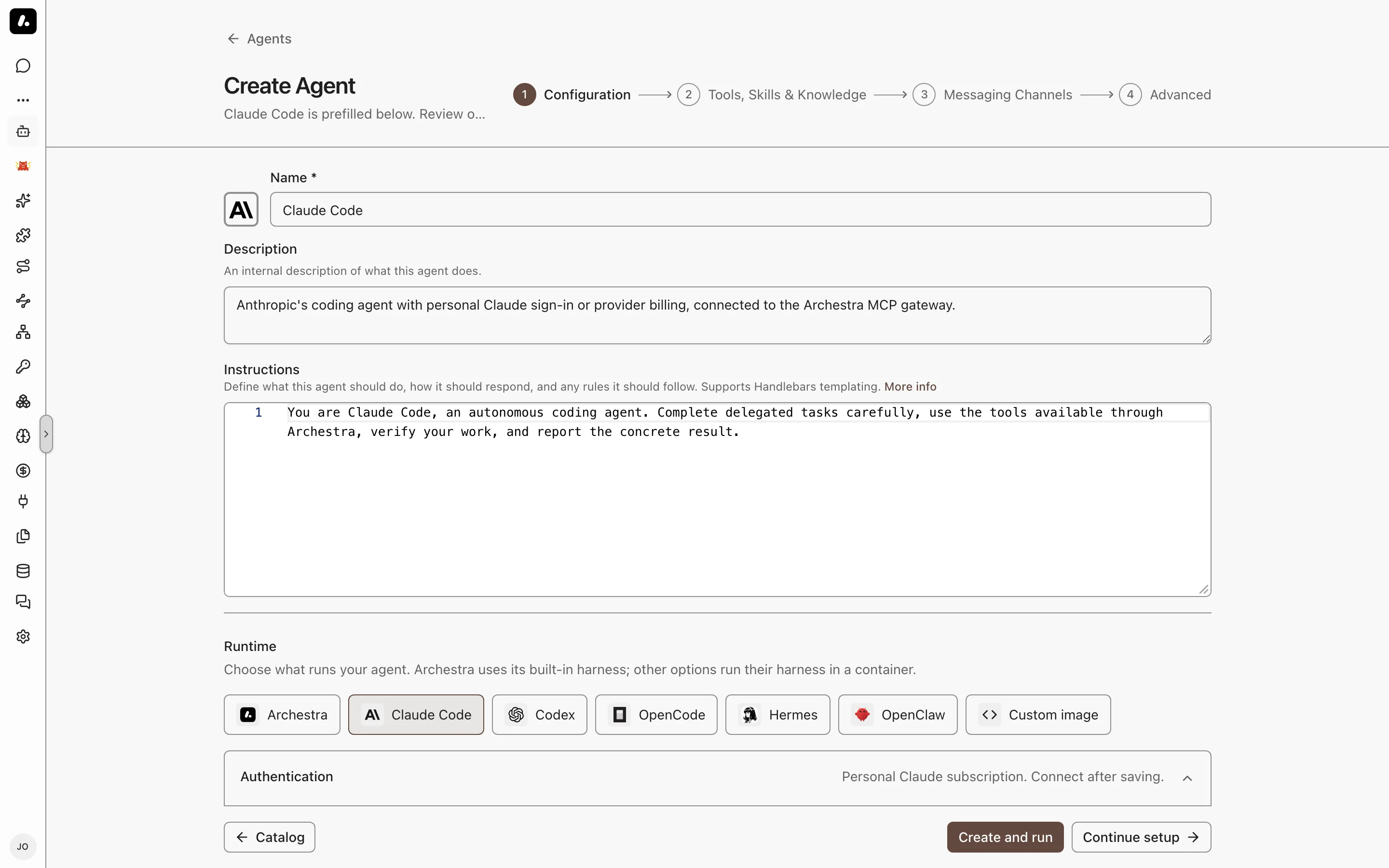
- Under Popular agents, pick Claude Code, Codex, OpenCode, Hermes, or OpenClaw. The agent opens prefilled.
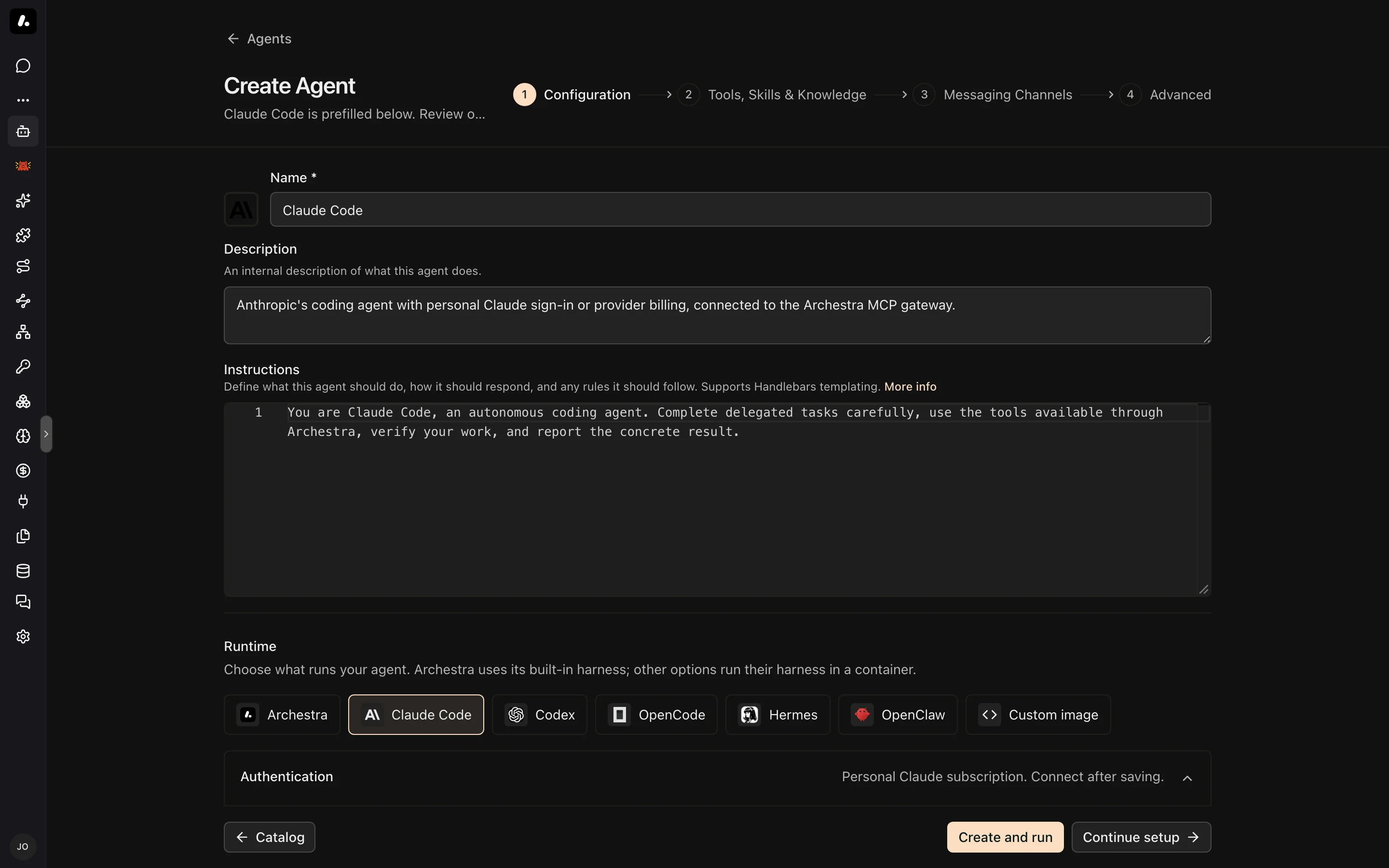
- Review Runtime on the Configuration step. An attention icon marks a setting you must fix. Hover over it to see what to change.
- Click Create and run, or Continue setup to add tools, skills, and knowledge first.
Already have an agent? Open it, turn on Dedicated runtime on its Agent Runtime tab, and click Save changes.
Update the Image
A saved agent keeps its image when Archestra upgrades. To use a newer image, change Image on the Agent Runtime tab. New runs use it. A continued run keeps its original image.
Models and Credentials
Each run gets a temporary virtual key. Provider keys stay in Archestra.
- Claude Code: your Claude Pro or Max subscription, or an API key for Anthropic, Amazon Bedrock, or Anthropic on Vertex AI.
- Codex: your ChatGPT subscription, connected under Model Providers. An OpenAI API key does not replace it.
- Other agents: any model provider configured in Archestra.
What to know:
- Each person connects their own subscription before their first run. Subscription usage shows in the logs, but it does not count toward cost limits.
- Tools run with the permissions of the person who started the run.
- Repository tokens and other secrets go under Environment variables on the Agent Runtime tab. Mark them Secret. Connections that several agents share go in Credentials.
Run a Task
Select the agent in Chat or in a Project and send a task. This starts a run: a container that works on your task. Follow-ups continue the same run. The live terminal opens and shows startup progress. Attach files before you send, and the agent reads them in its container.
- Leave and come back: the run keeps working. Reopen it from the sidebar and send a follow-up.
- Past runs: the agent's Runs tab lists live and finished runs. Resume reopens a run without sending a message.
- Copy text: turn off Focus terminal to select text in the browser.
- Follow-ups reach the agent between its turns. To type them into its terminal instead, set Steering to Terminal input on the Agent Runtime tab.
- Open a web app: View connection details gives a port forwarding command for the agent's Ports to forward.
What to know:
- Only the person who started a run can type in it. Share the run to give others read-only access. Project members and agent administrators can read it without a share.
How Long a Run Lasts
- An idle run pauses. Its files stay. Shell processes and development servers stop, so restart them when you resume.
- A run expires after its maximum duration. Its history stays, but its files go. Push your work to a repository or download it first.
- Stopping a run keeps its files. Deleting its container and storage removes them.
Limits
Set these under Limits on the agent's Agent Runtime tab. A field you leave empty uses the deployment default.
| Setting | What It Does |
|---|---|
| Idle timeout | Stops the run when it finishes a task and no follow-up arrives in this time. |
| Maximum duration | Ends the run after this time, even mid-task, and deletes its files. Follow-ups do not extend it. |
| Metered LLM budget | Blocks metered model calls once the run spends this amount. Subscription usage does not count. |
| CPU and memory | Sets the container's size. |
Network Access
Unless an administrator sets a policy, a run can reach the public internet. To limit it, set a network egress policy on the agent's environment.
What to know:
- A strict policy can break a task. Allow the repositories, package registries, and services the task uses.
- A continued run picks up the current policy.
Guardrails in a Run
Guardrails check each tool call and tool result inside the run.
- Delegated runs get their parent's restrictions before work starts. Follow-up instructions keep them. An answer crosses the guardrail check before another agent gets it.
- Review: a remedy that needs a person shows on the run page. The run's owner approves or denies it. Client permission settings cannot approve it. A run with no eligible reviewer stays blocked.
- File downloads: a protected transfer checks the pinned file content before it returns a download command. It refuses a file that needs changes or that passes the protected export limit. The session owner can still download directly.
- Old sessions: turning on Guardrails does not protect work that started before. Start a new session. Guardrails do not replace filesystem or network sandboxing.
Start Runs From Elsewhere
- Your coding agent: hand work off from Claude Code or another connected agent, and bring it back.
- A coordinator agent: add the agent as a subagent. The coordinator keeps answering while the run works. This also covers messaging channels: the result returns to the original thread.
- Email: an email to the agent starts a run. The result returns in the thread when replies are on.
- A2A: A2A clients start runs and continue them with the same
contextId. See A2A.
Troubleshooting
- A run does not start: see Setup troubleshooting.
- A model call fails with HTTP 500 and
x-should-retry: false: the organization's Guardrails policy is invalid. An administrator must fix it. Retrying does not help. - Find a run's traffic: LLM Proxy Logs and MCP Gateway Logs show the run ID. For health metrics, see Agent Runtime Health.