
Environments
An environment separates tools, knowledge, agent runtimes, and cost limits. Use names such as staging and production to control resource access and workload networking.
Creating an Environment
Viewing environments requires environment:read. Creating, editing, and deleting them require the corresponding environment:create, environment:update, and environment:delete permissions.
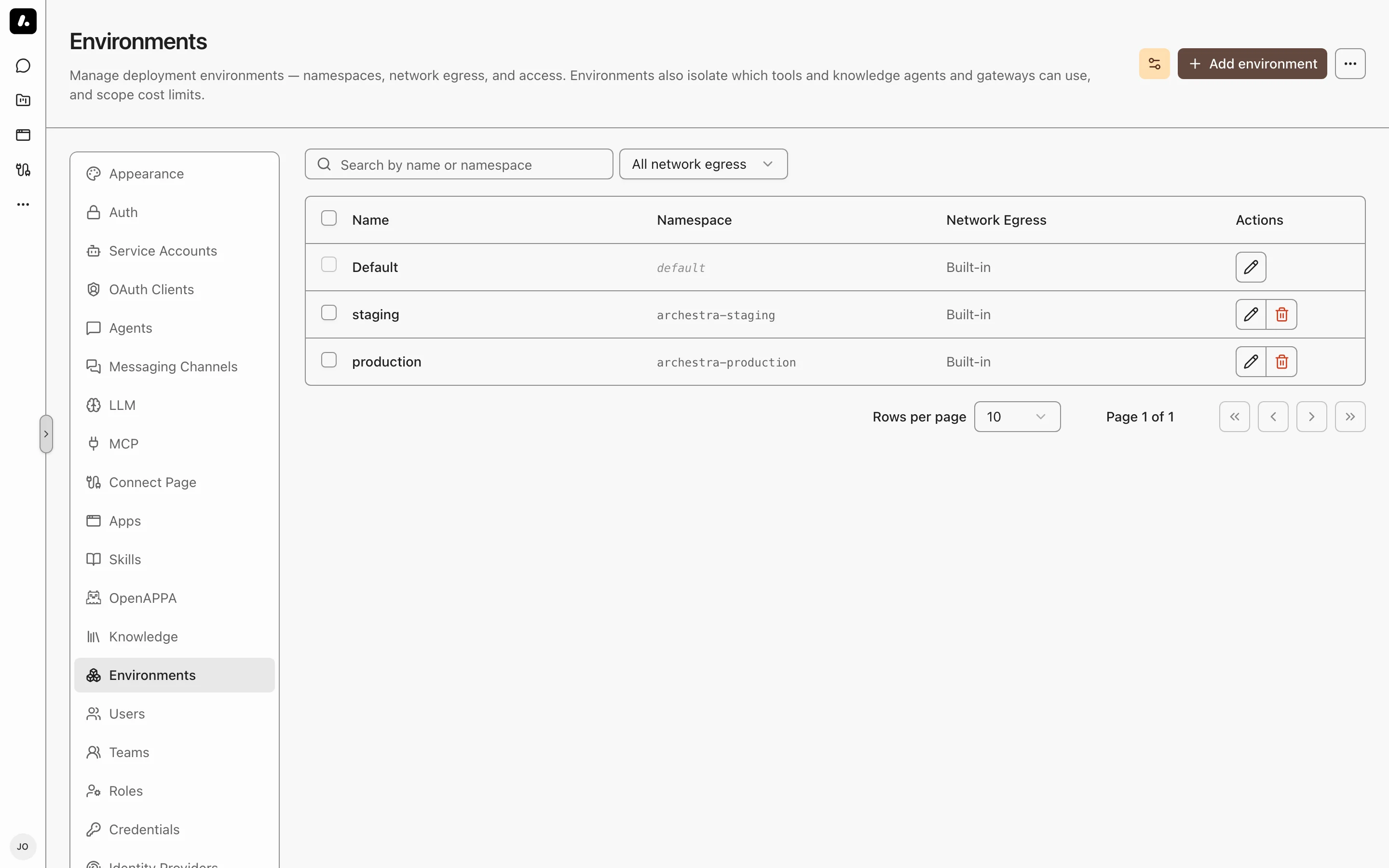
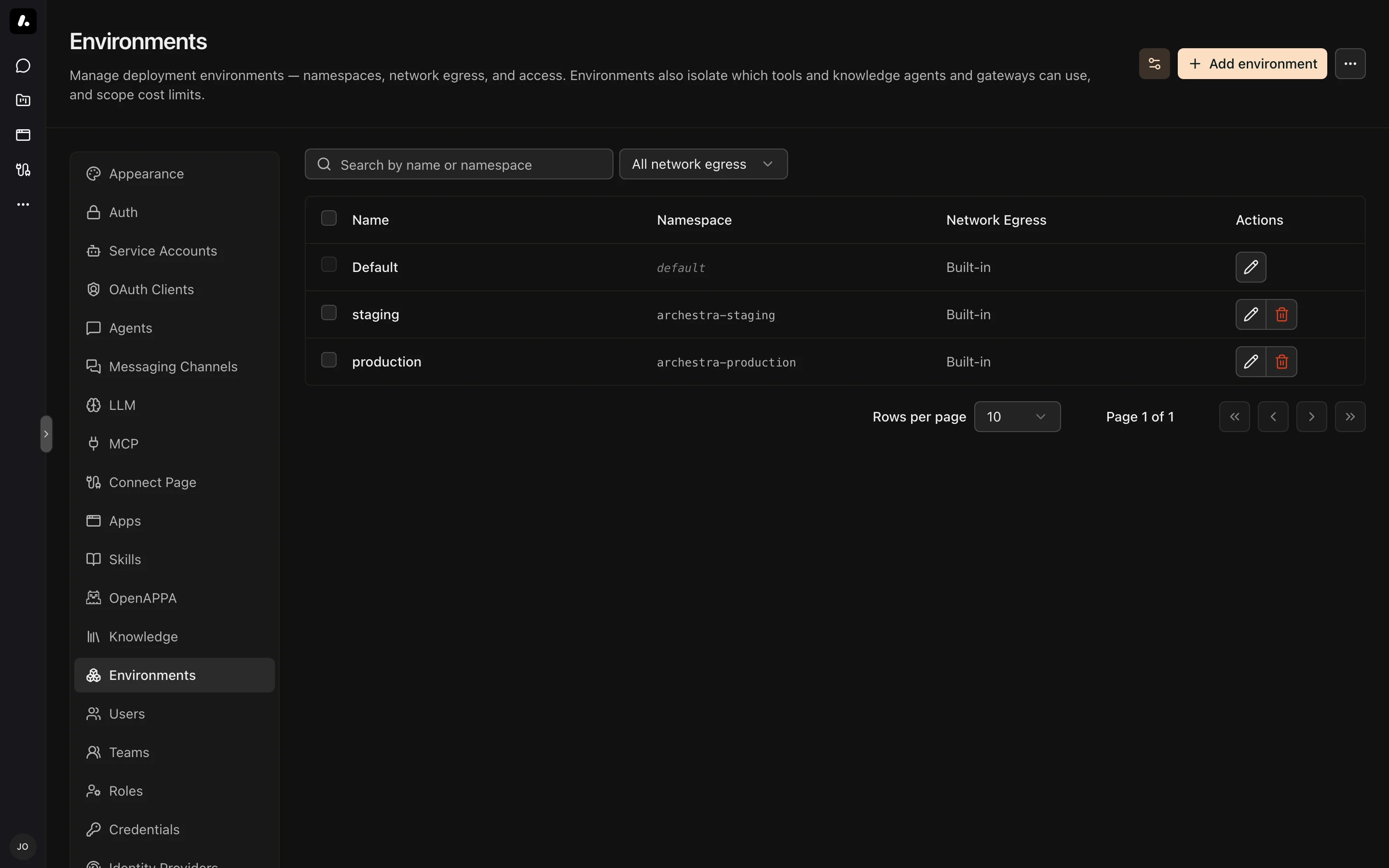
- Go to Settings → Environments and click Add environment.
- Enter a name and, for Kubernetes workloads, a namespace. Select a network egress policy when needed.
- Save the environment and confirm it appears in the list.
- On a new agent or MCP server's Configuration step, select the environment. Confirm its saved configuration shows the intended environment.
The Default Environment
Every organization has an implicit Default environment. Any resource whose environment is unset belongs to Default. Default is a real peer environment, not a wildcard: a resource in Default is not visible to a resource assigned to a named environment, and vice versa. MCP Apps are the one exception — an app accepts Default-environment tools as a shared baseline. Because everything starts in Default, isolation only changes behavior once you explicitly assign a non-default environment. Default can define a Kubernetes namespace and network egress policy like any other environment.
Where New Resources Land
New resources go to Default unless you say otherwise. In Settings → Environments, the cog beside "Add environment" opens "Where new resources land", which sets a landing environment per kind of resource: MCP servers, MCP Apps, agents, MCP gateways, and knowledge connectors are each configured on their own. A new MCP server can start in explore while a new MCP App starts in launch. The cog appears once you have at least one environment besides Default.
The setting only applies when nobody picks an environment. Choosing one on the create form's Configuration step always wins, including choosing Default. Changing the setting never moves resources that already exist.
A creator who may not deploy into the landing environment gets Default instead, so the setting never blocks a resource they are otherwise allowed to create.
Deploy Permissions
Deploying into an environment requires a use grant on it. Set grants on the environment's Permissions tab — the same control you use to share an agent or a skill.
A new environment is open to the whole organization. To lock one down, remove the organization grant and grant use to the people or teams who may deploy there. You can let a team deploy to staging without letting them near production, for example. One grant covers everything deployed there: MCP servers, agents, apps, gateways, and knowledge connectors.
The Default environment is always open to anyone who can create the resource.
Trusted Image Registries
An environment can list the image registries it trusts. If an MCP server's image is not from a trusted registry, it is not deployed until an admin approves it. With no list set, any image is allowed.
Tool, Knowledge, Skill, and Subagent Isolation
An agent or MCP gateway assigned to Production can only see and use:
- MCP tools whose server (catalog item) is in Production
- MCP servers in the private registry that are in Production, including their deployments
- knowledge connectors in Production
- Agent Skills restricted to Production, or restricted to no environment at all
- subagent delegation targets in Production
Matching is strict for tools, knowledge, and subagents: a Production resource matches only other Production resources, a Dev resource matches only Dev, and Default matches only Default. Skills differ — a skill can be restricted to any number of environments, and a skill with none is available everywhere. MCP Apps differ too: an app accepts Default-environment tools alongside its own environment's, so Default acts as a shared baseline for apps. Built-in servers (the Archestra control-plane server and Playwright) and built-in skills are exempt and always available. The Advisor is the one delegation exception — the organization has a single Advisor, and agents in every environment can consult it. Its spend counts against the consulting agent's environment.
An agent creates in its own environment. When an agent adds an MCP server to the registry, or builds an app, that resource lands in the agent's environment — so the agent can still see it afterwards. A new app created from the Apps page follows the same rule: it lands in the environment of the chat agent that opens with it. An agent with no environment of its own uses the landing environment configured for that kind of resource. You can name a different environment explicitly when adding a server.
An agent also configures only its own environment. It can assign and remove tools on agents and gateways in that environment, and nowhere else.
This applies to both explicitly assigned resources and the implicit Auto access modes — in both cases cross-environment resources are filtered out before they are listed or executed. In the agent's explicit assignment pickers, resources from another environment are shown disabled. Skill filtering covers list_skills, load_skill, and chat slash commands; a skill that runs in a subagent additionally requires its designated agent in the same environment.
Network Egress Policies
An environment can define a Kubernetes namespace and a network egress policy. Self-hosted MCP server pods, agent code sandboxes, and Agent Runtime workspaces run in that namespace and inherit the policy, so their outbound network reach is contained. A policy sets one of three egress modes. Block all (off) denies all egress. Allowlist (restricted) permits only selected IP/CIDR ranges and domains. Public internet (unrestricted) permits public egress and any additional CIDRs you list. Pods in your cluster still get a fixed floor of blocked reserved ranges outside those explicit exceptions. Domain presets and custom domains require a supported FQDN policy provider; Kubernetes NetworkPolicy alone only enforces IP/CIDR rules.
When a workload runs in an environment, Archestra uses the environment's network policy, then the organization default network policy, then the built-in Public internet policy (unrestricted).
| Workload requirement | Egress mode |
|---|---|
| No outbound access | Block all |
| Selected internal or public endpoints | Allowlist, with those domains or CIDRs |
| Public internet without private ranges | Public internet |
| Public internet plus a private range | Public internet, with an additional CIDR |
An environment applies one policy to all of its workloads. Use separate environments when MCP servers need different policies. The environments can share a Kubernetes namespace, but the usual environment isolation still applies.
How a policy applies depends on the workload. A self-hosted MCP server, agent code sandbox, or Agent Runtime run executes in your cluster, so the policy is enforced continuously at the network layer. Archestra selects the cluster's supported policy type before creating the workload. A workload that needs broad outbound access (for example one that visits arbitrary sites) fails under a restrictive policy unless its destinations are allowlisted.
A remote MCP server runs outside Archestra and is reached over HTTP, so the policy cannot constrain what the server itself reaches downstream. What Archestra enforces is its own outbound connection to the server: the server's URL host is checked against the environment's policy both when the catalog entry is created or edited (the error is surfaced in the form) and at runtime on every connection. A server whose host the policy forbids is blocked — including one added before the policy was tightened — and its tool calls return an error to the client.
| Cluster provider | IP/CIDR rules | Domain rules |
|---|---|---|
| EKS Auto Mode | Kubernetes NetworkPolicy when network policy enforcement is enabled | AWS ApplicationNetworkPolicy when the EKS Auto Mode Network Policy Controller is enabled |
| EKS with AWS VPC CNI | Kubernetes NetworkPolicy when network policy enforcement is enabled | Not supported outside EKS Auto Mode DNS-based policies |
| AKS | Kubernetes NetworkPolicy when network policy enforcement is enabled | Cilium CiliumNetworkPolicy when the cluster exposes the Cilium CRD |
| GKE | Kubernetes NetworkPolicy when network policy enforcement is enabled | GKE FQDNNetworkPolicy when GKE Dataplane V2 and FQDN network policy are enabled |
| Cilium-enabled clusters | Kubernetes NetworkPolicy or Cilium policy | Cilium CiliumNetworkPolicy |
See Kubernetes NetworkPolicy, Cilium DNS policy, GKE FQDN network policy, and EKS Auto Mode network policy docs for provider details. AWS DNS-based rules apply only to workloads running on EKS Auto Mode-launched EC2 instances.
On EKS Auto Mode, ApplicationNetworkPolicy only supports IP and domain egress peers, so Archestra automatically adds a DNS bootstrap rule allowing port 53 to the cluster DNS service IP (recorded in the archestra.io/network-policy-cluster-dns annotation).
The Public Internet Floor
Public internet mode blocks a fixed set of destinations for pods in your cluster:
10.0.0.0/8,172.16.0.0/12,192.168.0.0/16— private ranges, where your other pods, services, and nodes live169.254.0.0/16— link-local, including the AWS, GCP, and Azure metadata endpoints168.63.129.16/32— Azure platform metadata, a public address outside the ranges above100.64.0.0/10— carrier-grade NAT127.0.0.0/8and0.0.0.0/8— loopback::1/128,fc00::/7,fe80::/10,64:ff9b::/96— the IPv6 equivalents
The floor stops a server that fetches a URL from reaching your internal network or a cloud metadata endpoint. DNS to the cluster resolver stays allowed.
To retain public internet access and reach one private range, add that range under Additional allowed CIDRs. The explicit CIDR becomes an exception to the floor. Other private and reserved ranges stay blocked. For example, adding 10.20.0.0/16 does not open the rest of 10.0.0.0/8.
Use Allowlist instead when the workload should reach only selected destinations. CIDRs in either mode are explicit network-policy allow rules.
Domain Presets
The editor offers Common Dependencies and Package Managers presets. Review the selected domains in the editor and add any private registries or application APIs your workloads need. Domain rules require a supported FQDN policy provider.
Cost Limits
Cost limits and per-user default limits can be scoped to an environment. A limit on Production only counts usage attributed to Production (an interaction's environment is snapshotted from its agent at request time). See Costs and Limits.