
Subagents
Split big tasks across specialists. An agent, the parent, can hand part of a task to another agent, its subagent, and use the result. The parent decides on its own when to delegate.
A subagent can be:
- An agent you built, such as a researcher or a reviewer.
- A built-in subagent, such as the Advisor, which reviews an agent's answer.
- An external agent on another system, over A2A.
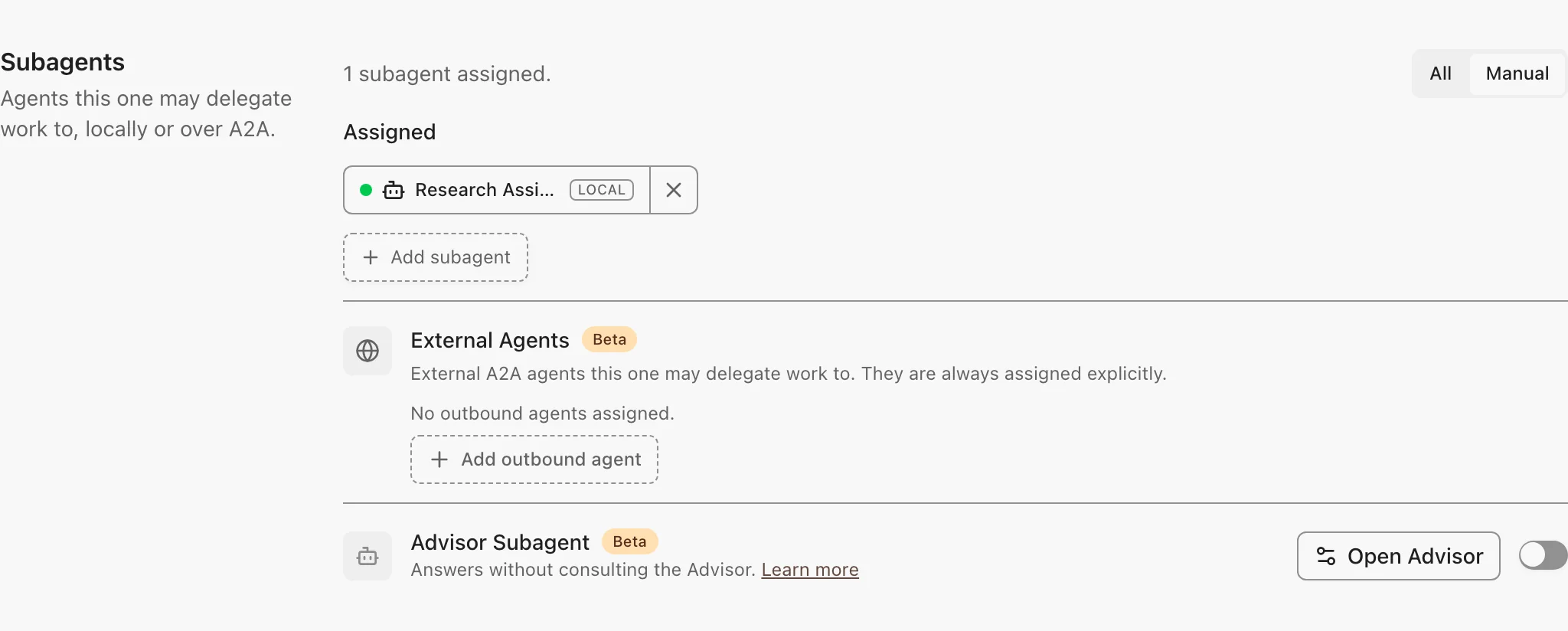
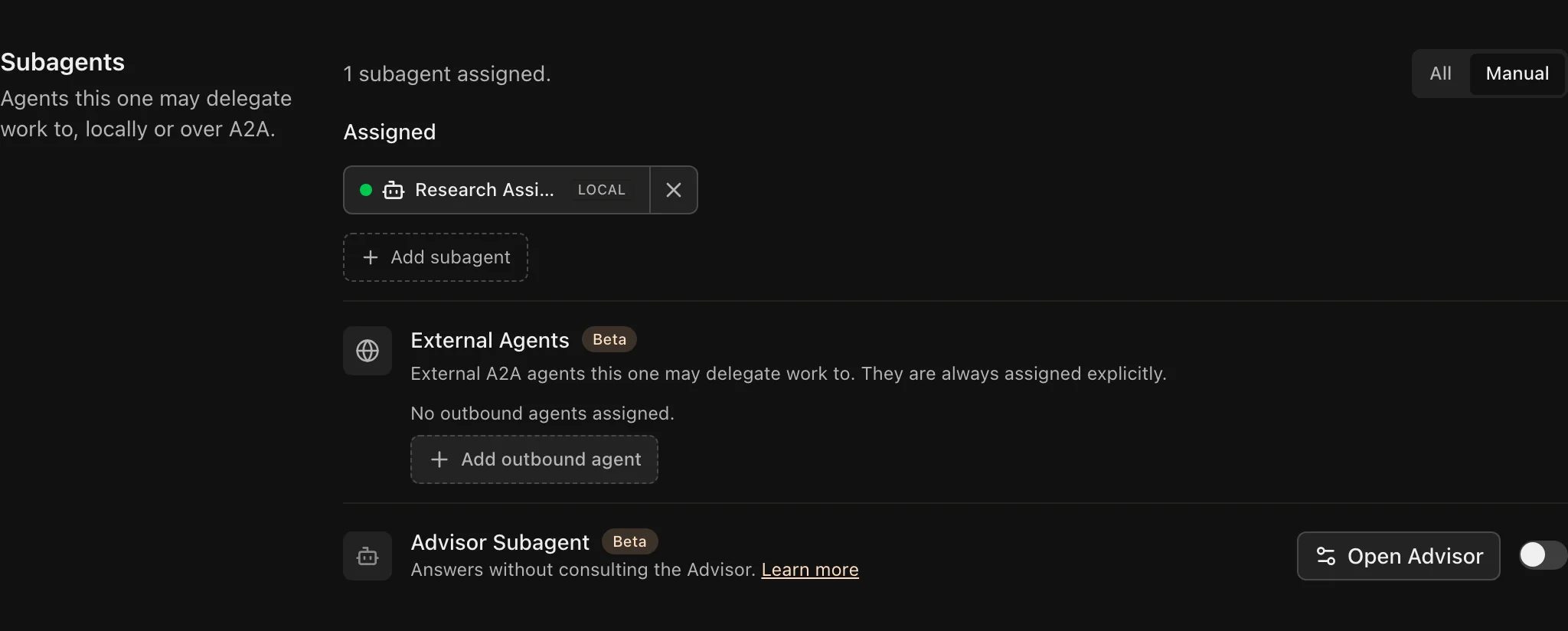
Add Subagents
- Open the parent agent and go to Tools, Skills & Knowledge.
- Under Subagents, choose Manual and select the agents.
- Save, and send a task in Chat that needs one of them.
What to know:
- All mode lets the parent agent use any agent the person can access, except those you exclude. External agents are never added this way.
- Subagents must share the parent agent's environment.
- Automated runs, with no signed-in person, use only the agents you selected.
- For long coding tasks, pick a subagent with a dedicated runtime.