
Plugins
Beta feature. Turn on beta features with
ARCHESTRA_BETA=true.Give every developer the same coding-agent setup. A plugin packages hooks, subagents, slash commands, skills, and MCP settings for one coding agent. You publish it in Archestra once, and each developer installs it with one command.
Import popular plugins, such as Anthropic's official marketplace, Superpowers, and GitHub's Awesome Copilot, or write your own. Plugins work with Claude Code, Codex, Copilot CLI, and Cursor.
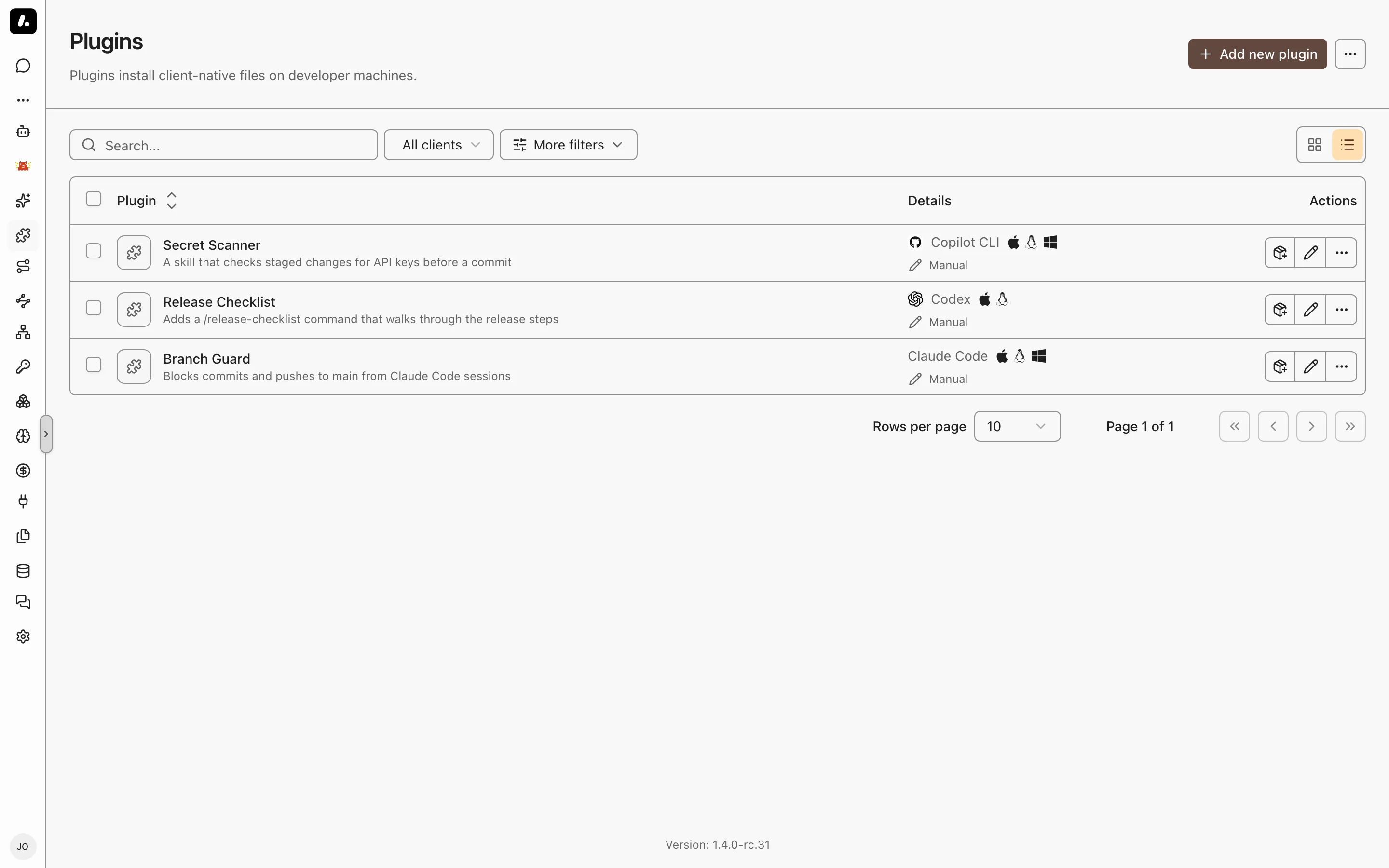
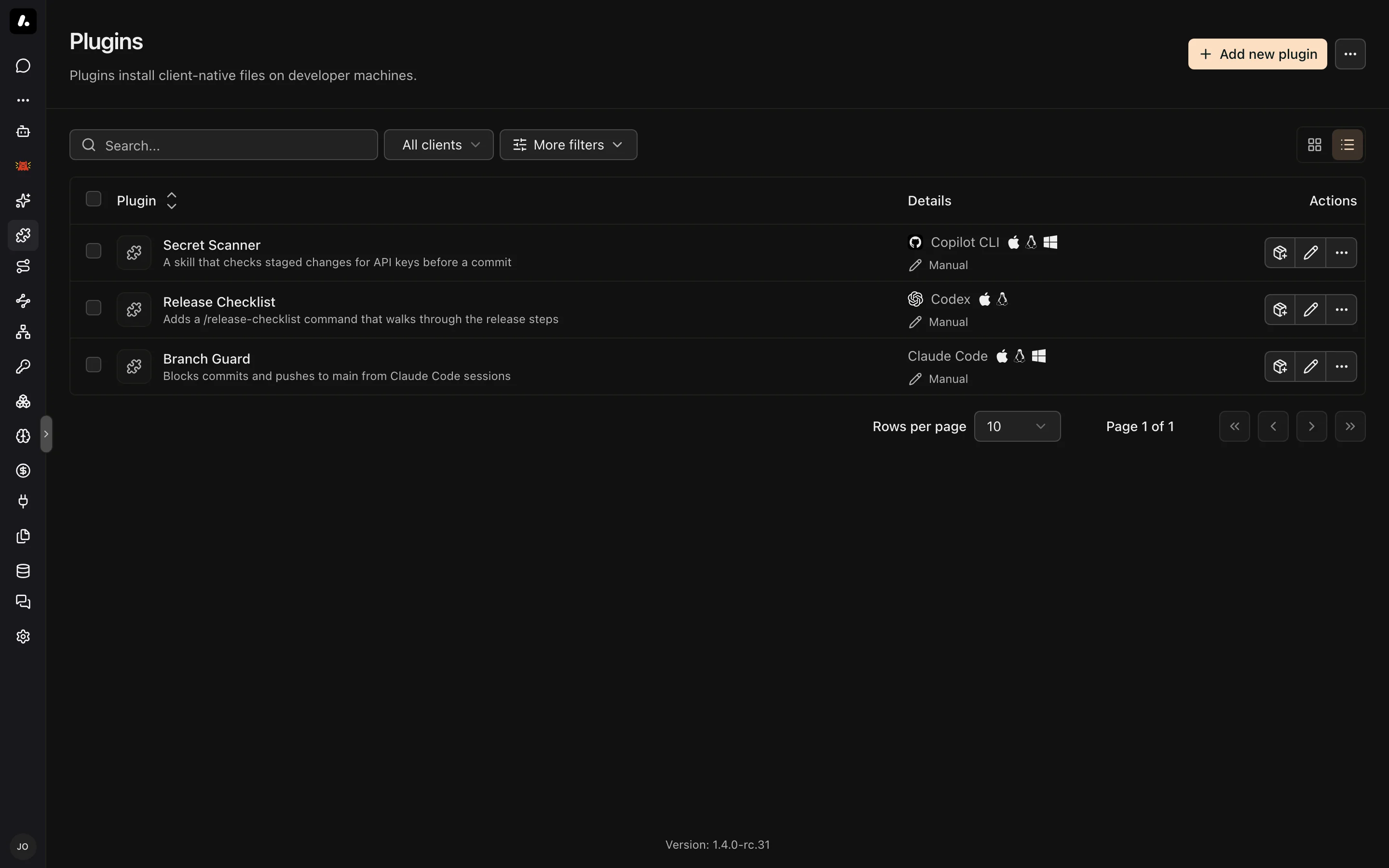
Create a Plugin
- Go to Plugins and click Add new plugin, then Blank template.
- Enter a name, and pick the target client and platforms (macOS and Linux, Windows, or both).
- Add files. A new plugin starts with
hooks/hooks.json, which you can replace. - On Permissions, choose who can use it, and click Create plugin.
Archestra stores the files as you write them. It does not convert them between clients.
Import From GitHub
- Go to Plugins and click Add new plugin.
- Pick a popular marketplace, or paste a GitHub marketplace URL.
- Select the plugins, preview their files, and import them.
What to know:
- Private repositories need a GitHub App or a personal access token from Credentials.
- Imported files are read-only here. Edit them in their repository. The GitHub source panel sets the ref, the check schedule, and the credential.
- Updates wait for you. A new commit shows Review update. Compare the files and click Approve and apply. Until then, the current files stay in use.
Install Plugins
Developers install plugins from a plugin's page, or pick several for one command. Connect Your Agents can install them too, along with the gateway, the proxy, and shared skills.
What to know:
- Each install skips plugins for another client or platform.
- Codex asks before hooks run. Open
/hooksin Codex to approve them. - Cursor lists installed plugins under Customize → Plugins.