
Importing Skills
You can bring skills in from three places:
- GitHub: import skills from a repository and keep them in sync.
- MCP servers: skills that a server publishes with its tools.
- Plugins: skills inside a plugin.
Import from GitHub
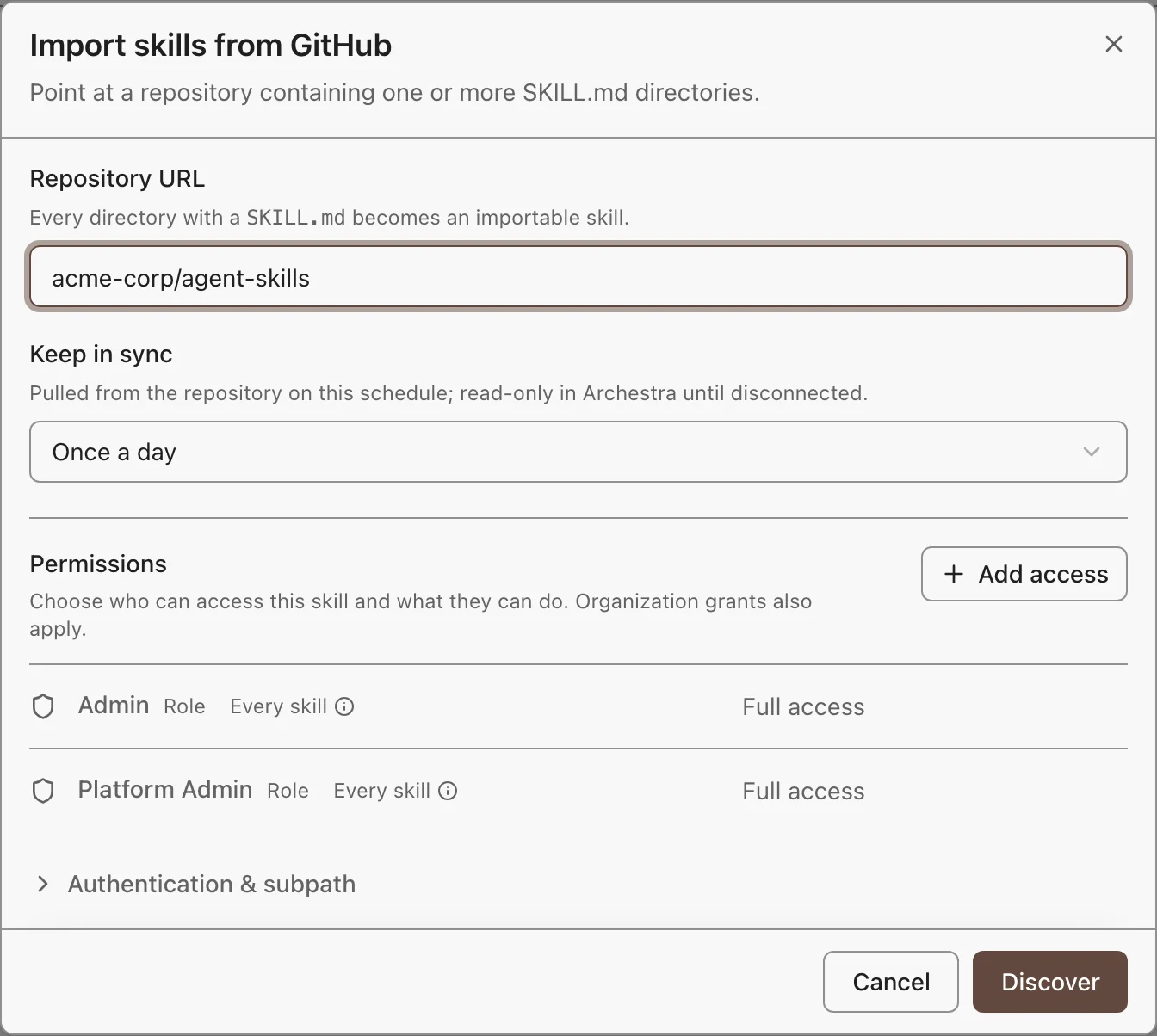
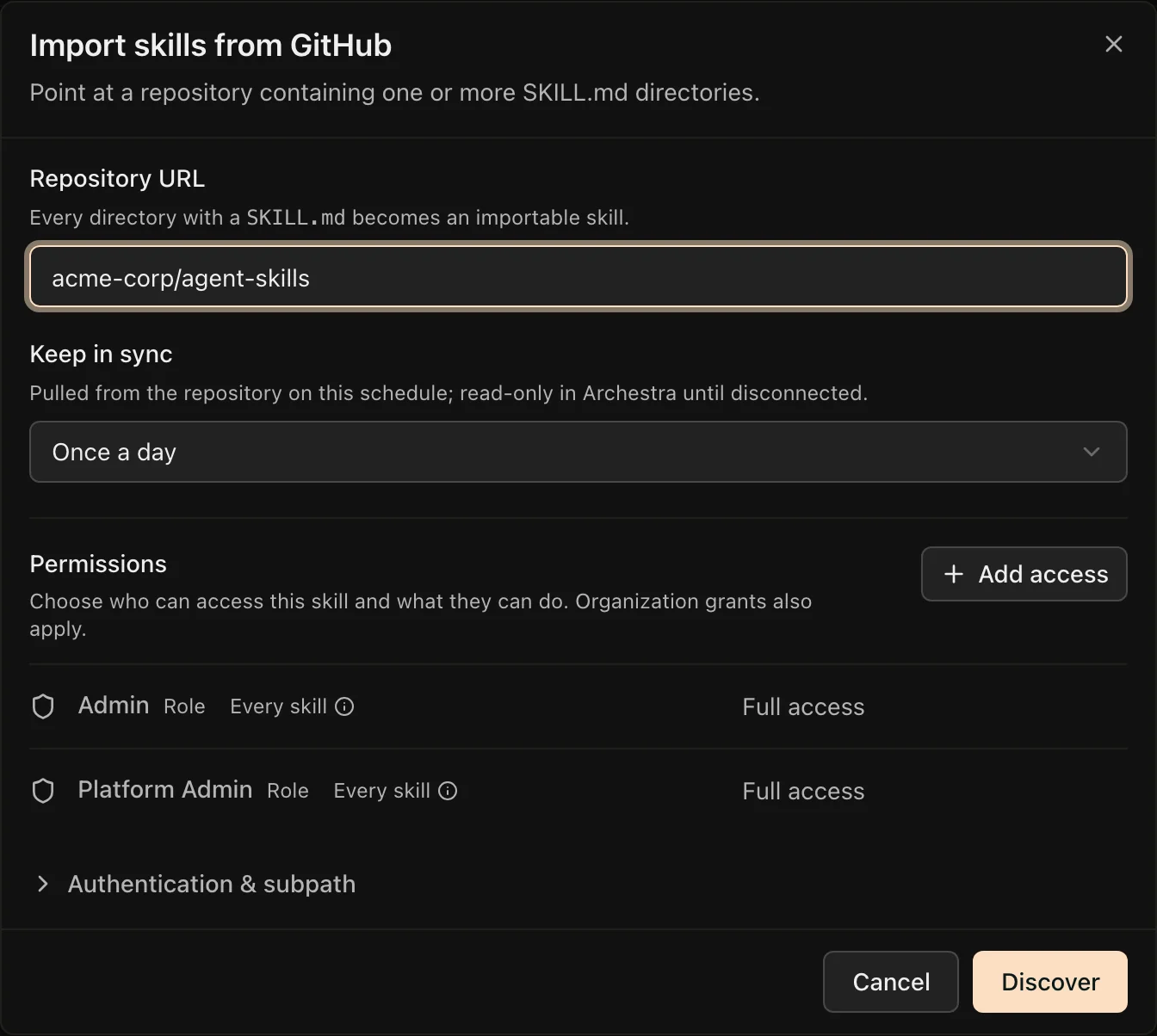
- Go to Skills and click Add new skill. Pick a popular repository, search the skill index, or click Custom GitHub URL.
- In Repository URL, paste
owner/repoor a GitHub link. A link to a folder imports only that folder. - Pick a Keep in sync schedule, and choose who gets access.
- For a private repository, open Authentication & subpath and pick a saved token or GitHub App, or paste a token.
- Click Discover, select the skills you want, and click Import.
A skill can have up to 500 files of up to 10 MB each. Larger files are skipped.
GitHub Enterprise Server
Add a GitHub App for your Enterprise host under Settings → Credentials, with its API URL, such as https://git.example.com/api/v3. When you import, paste the repository's full URL and pick that App under Authentication & subpath. Tokens and public imports work only with github.com.
Sync
Imported skills stay in sync with their repository: every 15 minutes, every hour, or once a day (the default).
- Synced skills are read-only in Archestra. Permissions and environments stay editable.
- Sync now pulls right away. Stop syncing makes the skill editable.
- If a pull fails, the skill keeps its last good content and shows the error.
Turn GitHub Imports Off
Set Settings → Skills → Online skill catalog to Disabled. This hides the popular repositories, the skill index, and GitHub imports. Existing imports keep syncing.
Skills from MCP Servers
ARCHESTRA_BETA=true.An MCP server can publish skills with its tools. Skills from servers you can access show under the MCP skills filter on Skills. They are read-only, because the server owns them.
Archestra follows the draft MCP skills extension (SEP-2640). The same extension works the other way, too: a gateway can publish your Archestra skills to MCP clients.
Skills from Plugins
ARCHESTRA_BETA=true.Skills inside a plugin you can read show under the Skills from plugins filter. They are read-only. Each one shows the client and platforms it came from, because its scripts may depend on them.
If an MCP or plugin skill has the same name as another skill, agents see it with a -from-mcp or -from-plugin suffix.