
Model Router
Use one OpenAI-compatible URL for every provider. Any app built on the OpenAI SDK can reach Anthropic, Gemini, Bedrock, or your own vLLM server. To change the model, change the model name. The app code stays the same. Every request still gets Guardrails, costs, and logs.
Connect an App
Give your app a virtual key and the router URL. Then name each model with its provider in front of it.
-
Add the provider keys you need on Model Providers.
-
Create a standard virtual key, and map those provider keys to it.
-
Set your app's base URL to
https://<archestra-host>/v1/model-router, and use the virtual key as its API key.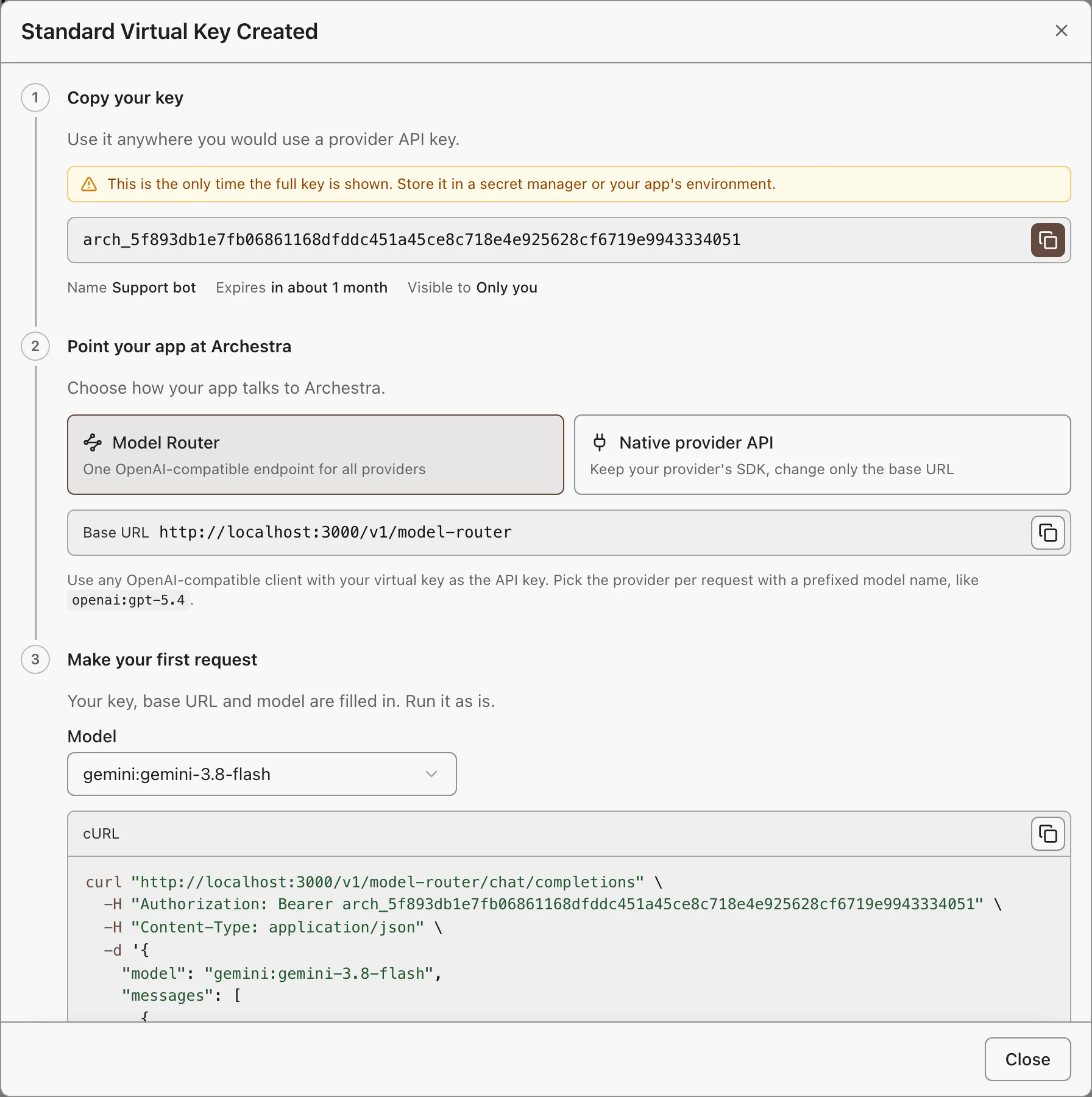
-
List the models the key can reach:
bashcurl "https://<archestra-host>/v1/model-router/models" \ -H "Authorization: Bearer $ARCHESTRA_VIRTUAL_KEY" -
Send a request with one of those IDs:
bashcurl "https://<archestra-host>/v1/model-router/chat/completions" \ -H "Authorization: Bearer $ARCHESTRA_VIRTUAL_KEY" \ -H "Content-Type: application/json" \ -d '{"model":"openai:gpt-5.4","messages":[{"role":"user","content":"Hello"}]}'
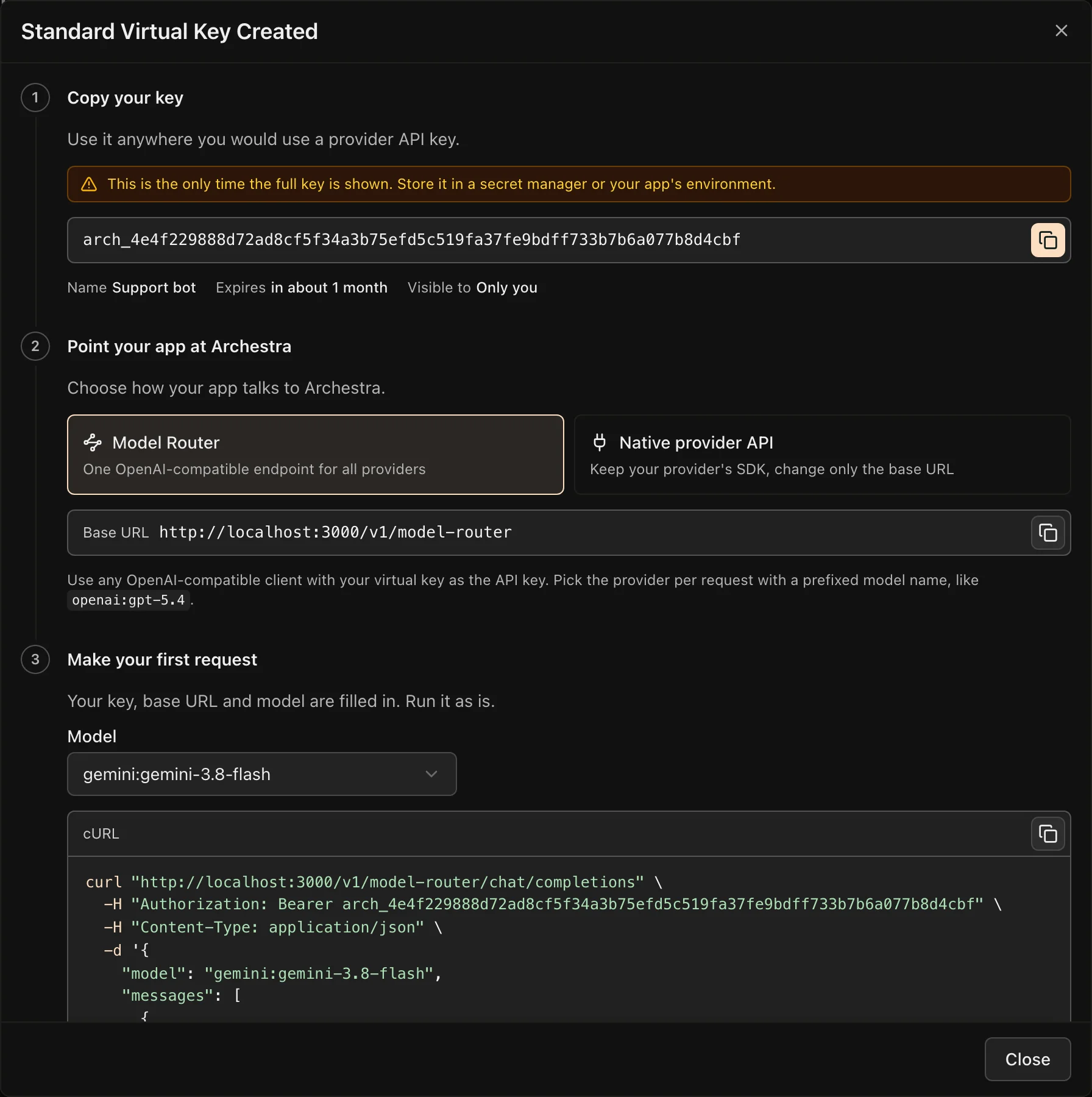
The answer comes back in OpenAI format, from any provider.
- Model IDs start with the provider:
openai:gpt-5.4,anthropic:claude-sonnet-4-6. The router sends the rest of the ID to that provider. - One provider only? When the key maps to one provider, plain IDs such as
gpt-5.4also work.
Endpoints and Credentials
The router speaks the OpenAI API. It supports these endpoints:
| Endpoint | Works with |
|---|---|
/chat/completions | All router providers |
/responses | All router providers |
/models | Lists only the models your credential can reach |
/embeddings | All router providers except Anthropic, Bedrock, Cohere, and GitHub Copilot |
Sign in with a standard virtual key or an OAuth client token. The router does not accept a passthrough key, a provider's own key, or an identity provider JWT.
Fix a Failed Request
Most failures come from the model name or from which provider keys your credential can use. The router names the problem in the error message. Find it below:
| Error message | Cause and fix |
|---|---|
Model "gpt-5.4" is not available. Use a provider-qualified model id… | The ID has no provider, or your credential cannot use that model. Copy the exact ID from /models, such as openai:gpt-5.4. |
Model "anthropic:…" is scoped to provider "anthropic", but the Model Router virtual key is not mapped to that provider. | Edit the virtual key, and map a key for that provider to it. |
Virtual API key has no provider API keys configured. | Map at least one provider key to the virtual key. |
Model … is only served over the Responses API. | Send the request to /responses, not /chat/completions. |
Provider "…" is not yet available through the OpenAI-compatible model router. | The router does not support that provider. Use the provider's own proxy endpoint. |
Model router requests require a mapped virtual API key or LLM OAuth client access token. | You sent a passthrough key, a provider key, or an identity provider JWT. Use a standard virtual key or an OAuth client token. |
… is per-user: it can only be used through the same user's own personal credential. | A subscription key, such as GitHub Copilot, works only for the person who added it. Use your personal virtual key. |
Two problems return no error:
- A Gemini answer is empty or cut off. For Gemini,
max_completion_tokensalso counts thinking tokens. Increase it. - The model ignores an image or a file. The provider does not accept that content type. Send it inline as base64, to a provider that accepts it.
What to Know
- Reach a new provider: add its key on Model Providers, and map that key to your virtual key.
- One request shape, the provider's rules: reasoning settings, content types, and token limits still come from the provider.