
Telegram
Message a Telegram bot, and an Archestra agent answers. It works in direct messages and in groups. It needs only a bot token: no public URL, webhook, or tunnel.
Connect Telegram
- In Telegram, message @BotFather and send
/newbot. Pick a name and username. BotFather replies with a bot token. - Go to Settings → Messaging Channels → Telegram and paste the token.
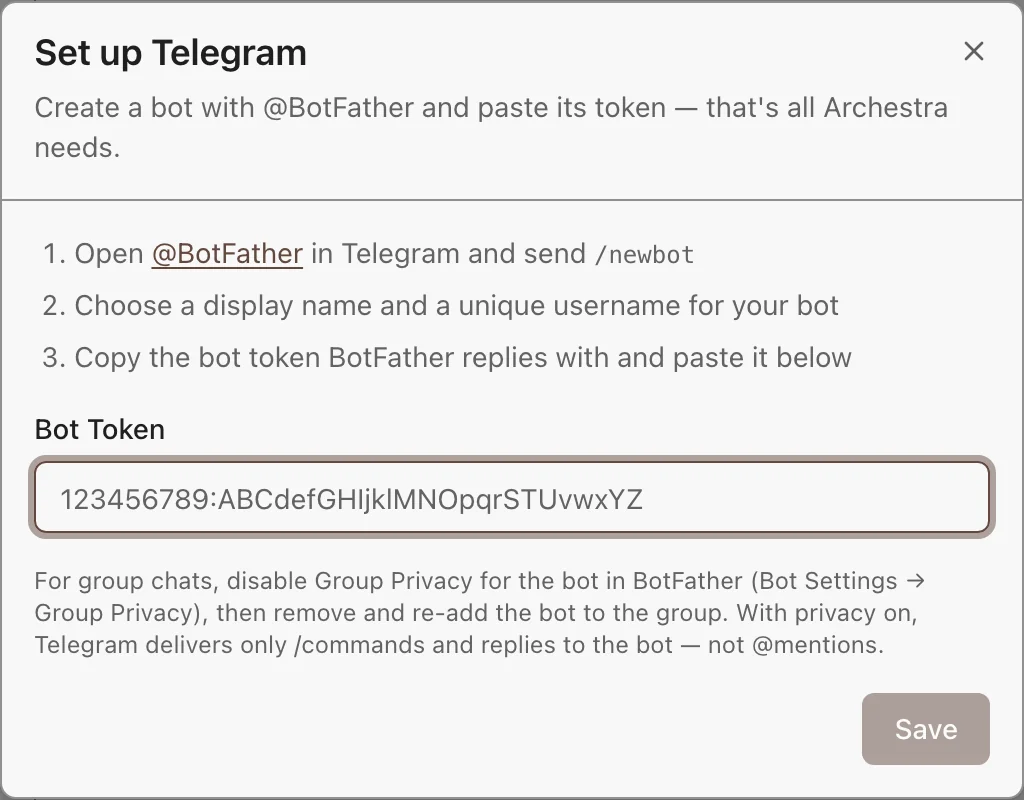
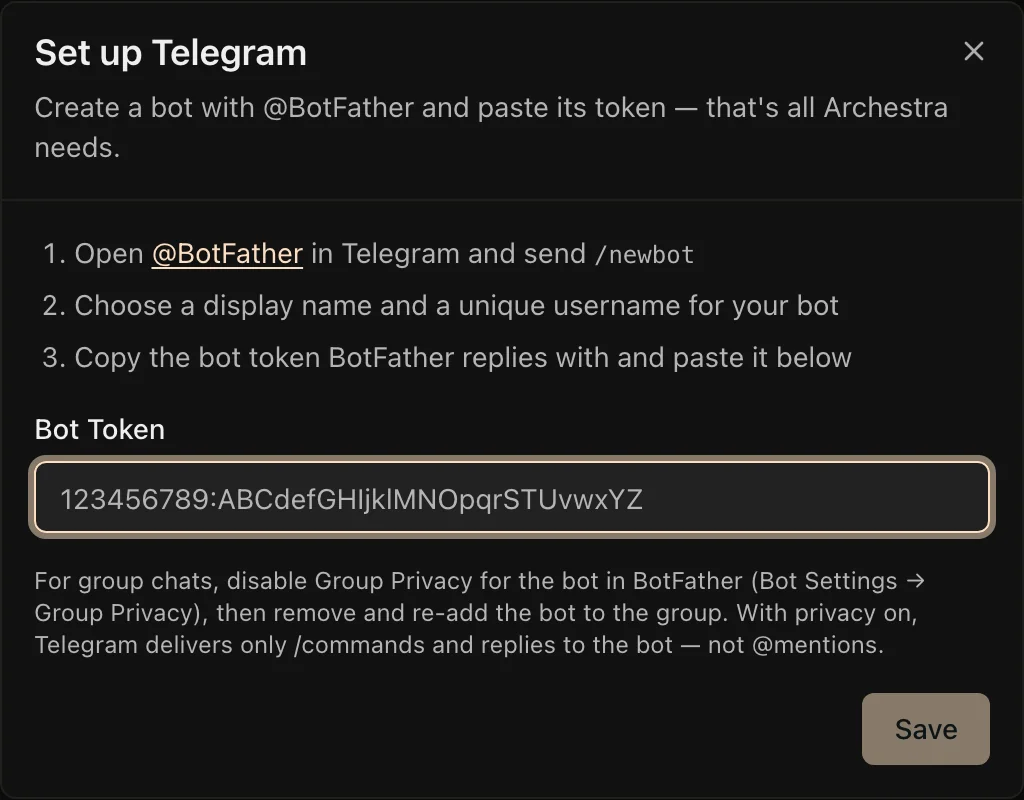
Archestra checks the token and starts at once. To use environment variables instead, see the Configuration reference.
Link Your Account
Each person links their Telegram account once. Telegram does not share email addresses, so Archestra cannot match people on its own. Link from either side:
- In Archestra: on the Telegram page, click Link Telegram account, then tap Start in Telegram.
- In Telegram: send
/startto the bot, and open the sign-in link it sends.
To disconnect, unlink your account on the Telegram channel page. The bot then treats you as unlinked until you send /start again.
The link code works for 15 minutes. People reach only the agents they have access to.
Pick the Agent for a Chat
- Direct messages show up once you link your account. On your first message, the bot asks which agent to use.
- Groups show up once you add the bot.
To change a chat's agent, send /select-agent, or add the chat to another agent. In a group with Topics, each topic is its own conversation.
Use the Bot in a Group
The bot hears only commands until you make it a group admin, or turn off its Group Privacy. To turn privacy off, in BotFather open /mybots → your bot → Bot Settings → Group Privacy → Turn off. Then remove the bot from the group and add it again.
Then the agent joins the talk. It always answers mentions and replies to its own messages. It answers other messages meant for it, and stays quiet when people talk to each other.
Commands and Features
| Command | What It Does |
|---|---|
/select-agent | Changes the agent for this chat |
/start | Links your Telegram account. Direct messages only. |
/help | Lists the commands |
- Ask another agent once: start the message with
Sales >. - Tool approvals: the bot shows the tool and its arguments, with Approve and Decline. Only the person who asked can decide.
- Chat instructions: tell the agent how to behave in one chat, from the chat's Settings. They come first, before the agent's own instructions.
What to Know
- Memory: Telegram bots cannot read chat history, so Archestra keeps it. A group shares one history. A long chat is summarized, and the bot says so.
- Gaps: the history holds only messages the bot received. Group messages sent while privacy was on are not in it.
- New messages win: a message sent while the bot types cancels that answer. The bot then answers your latest message.
- Files: photos and documents reach the agent, up to 10 MB each.
- One token, one consumer: do not use the bot token in another system. With several backend replicas, one of them receives the messages.
Troubleshooting
| Problem | Fix |
|---|---|
| No answer in a direct message | Check that the integration shows "configured". Send /start to check that your account is linked. |
| No answer to mentions in a group | Group Privacy is on. Send /select-agent to check the bot works. Then turn privacy off and add the bot again. |
| "This Telegram account isn't linked" | Send /start to the bot and open the sign-in link. |
| 409 conflict errors in the backend logs | Another process uses the same bot token. Stop it, or get a new token with /revoke in BotFather. |