
Guardrail Policies
ARCHESTRA_BETA=true, then restart the backend.Your policy decides which tool calls an agent can make, and when. It combines your own rules with batteries, ready-made rules for common MCP servers.
Let the configuration agent do the work. Describe what you want in plain words, such as "CRM tools only send data inside the company". The agent writes the rules for you. You can still read every rule in OpenAPPA format.
Policy Coverage
The Tool coverage chart on Overview shows how many of your tools a rule covers:
| Coverage | Meaning |
|---|---|
| Custom rule | A rule in your own policy. |
| Battery rule | A rule from a battery. |
| Catch-all rule | A wildcard rule that classifies the call. |
| Not enforced | A battery covers the tool but cannot run yet. |
| No rule | Nothing restricts the tool. The starting policy's catch-all counts here, because it adds no restrictions. |
Start with the servers that read private data or send data out. Under Servers and gateways, click Ask on a server to have the agent propose rules for its tools. Improve with chat does the same for all your tools.
Change the Policy
- Click any chat button on the Guardrails pages.
- Describe the change, such as "require a review before anything is posted to Slack".
- Review the change and approve it.
The Policy tab shows the source. Effective shows the policy that runs, with batteries included.
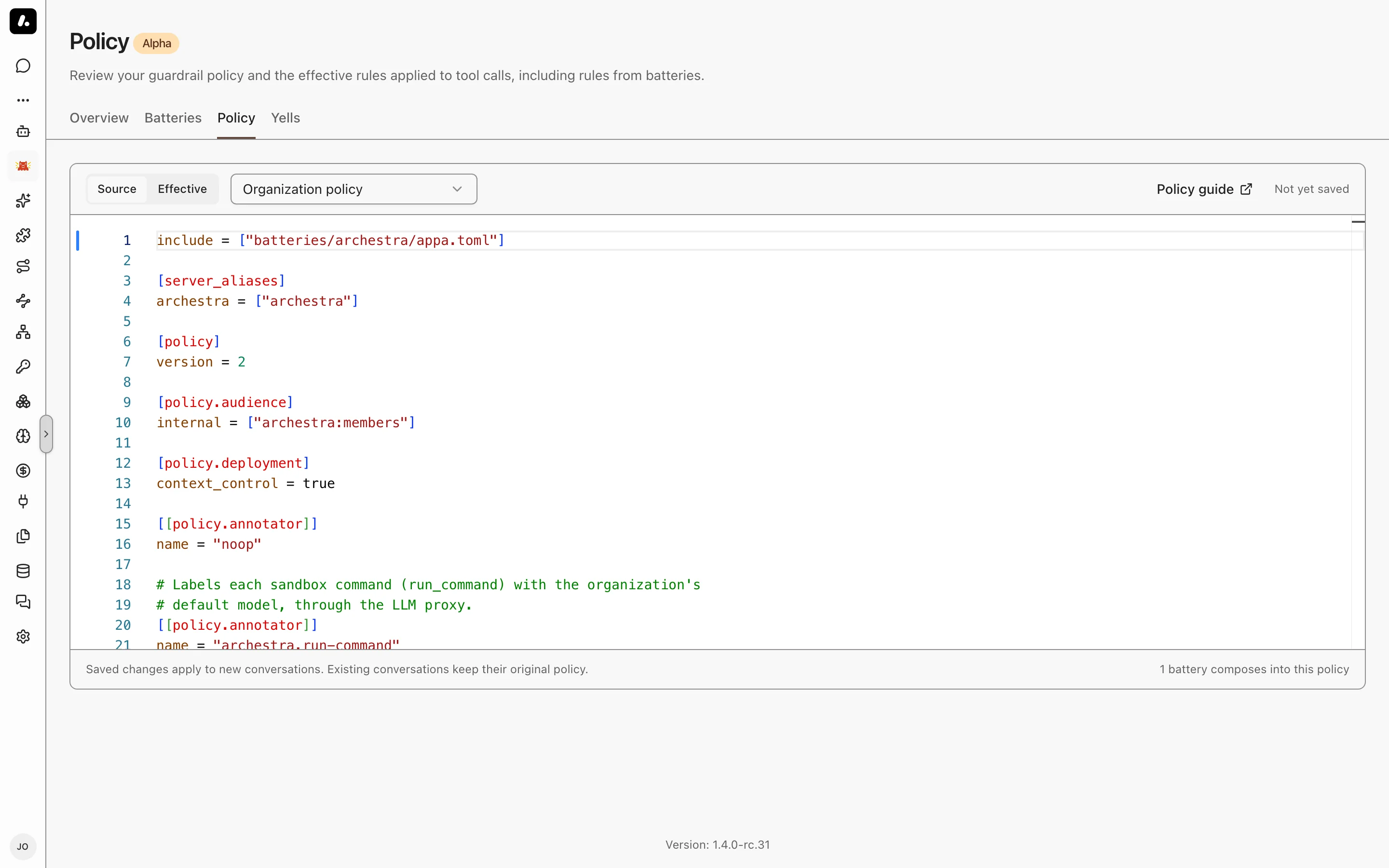
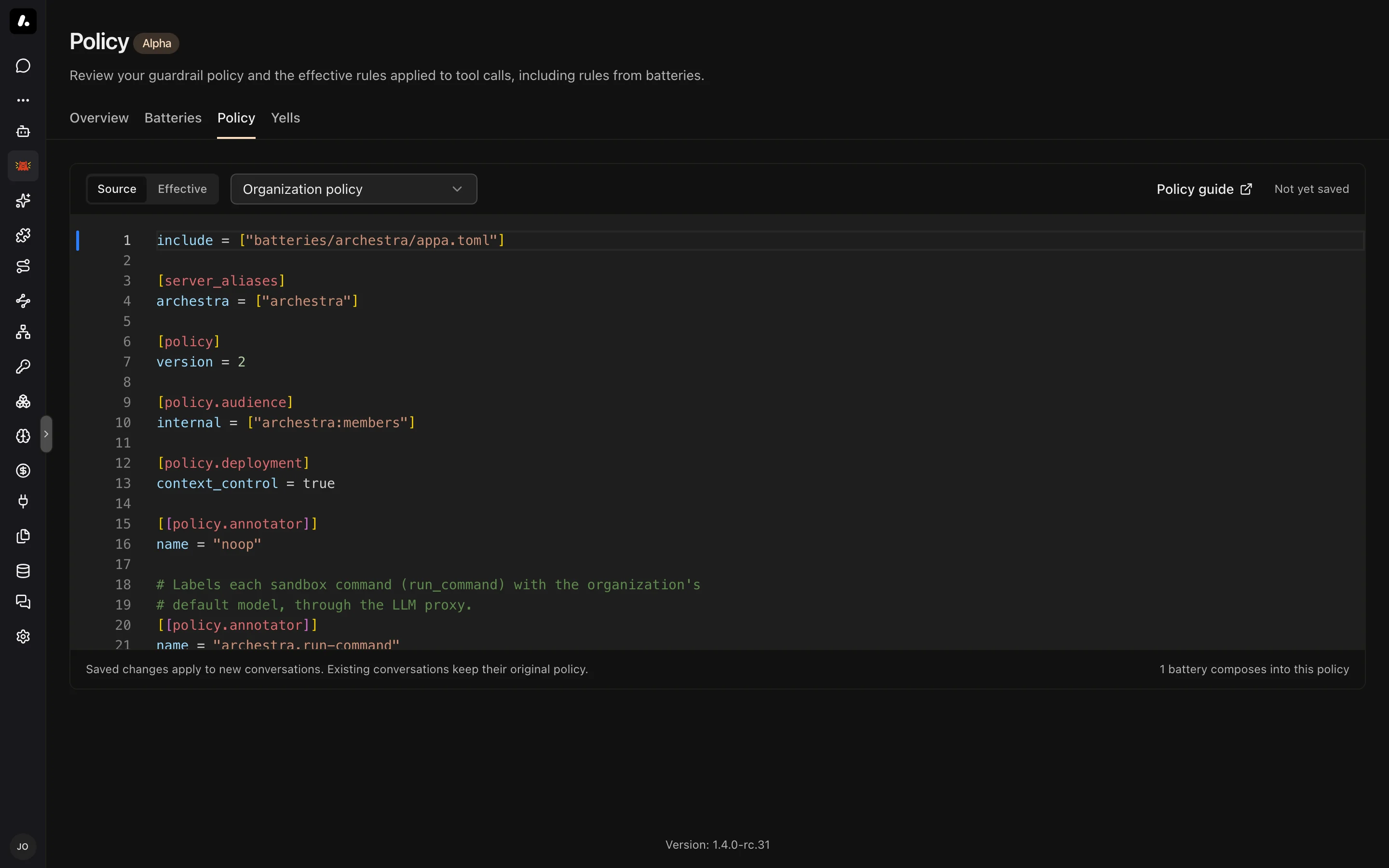
A rule says what a tool's result adds to the session (delta) and what a call needs (requires). Here, internal reads limit the audience, and public posts need a trusted session that may go public:
[[policy.tool]]
name = "docs__read_internal"
delta = { audience = ["internal"] }

[[policy.tool]]
name = "blog__publish_post"
requires = { trust = "trusted", audience = { contains = ["public"] } }
What to know:
- Changes apply to new conversations. Running ones keep the policy they started with.
- A change that fails keeps the last valid policy running. Effective shows the error.
- Changing the policy needs
openappaPolicy:update. Turning enforcement on or off needsorganizationSettings:update.
For every field, see the policy reference.
GitHub Sync
With GitHub sync, the policy lives in a repository. The agent opens a pull request instead of saving, and a change applies once it is merged.
- On Overview, click Create repository on the GitHub sync card.
- Choose a GitHub App, and enter the owner and repository name.
- Archestra creates a private repository from the configuration template and starts syncing.
The GitHub sync card shows Connected. Manage it under Settings → OpenAPPA.
What to know:
- Setting up sync needs
organizationSettings:update. - The GitHub App must be installed on the owner with All repositories, and Read & write on Administration, Contents, and Pull requests. The setup chat can create it.
- Each pull request is validated. Add trajectory tests to check what the policy allows and refuses.
- A pull request that changes a battery credential waits until someone with
credential:updateclicks Accept repository text on Batteries.
Yells
When an agent finds a block confusing, it reports it with the yell tool. See Reporting. The Yells tab lists the reports for anyone with openappaDiagnostics:read. The list shows unresolved reports. To see a resolved report or reopen it, set the status filter to Resolved. The link keeps the filter, so you can share it. Click Investigate in chat to have the agent propose a fix, then Mark resolved, which needs openappaDiagnostics:update.
Reports stay in your deployment. With analytics on, they also go to the shared OpenAPPA reporting service. To keep them local, set ARCHESTRA_ANALYTICS=disabled. To turn reports off, set ARCHESTRA_OPENAPPA_YELL_ENABLED=false.