
New: connect coding agents to LLM & MCP gateways in 45 seconds
Archestra 1.3 lets every engineer wire their coding agents into LLM & MCP Gateways in one step — governance, cost management, logs, access rules, and shared skills.
2026-07-07 · Joey Orlando
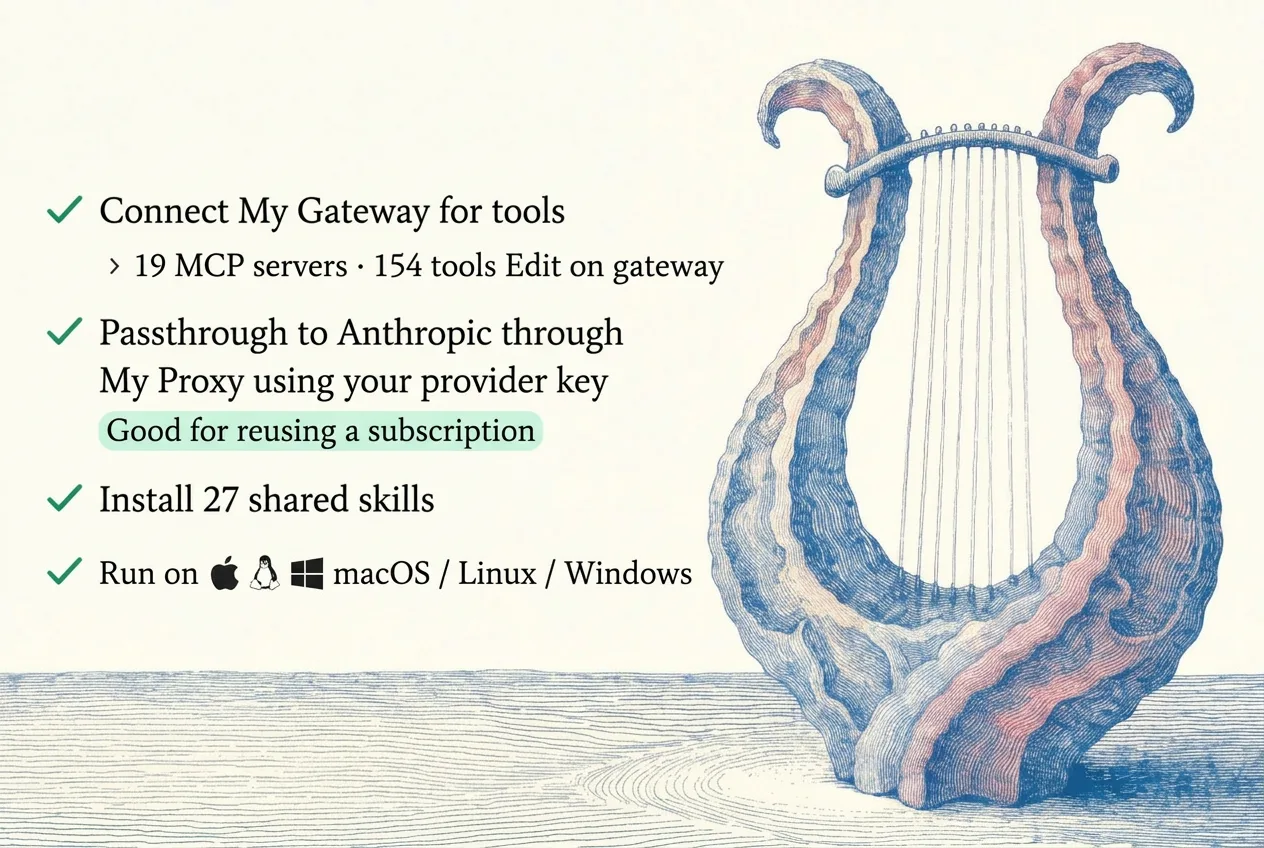
We're engineers: we know the pain of convincing even 10 people to update their configs. Route traffic through the LLM Gateway, connect the MCP Gateway, install shared Skills — every one of those is a config edit nobody gets around to.
That's why we built a self-serve Connect page, out today in Archestra 1.3.3 "Lyra" (yes, we wanted it in yesterday's release, but...):
- Engineers run one command to connect Claude/Codex/Whatever to the gateways and the Skill catalog.
- Management gets logs, traces, metrics, cost tracking, and governance.
I timed it: 45 seconds. That connected my Claude Code to 19 MCP servers with 157 tools, the Skill catalog, and the LLM Gateway. (Progressive tool discovery — 157 tools without context bloat.)
Self-serve in 45 seconds
Send your engineers the link to the Connect page in Archestra. They sign in and find a ready-made script.
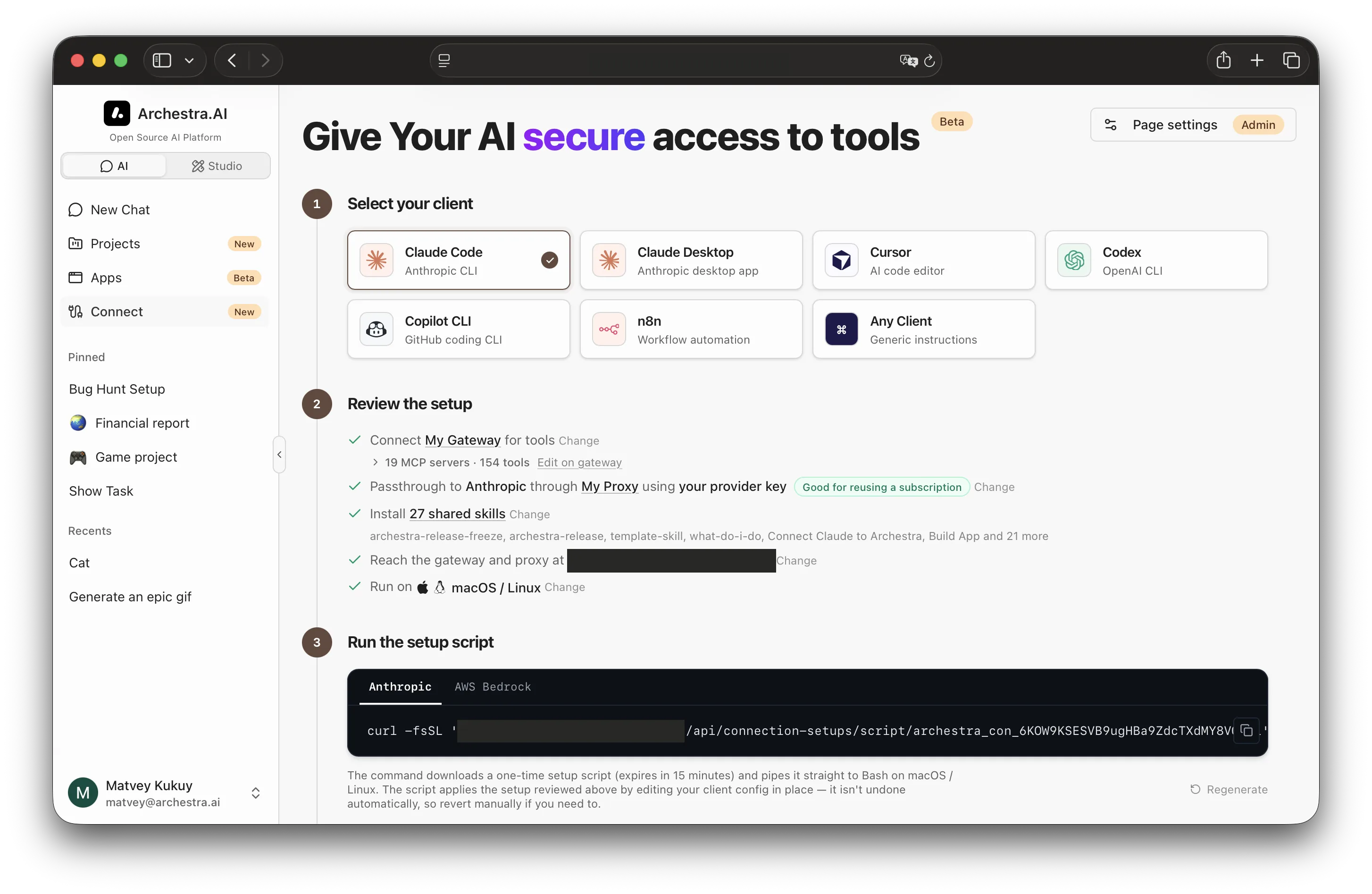
Here's what the script does for Claude Code (the other clients follow the same pattern):
- Backs up your settings.
- Registers the MCP Gateway.
- Points
ANTHROPIC_BASE_URLto your LLM Gateway. - Installs your organization's shared Skills as a plugin marketplace — yesterday's feature.
- The script itself contains credentials, so no additional auth is required.
- We don't serve it to your users from our GitHub. The script ships alongside your Archestra deployment and doesn't change unless you update the platform. You can find it in your deployment, or in our GitHub for audit.
Getting started
Archestra 1.3.3 "Lyra" is out today — update to 1.3.3 or newer, open the Connect page, choose the client, pick subscription or key, run the command or import the file.
Practical examples in the docs: Claude Code and Claude Desktop.