
Costs & Limits
Archestra records the cost of every model request from chat, agents, and the LLM Proxy. Use it to:
- See spend by person, team, agent, app, and model.
- Set budgets that block requests when spend reaches the limit.
- See how much use your Claude and ChatGPT subscriptions cover.
Track Spending
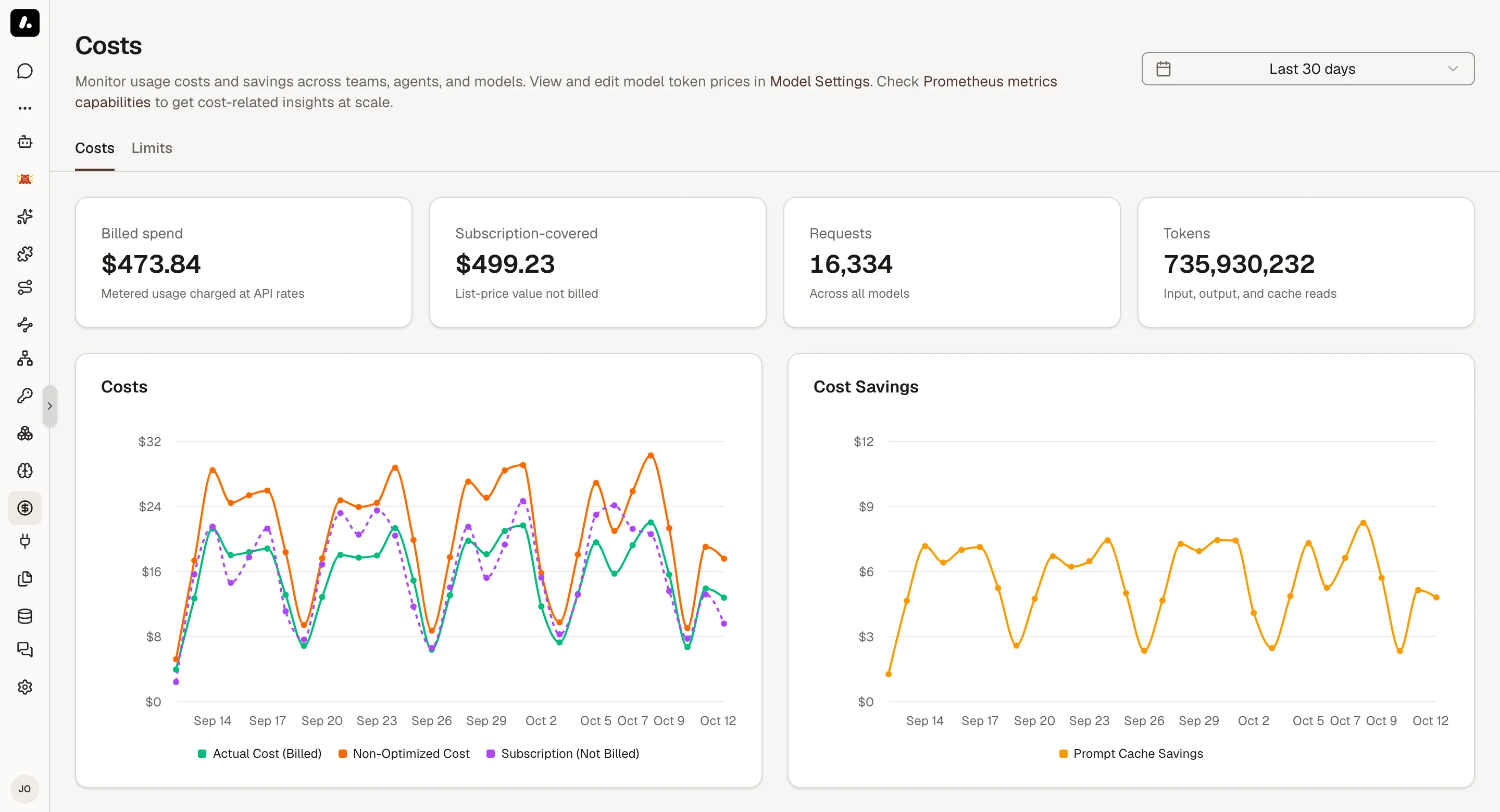
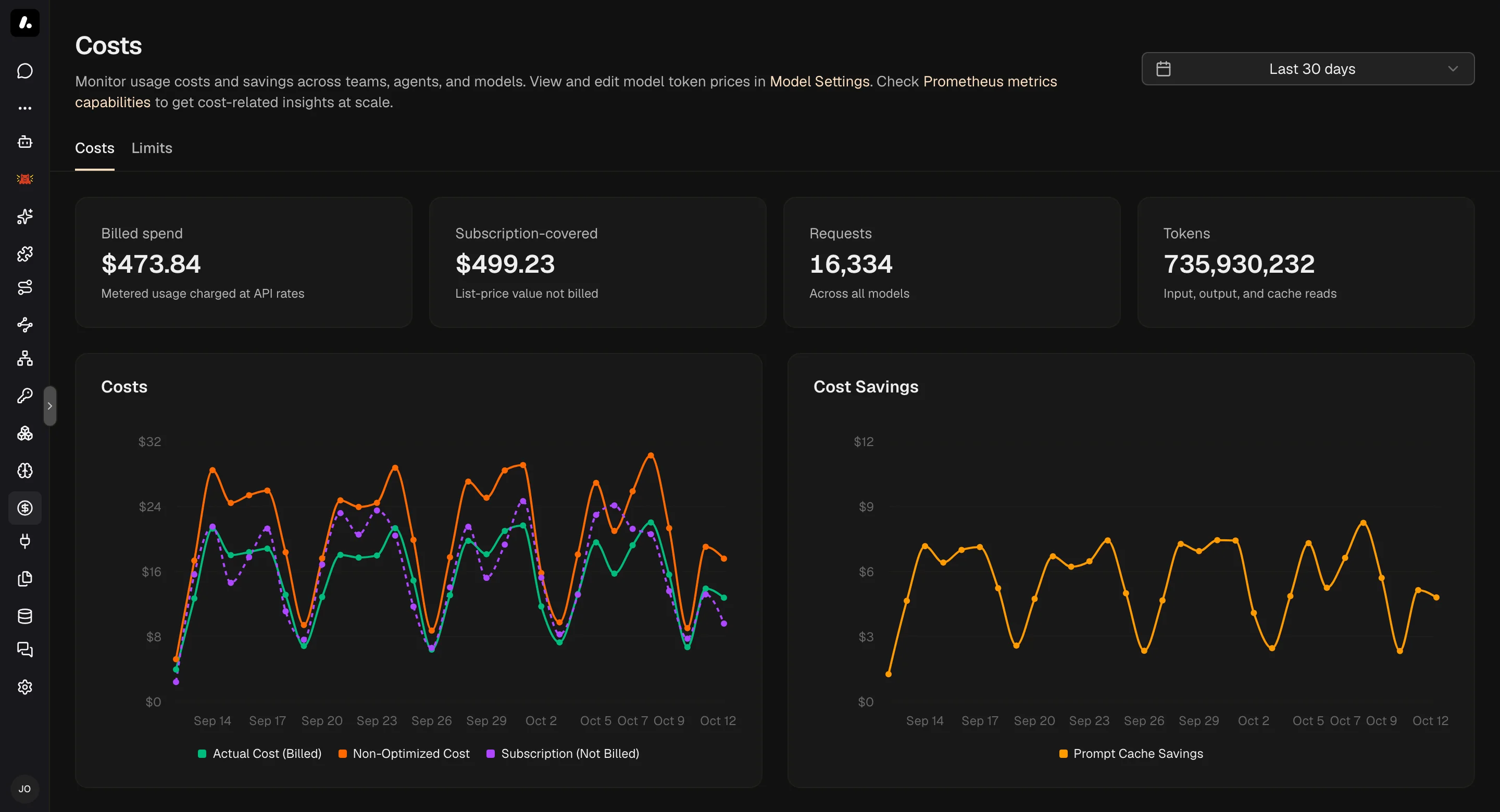
Costs shows the whole company's spend. My Usage shows each person their own.
Company Spend
Go to Costs & Limits → Costs and pick a timeframe. You need llmCost:read. The top shows billed spend, subscription use, requests, and tokens. Each section below answers one question:
| Section | Answers | Watch out |
|---|---|---|
| LLM Proxy | Which key or app spent it? | A shared key names no person. Requests with no known sign-in show as unknown. |
| People | Who uses AI the most? | Subscription use bills $0, so compare requests and tokens. To see other people, you also need access to the member list. |
| Apps | What did an app cost to build and run? | When one chat built several apps, each app shows the chat's full cost. Savings are estimates. |
| Skills | What do turns with a skill cost? | A turn's cost covers the whole conversation, so skills can overlap. |
Team, agent, and model views are there too.
To tie proxy traffic to a person, use a credential that names one. See Authentication.
Your Own Usage
Click your name in the sidebar, then My Usage. It shows your billed spend, requests, tokens, and active days, by model and by client.
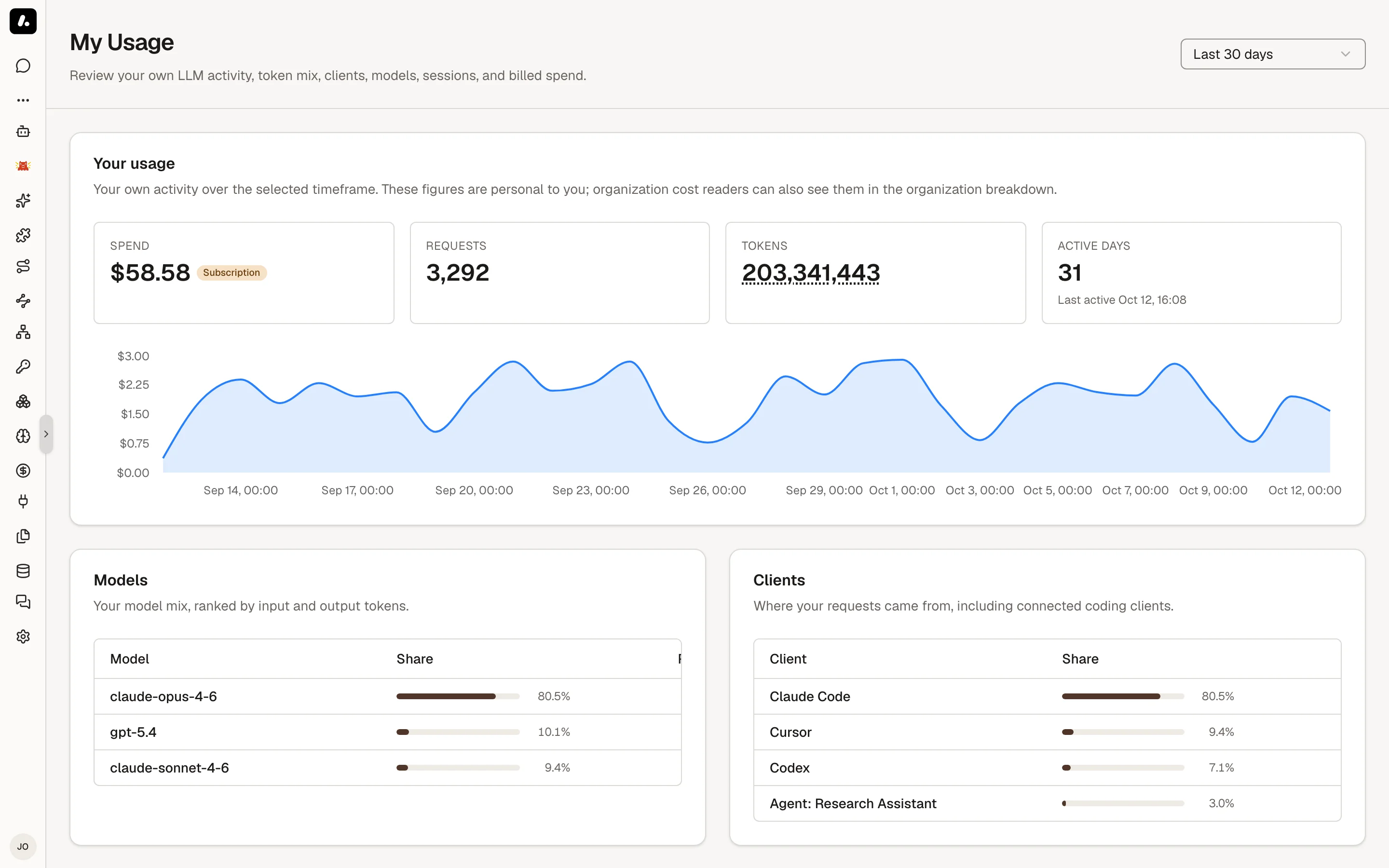
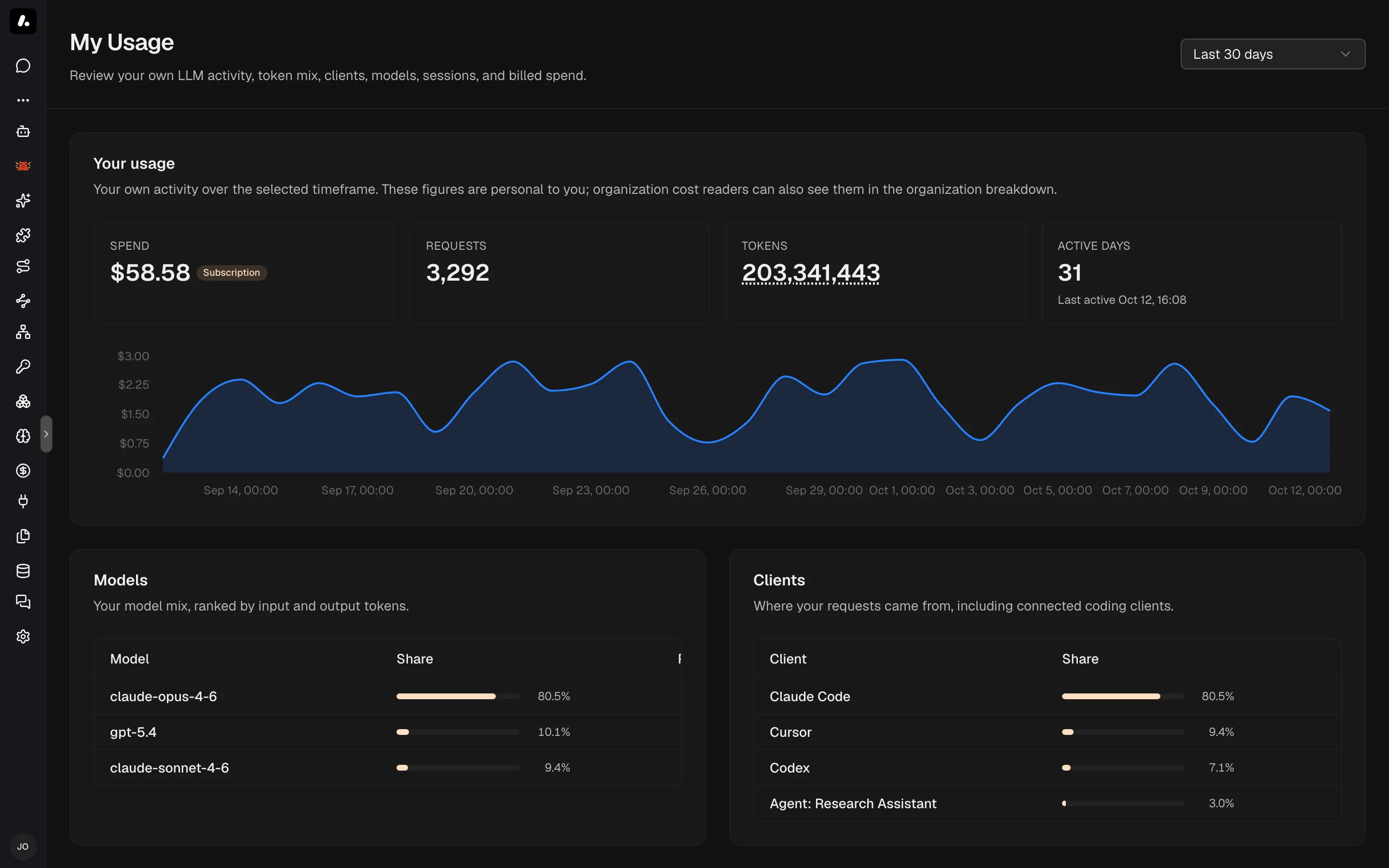
- Where your tokens went splits fresh input, cache reads, cache writes, and output.
- Costliest sessions lists your most expensive sessions.
Set a Budget
A limit blocks matching requests once spend reaches it. Requests run again when the limit resets, or when you raise it.
- Go to Costs & Limits → Limits and click Add Limit.
- Choose who it applies to: organization, team, user, agent, virtual key, LLM OAuth client, or environment.
- Pick models, or All models.
- Enter Limit value ($), choose the Cleanup interval, and click Create limit.
Use an organization limit to cap total LLM spend.
The table shows each limit's use so far, and when it resets.
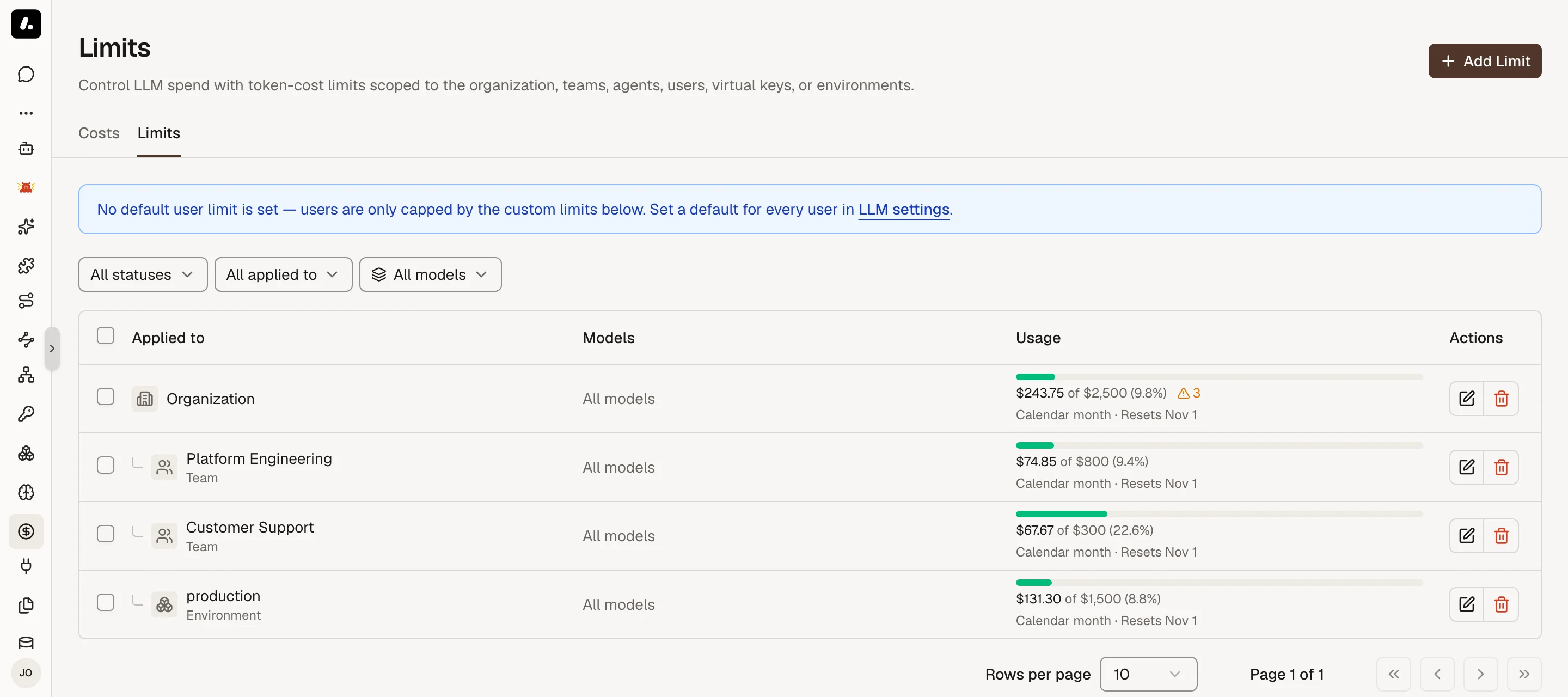
- A budget for everyone: set a default per-user limit under Settings → LLM. A per-environment default replaces it in that environment. A user's own limit replaces both.
- Resets: a rolling interval resets after the time passes. A calendar interval resets at the next day, week, or month. A week can start on Sunday or Monday. Changing the interval resets the current use.
- Environment limits add up the agents in that environment. Agents with no environment do not count.
- Subscription use never counts toward a limit.
- A blocked request gets HTTP
402, withcode: token_cost_limit_exceeded. The message says Archestra blocked it, not the provider. SDKs do not retry a402. - Archestra checks before each request. The request that crosses the limit still runs, so spend can end a little above it.
Subscription vs Metered Cost
See what your Claude and ChatGPT subscriptions save. A developer on Claude Max runs Claude Code all day. That use bills $0, but Costs shows what the same tokens would cost at API prices. That figure is the saving.
Archestra tells the two apart from the credential on each request. You configure nothing:
| Credential | Counted as |
|---|---|
| A Claude Pro or Max sign-in, such as Claude Code's | Subscription |
| A ChatGPT sign-in, from Codex or Connect on Model Providers | Subscription |
| A SuperGrok sign-in | Subscription |
| Any API key, including GitHub Copilot and Microsoft 365 Copilot sign-ins | Metered |
- Subscription use bills $0 and never counts toward a budget. Costs shows it as Subscription-covered.
- A Claude subscription that runs into paid usage credits turns metered. Archestra reads this from Anthropic's response headers.
- To count every new request as metered, set
ARCHESTRA_LLM_COST_SUBSCRIPTION_AUTODETECT=false. Past requests keep their classification.
Where Token Prices Come From
A cost uses the model's price. Archestra syncs input, output, and cache prices for known models. OpenRouter is the exception: Archestra records the cost OpenRouter reports for each request, so the price of the provider it routed to is what counts. A model it does not know gets an estimated price. For a custom or self-hosted model, set the price yourself. See Model Pricing, Limits, and Modalities.
Prompt caching lowers the cost of a prompt that starts the same way each time. Costs and logs show the cache reads and writes the provider reports. Archestra adds cache points to its own chat and agent requests. Proxy requests keep the caller's own cache markers.
What to Know
- Need the raw numbers? Get them per person from
GET /api/statistics/users, or your own fromGET /api/statistics/me. - Already use Prometheus or Grafana? Archestra exports cost and token metrics, so you can chart spend next to your other dashboards. See Metrics.