Knowledge Connectors

14 min read

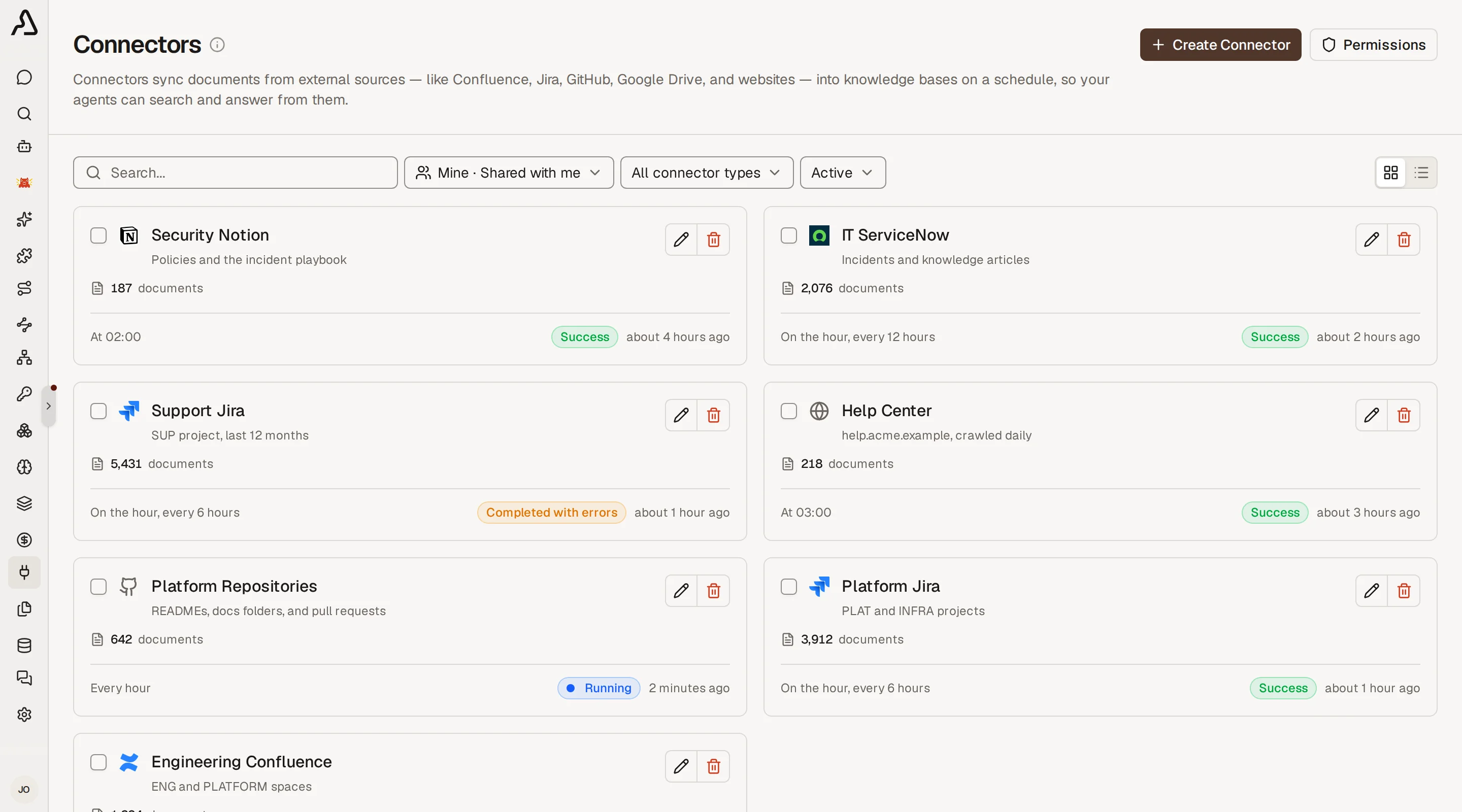
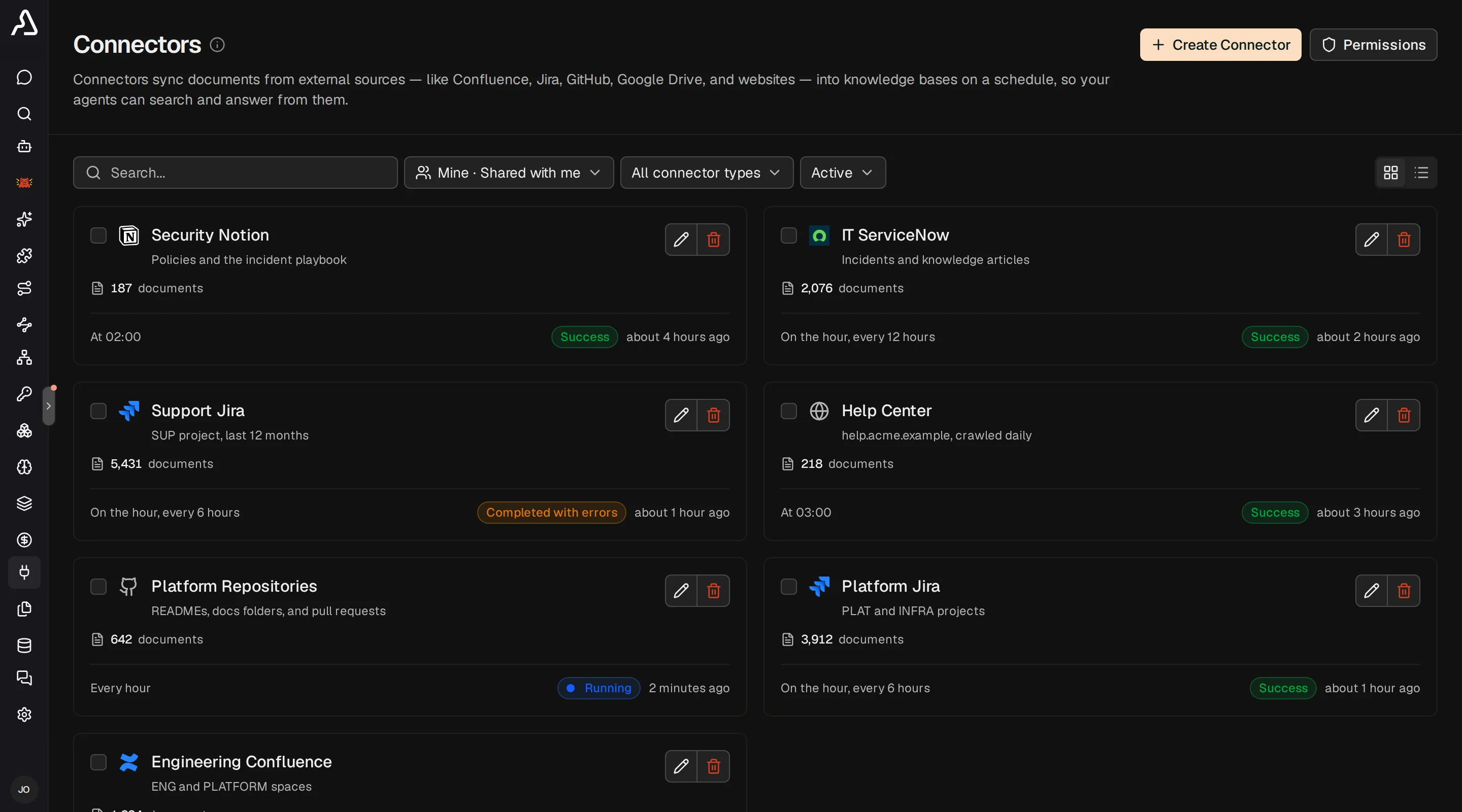
Connectors pull data from external tools into knowledge bases on a schedule. Sync is incremental by default, so only new or changed content is processed after the first run. A connector can also be assigned to multiple knowledge bases.

This page focuses on connector-specific setup. Every connector also shares a few common fields in the UI:

  • Name -- a label for your team
  • Description -- optional context for other admins
  • Visibility -- whether the connector is org-wide or team-scoped (team-scoped requires an enterprise license)
  • Schedule -- when sync runs automatically

Most connector-specific filters live under Advanced in the create/edit dialogs.

Connector visibility is part of the broader knowledge source access model. See Overview - Visibility Modes for how connector visibility determines which connector data each user can query.

Jira

Ingests issue descriptions, comments, and metadata from Jira Cloud or Server.

FieldDescription
Base URLYour Jira instance URL (e.g., https://your-domain.atlassian.net)
Cloud InstanceToggle on for Jira Cloud, off for Jira Server/Data Center
Project KeyFilter issues to a single project (optional)
JQL QueryCustom JQL to filter issues (optional)
Comment Email BlacklistComma-separated emails whose comments are excluded (optional)
Labels to SkipComma-separated issue labels to exclude (optional)

Authentication uses an Atlassian account email and API token. Incremental sync uses JQL time-range queries on the updated field.

Confluence

Ingests page content (HTML converted to plain text) from Confluence Cloud or Server.

FieldDescription
URLYour Confluence instance URL (e.g., https://your-domain.atlassian.net/wiki)
Cloud InstanceToggle on for Confluence Cloud, off for Server/Data Center
Space KeysComma-separated space keys to sync (optional)
Page IDsComma-separated specific page IDs to sync (optional)
CQL QueryCustom CQL to filter content (optional)
Labels to SkipComma-separated labels to exclude (optional)
Batch SizePages per batch (default: 50)

Authentication uses the same Atlassian email + API token as Jira. Incremental sync uses CQL lastModified queries.

GitHub

Ingests issues, pull requests, and their comments from GitHub.com or GitHub Enterprise Server.

FieldDescription
GitHub API URLAPI endpoint (e.g., https://api.github.com for GitHub.com, or your GHE API URL)
OwnerGitHub organization or username that owns the repositories
RepositoriesComma-separated repository names to sync (optional -- leave blank to sync all org repositories)
Include IssuesToggle to sync issues and their comments (default: on)
Include Pull RequestsToggle to sync pull requests and their comments (default: on)
Labels to SkipComma-separated labels to exclude (optional)

Authentication uses a personal access token (PAT). Incremental sync uses the since parameter on the issues API to fetch only items updated after the last sync.

GitLab

Ingests issues, merge requests, and their comments from GitLab.com or self-hosted GitLab instances.

FieldDescription
GitLab URLInstance URL (e.g., https://gitlab.com or your self-hosted URL)
GroupGitLab group ID or path to scope project discovery (optional)
Project IDsComma-separated specific project IDs to sync (optional -- leave blank to sync all)
Include IssuesToggle to sync issues and their comments (default: on)
Include Merge RequestsToggle to sync merge requests and their comments (default: on)
Labels to SkipComma-separated labels to exclude (optional)

Authentication uses a personal access token (PAT). System-generated notes (assignment changes, label updates, etc.) are automatically filtered out. Incremental sync uses the updated_after parameter.

Asana

Ingests tasks and their user comments from selected Asana projects. The connector syncs tasks returned by each project's task list; it does not separately traverse subtasks as child resources.

FieldDescription
Workspace GIDYour Asana workspace GID (found in the URL when viewing your workspace)
Project GIDsComma-separated project GIDs to sync (optional -- leave blank to sync all workspace projects)
Tags to SkipComma-separated tag names to exclude (optional)

Authentication uses a personal access token (PAT). Task descriptions and user comments are indexed from the rich-text HTML fields (html_notes, html_text) so @-mentions and formatting are preserved; empty @-mention anchors are rendered as [@asana:<gid>] markers so references are not silently lost. System-generated stories are filtered out -- only user comments are indexed. Incremental sync filters tasks client-side by their modified_at field against the last run's checkpoint, and rate-limited (429) responses are retried with Retry-After honored.

When explicit Project GIDs are provided, each project's workspace is verified to match Workspace GID — mismatched projects fail fast rather than silently syncing from another workspace the token can see.

ServiceNow

Ingests records from ServiceNow instances via the Table API. HTML descriptions are converted to plain text. Multiple entity types can be enabled via toggles.

FieldDescription
Instance URLYour ServiceNow instance URL (e.g., https://your-instance.service-now.com)
Include IncidentsSync incidents from the incident table (default: on)
Include ChangesSync change requests from the change_request table (default: off)
Include Change TasksSync change tasks from the change_task table (default: off)
Include ProblemsSync problems from the problem table (default: off)
Include Business ApplicationsSync business applications from the cmdb_ci_business_app CMDB table (default: off)
StatesComma-separated state values to filter by (e.g. 1, 2). Applies to incidents, changes, change tasks, and problems (optional)
Assignment GroupsComma-separated assignment group sys_ids to filter by. Does not apply to business applications (optional)
Batch SizeRecords per batch (default: 50)

Authentication supports both basic auth (username + password) and OAuth bearer tokens. When using basic auth, provide the username in the Email field and the password in the API Token field. For OAuth, leave the Email field empty and provide the bearer token. Incidents are synced by default; enable additional entity types in the advanced configuration. States and assignment group filters apply to all entity types except business applications. Incremental sync uses the sys_created_on field to fetch only records created since the last run.

Notion

Ingests pages from Notion workspaces using the Notion API. Page content is fetched from Notion blocks and converted to plain text.

FieldDescription
Database IDsComma-separated Notion database IDs to sync (optional -- leave blank to sync all accessible pages)
Page IDsComma-separated specific Notion page IDs to sync (optional -- takes precedence over Database IDs)

Authentication uses a Notion integration token (starts with secret_). Create an internal integration in your Notion workspace and share the relevant pages or databases with it. Incremental sync uses the last_edited_time field to fetch only pages modified since the last run.

SharePoint

Ingests documents and site pages from SharePoint Online via the Microsoft Graph API. Text is extracted from .txt, .md, .csv, .json, .xml, .html, .htm, .yaml, .log files, as well as .docx, .pdf, and .pptx documents. Site pages are synced with content extracted from web parts. When a multimodal embedding model is configured (e.g., gemini-embedding-2-preview), image files (.jpg, .jpeg, .png, .gif, .webp) up to 4 MB are also ingested and embedded directly.

FieldDescription
Tenant IDYour Azure AD (Entra ID) tenant ID or domain (e.g., xxxxxxxx-xxxx-xxxx-xxxx-xxxxxxxxxxxx)
Site URLYour SharePoint site URL (e.g., https://your-tenant.sharepoint.com/sites/your-site)
Client IDAzure AD app registration Application (client) ID
Client SecretAzure AD app registration client secret value
Drive IDsComma-separated document library IDs to sync (optional -- leave blank to sync all site libraries)
Folder PathRestrict sync to a specific folder path within each drive (optional)
RecursiveTraverse subfolders within each drive or Folder Path (default: on)
Include PagesToggle to sync site pages and their web part content (default: on)

The maxDepth field is available via the API for programmatic connector creation but is not exposed in the UI. When Recursive is enabled, traversal descends up to 50 levels by default (range: 1--100).

Authentication uses an Azure AD app registration with client credentials (OAuth2). The app registration requires the Sites.Read.All application permission on Microsoft Graph, and admin consent must be granted.

To configure the connector:

  • Tenant ID comes from Microsoft Entra ID > App registrations > > Overview > Directory (tenant) ID
  • Client ID comes from Application (client) ID on the same page
  • Client Secret is the secret Value from Certificates & secrets, not the secret ID
  • Site URL should be the exact SharePoint site web URL, not just the display name

Incremental sync uses the lastModifiedDateTime field to fetch only items modified since the last run.

Google Drive

Ingests files from Google Drive (My Drive and Shared Drives) via the Google Drive API. Text is extracted from .txt, .md, .csv, .json, .xml, .html, .htm, .yaml, .log files, as well as .docx, .pdf, and .pptx documents. Google Workspace files (Docs, Sheets, Slides) are exported as plain text. When a multimodal embedding model is configured, image files (.jpg, .jpeg, .png, .gif, .webp) are also ingested and embedded directly.

FieldDescription
Drive IDsComma-separated shared drive IDs to sync (optional -- providing Drive IDs automatically enables shared-drive API access; leave blank to sync from My Drive)
Folder IDRestrict sync to a specific folder (optional -- find the ID in the folder's Google Drive URL)
File TypesComma-separated file extensions to include, e.g. .pdf, .docx (optional -- leave blank for all)
Recursive TraversalSync files from all nested subfolders when a Folder ID is set (default: on)

Authentication supports two modes via the Service Account Key / OAuth Token field:

  1. Service account JSON key (recommended for production): Create a service account in the Google Cloud Console, enable the Google Drive API, download the JSON key file, and paste its entire contents into the token field. Share the target folders/drives with the service account email address.
  2. OAuth2 access token: Paste a short-lived OAuth2 access token with the drive.readonly scope. Useful for quick testing but tokens expire after ~1 hour.

To configure the connector:

  • Enable the Google Drive API in your Google Cloud project
  • Create a Service account and download its JSON key
  • Share the target Drive folders with the service account email (as Viewer)
  • Paste the full JSON key contents into the token field
  • Optionally set a Folder ID to scope the sync to a specific folder

Known limitations:

  • Google Workspace files (Docs, Sheets, Slides) are exported as plain text, which may lose formatting.
  • File size limit for text extraction is 10 MB.
  • Recursive traversal is bounded to a depth of 50 levels by default (configurable via the maxDepth API field, range 1--100).

Incremental sync uses the modifiedTime field with a 5-minute safety buffer to fetch only files modified since the last run.

Dropbox

Ingests files from Dropbox accounts or team folders using the Dropbox API v2. Text is extracted from .md, .txt, .ts, .js, .py, .json, .yaml, .yml, .html, .css, .csv, .xml, .sh, .toml, .ini, and .conf files.

FieldDescription
Root PathFolder path to scope the sync (e.g., /team-docs). Leave blank to sync the entire account.
File TypesComma-separated file extensions to include (e.g., .md, .txt). Leave blank to sync all supported types.

The recursive and maxDepth fields are available via the API for programmatic connector creation but are not exposed in the UI. By default all subfolders are traversed recursively up to 50 levels deep.

Authentication uses a Dropbox access token. Generate one from the Dropbox App Console by creating an app with files.content.read permission.

Incremental sync uses the list_folder/continue cursor API. After the first full sync, only changed files are fetched using the cursor saved from the previous run.

Linear

Ingests Linear issues by default, with optional project and cycle sync in advanced settings. Content includes issue descriptions, optional comment threads, project content/updates, and cycle summaries.

FieldDescription
Linear API URLGraphQL API base URL (default: https://api.linear.app)
Team IDsComma-separated team IDs to scope sync (optional)
Project IDsComma-separated project IDs to scope sync (optional)
Issue StatesComma-separated issue state names (e.g. Todo, In Progress, Done)
Include CommentsInclude issue comments in indexed content (default: on)
Include ProjectsSync projects and recent project updates as documents (default: off)
Include CyclesSync cycles as documents (default: off)
Batch SizeItems fetched per request (optional, defaults to connector implementation)

Authentication uses a Linear personal API key passed as a bearer token in connector credentials.

To create credentials:

  1. Open Linear.
  2. Go to Settings -> Security & access -> Personal API keys.
  3. Create a key for Archestra.
  4. Store it securely and paste it into the connector Personal Access Token field in Archestra.

To collect filter IDs (optional):

  • Team IDs: open a team page in Linear and copy the team ID from GraphQL/API tooling or workspace admin views.
  • Project IDs: open a project and copy the project ID from GraphQL/API tooling.
  • States: use exact workflow state names as they appear in the team workflow (for example Todo, In Progress, Done).

Incremental behavior:

  • Issue sync runs with updatedAt-based incremental filtering and preserves a stable lower bound during pagination.
  • Project/cycle sync (when enabled) also uses updatedAt incremental checkpoints.
  • First run performs an initial backfill for selected scope; subsequent runs only ingest changed resources.

Operational notes:

  • Keep Batch Size moderate if your workspace has high activity to reduce GraphQL rate-limit pressure.
  • If both project and cycle toggles are enabled, connector runs issue sync first, then projects, then cycles.
  • Updating connector config resets checkpoint and triggers a full resync on the next run.

Outline

The Outline connector syncs published documents from an Outline workspace. It supports both the Outline cloud service (https://app.getoutline.com) and self-hosted Outline instances.

FieldDescription
Instance URLThe base URL of your Outline workspace (e.g. https://app.getoutline.com or your self-hosted URL).
API KeyYour Outline API key (starts with ol_api_).
Collection IDsOptional comma-separated list of collection IDs to sync. Leave blank to sync all accessible documents.

Authentication uses an Outline API key. Create one under Settings -> API & Apps in your Outline workspace. Only published documents accessible to the API key are synced.

Incremental sync uses the previous completed run as the cutoff and re-ingests documents edited while a sync was in progress. Interrupted runs resume from the last processed collection and document. The UI uses the default Outline page size of 25; API-created connectors may override batchSize for rate-limit tuning.

Managing Connectors

Connectors can be managed from either the Connectors page or a knowledge base's detail page. After creation you can:

  • Toggle enabled/disabled -- suspends or resumes the cron schedule
  • Trigger sync -- runs an immediate sync outside the schedule
  • View runs -- see sync history with status, document counts, and errors

Adding New Connector Types

See Adding Knowledge Connectors for a developer guide on implementing new connector types.