Adoption
When members connect Claude Code, Cursor, Codex, or another client from the Connect page, Archestra records each connection and every call those clients make through the MCP Gateway and LLM Proxy. Use it to see who has connected and who has not, which clients and machines are in use, and whether people keep using them after setup.
Open Insights → Adoption. Pick a date range at the top; every view follows it.
See How Much Each Client Is Used
Usage charts MCP Gateway and LLM Proxy calls from connected clients each day.
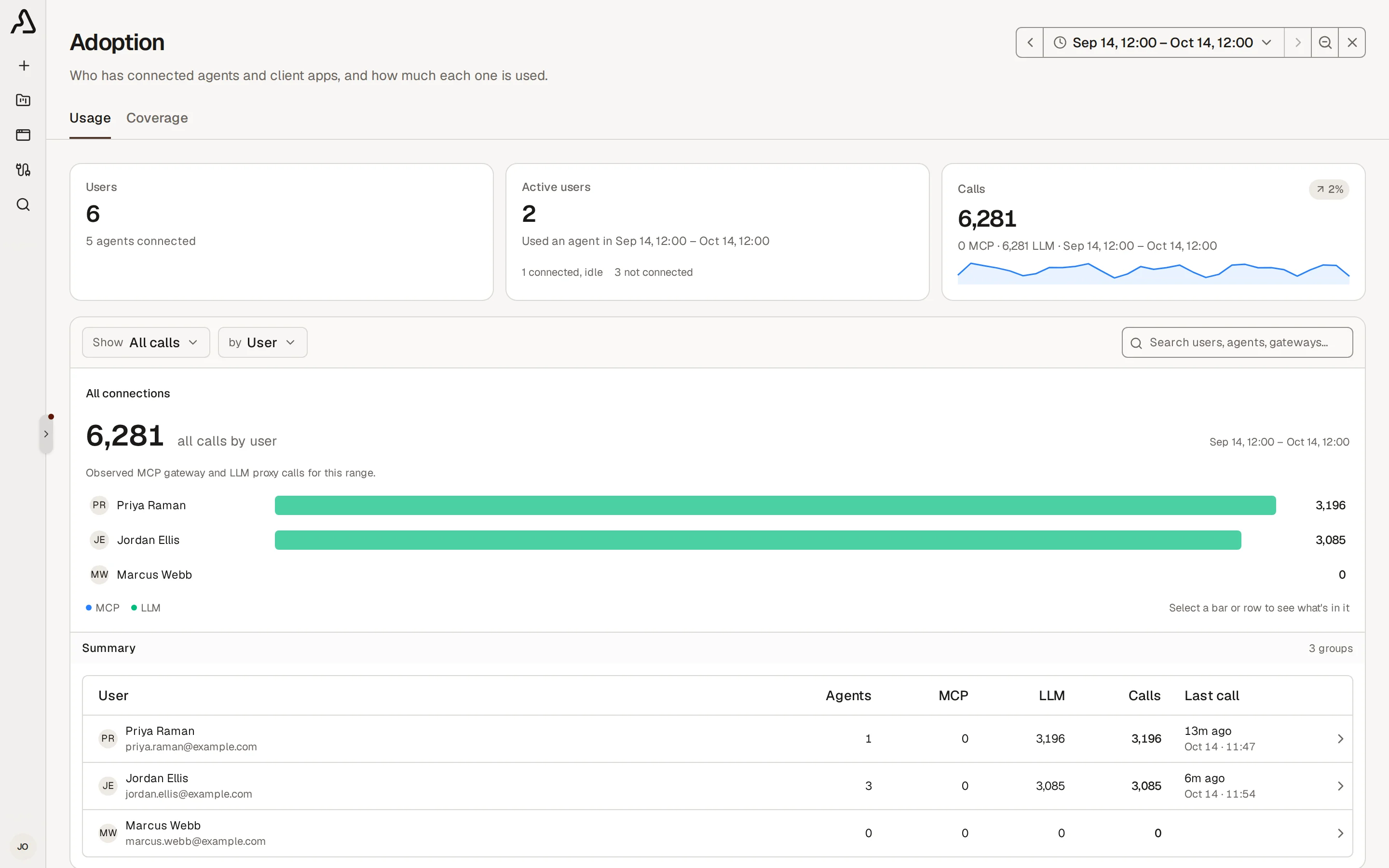
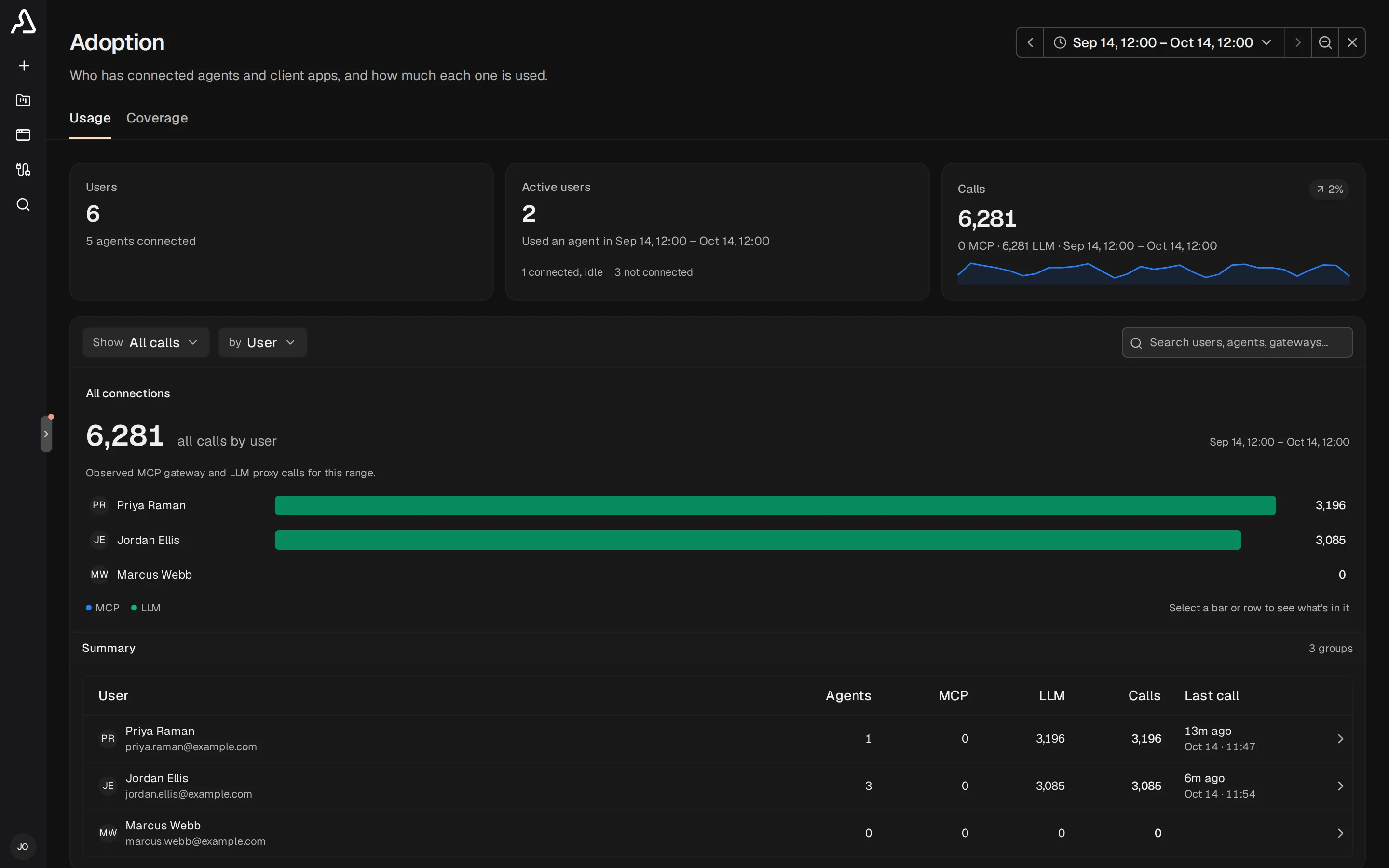
- Show picks MCP, LLM, or both. by groups the calls by user, agent, or gateway.
- Select a bar or a row to drill into that group, and click Back to step out.
A member counts as active when their clients made calls in the range. Setting up a client without using it does not count.
See Who Has Connected
Coverage lists every member with the clients they connected and when each was last used, including members who have connected nothing.
| State | Meaning |
|---|---|
| Active | Their clients made calls in the last 30 days |
| Inactive | They connected a client, but it made no calls in the last 30 days |
| Not connected | They have not connected a client |
State always reflects the last 30 days, whatever range you pick. Filter by state or search by name, then click Export CSV to save the list.
Connection Events
Every connection change is a row in Logs under the Client connections type:
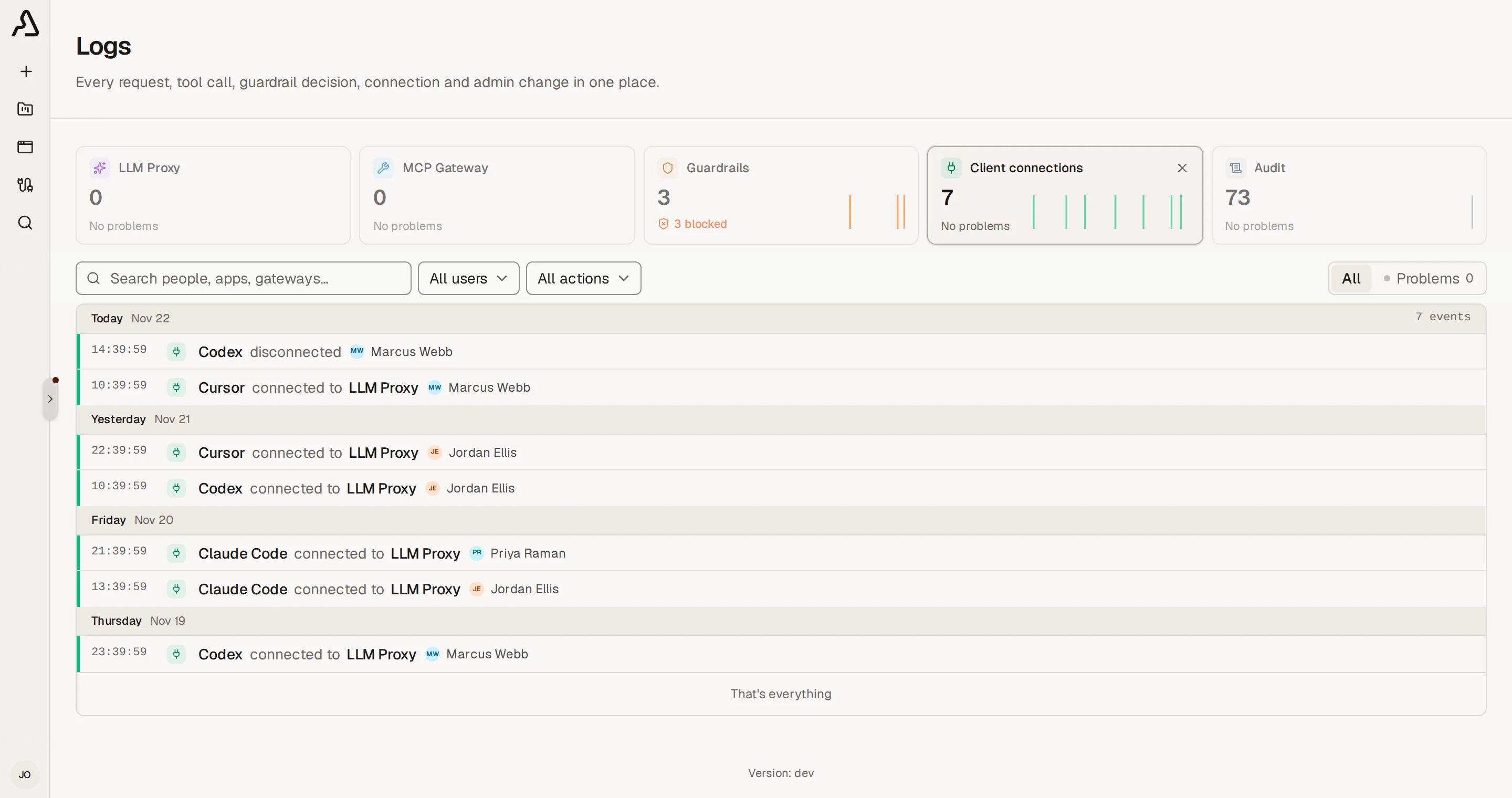
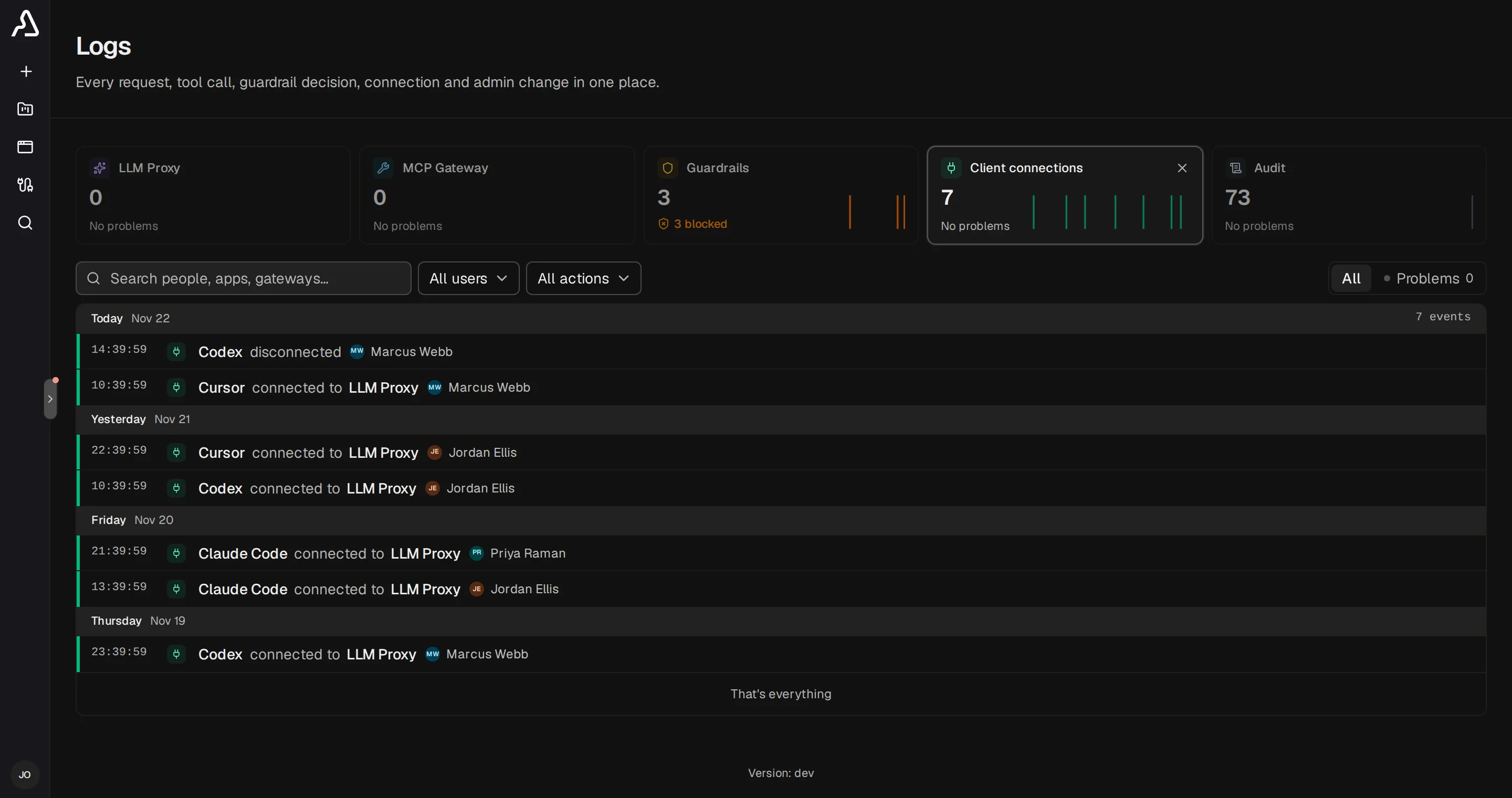
- Connected: a member ran a setup from the Connect page. The row shows the client, the machine and operating system, and the MCP Gateway and LLM Proxy it was set up for.
- Disconnected: a member or an admin disconnected the client, and who did it.
- Signed in: an agent signed in to the MCP Gateway with OAuth for the first time, under the name it registered.
Click a row to see the full event.
Who Can See It
| What | Permission |
|---|---|
| Your own connection events in Logs | clientConnection:read |
| Every member's connection events, and the Adoption page | clientConnection:admin |